Your Livestream Replay Has the Worst Thumbnail on YouTube (2026 Fix)
One YouTube stream now spawns a replay VOD, an auto-clipped Short, and clips — each needs a thumbnail. Here's the fast multi-asset workflow for live creators.
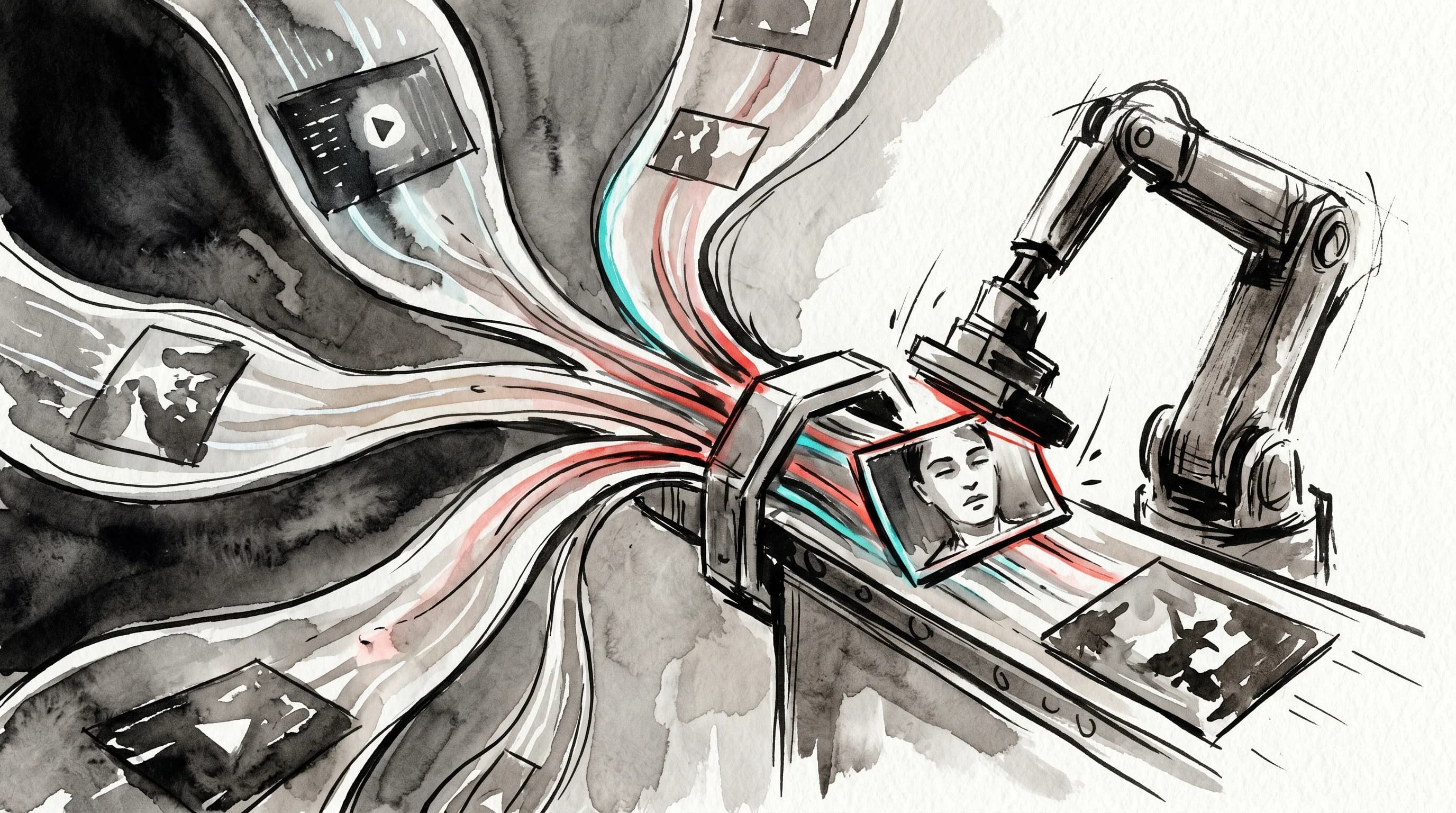
There's a thumbnail on your channel right now that you never actually chose. It's a mid-blink frame, or a "Starting Soon" holding screen, or an empty shot of your studio before anyone showed up. YouTube grabbed it automatically the moment your livestream ended and turned it into the cover of your replay. And that replay — the one with the bad thumbnail — is quietly out-earning most of your regular uploads.
That's the strange tension live creators are walking into in 2026. Livestreaming on YouTube has never been bigger, the replays drive a huge share of the total views, and yet the replay thumbnail is the single most-neglected piece of packaging on the entire platform. Most creators pour hours into the thumbnail for a 12-minute edited video and then let an algorithm pick a random frame for a 90-minute stream that will be discoverable for years.
This post is about fixing that — not with more design theory, but with a workflow. Because the real problem in 2026 isn't that you don't know how to make a good live thumbnail. It's that one stream now produces three or four assets that each need one, and the math breaks your cadence.
Live Is Now a Volume Problem, Not a One-Off
For years, "going live" was an occasional event. In 2026 it's a core format, and the scale is hard to overstate. YouTube Live generated roughly 13.56 billion hours watched in Q1 2026, holding close to half of all livestreaming hours across every major platform, according to Streamer.Guide's Q1 2026 livestreaming report. Across 2025, YouTube Live racked up around 56 billion hours watched per Streams Charts data, and the broader live-streaming market grew from $56.29 billion in 2025 to a projected $62.43 billion in 2026, per DemandSage's live streaming statistics.
YouTube has noticed, and the platform's most recent feature updates lean hard into live. In its mid-2026 rollout, YouTube introduced Practice Mode — a rehearsal space to test your mic, lighting, and framing before going live — and a feature that automatically pulls a Short highlight from your stream and saves it (private by default) so you can publish it for extra reach, according to SocialBee's running list of 2026 YouTube updates.
Read that last part again. YouTube is now actively spinning up a second asset from every stream. So here's the new reality for a creator who goes live once a week:
- The replay VOD — your full stream, auto-converted into a regular video.
- The auto-generated Short — a highlight clip YouTube hands you, waiting for a cover.
- Manual clips — the 2-3 best moments you cut for the feed or social.
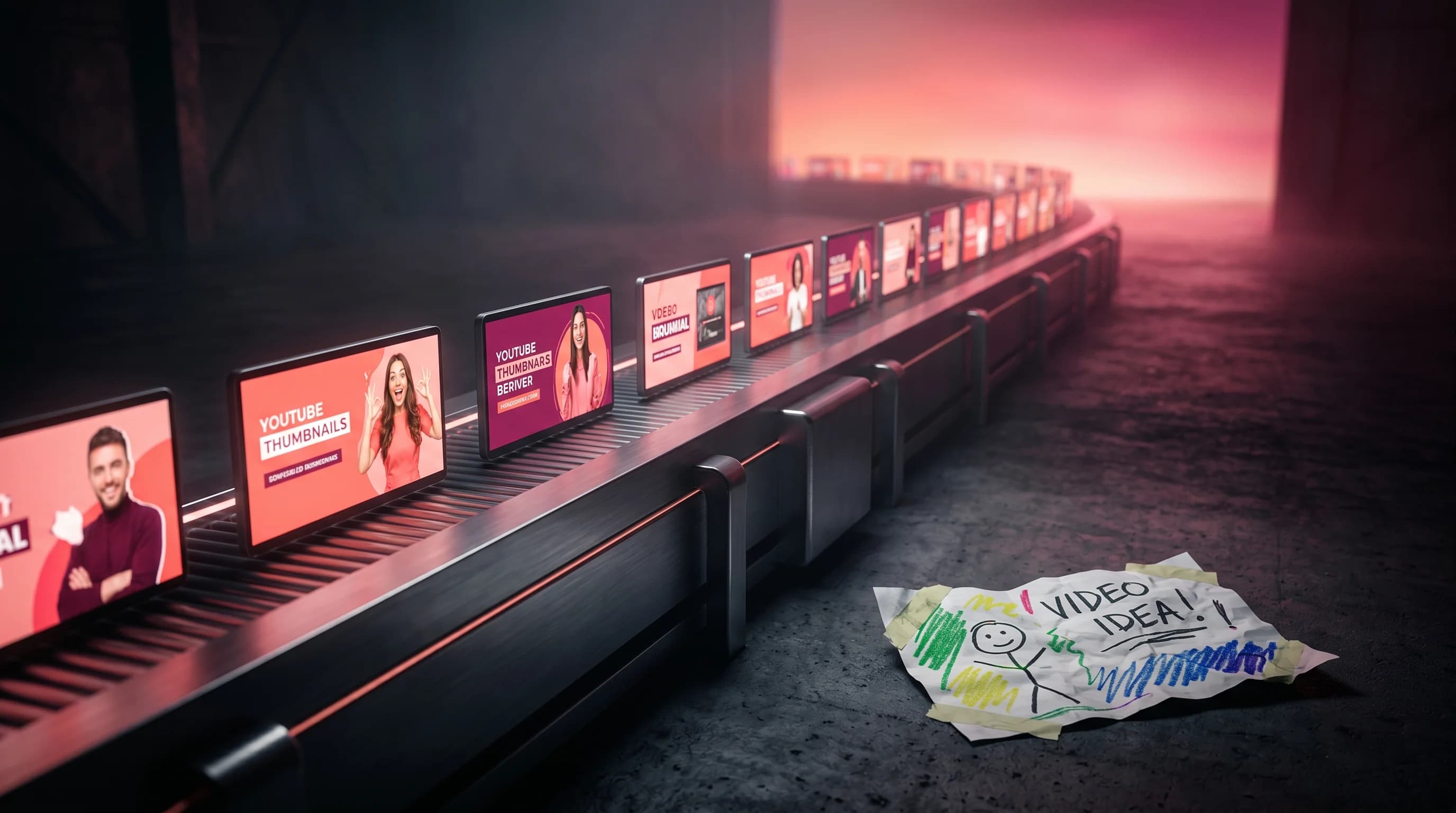
Each of those is a separate thumbnail. Each lands in a different discovery context. And not one of them gets the attention your main upload does. The bottleneck was never "how do I design a live thumbnail." It's "how do I package four assets per stream without it eating the day I just spent streaming."
Why the Auto-Grabbed Frame Quietly Costs You
Letting YouTube choose the frame feels harmless because the stream already happened — the views are "free," right? They're not. Replays are where the real audience growth lives.
The view-counting rules are identical for live and on-demand playback: when a stream ends, it becomes a VOD, and every late join or rewatch counts the same as a regular view, as SubSub's view-counting guide explains. The catch is that the majority of a stream's lifetime views typically arrive after it ends, from the replay sitting in search, suggested, and your channel page — not from the live audience. A two-minute holding screen as a cover image actively suppresses that long tail.
It also costs you on retention, which is the metric that matters most now. Live content increases average view duration by roughly 17%, per DemandSage — meaning your replays are exactly the kind of long-watch content YouTube's 2026 system wants to promote. But the algorithm only promotes what gets clicked first. YouTube's recommendation engine in 2026 is fundamentally a satisfaction-prediction model: it rewards the intersection of "compelling enough to click" and "honest enough to retain," with average suggested CTR sitting around 9.5% for topically strong content, as John Isaacson's 2026 algorithm breakdown lays out. A blank auto-frame fails the first half of that equation, so the high-retention second half never gets a chance to fire.
The irony is brutal: live replays are some of your highest-retention, longest-watch, most-monetizable content — Super Chat, memberships, and longer mid-roll inventory all ride along — and they're packaged worse than anything else you make.
Stop guessing. Start testing thumbnails.
Paste any YouTube URL and get AI-branded thumbnails in under 60 seconds. Free to try.
Generate Replay Thumbnails in SecondsEach Asset Has a Different Job
Before the workflow, you need to know that these three assets aren't the same thumbnail at three sizes. They serve different jobs, the way a Shopping haul cover and a membership deep-dive cover do (a point we break down fully in thumbnail design by revenue format). Get the job right and the workflow gets fast, because you're not redesigning from scratch — you're reframing one core idea.
The replay VOD thumbnail is your highest-stakes cover. It competes in search and suggested feeds against fully-edited videos for months. It should look like a deliberate upload, not a stream artifact: one clear subject, a strong facial expression or peak moment, a short text hook (2-4 words) describing the payoff of the stream — "We Fixed It Live," "$5K Build," "Q&A: Everything." Strip anything that signals "live event over" — no countdown timers, no chat overlay, no "ended" badges.
The Short highlight thumbnail lives in a vertical, fast-scroll context. The auto-generated Short YouTube hands you needs a cover frame that reads in under a second on a phone held at arm's length: tighter crop, bigger face, even less text. This is the same discipline as long-form-vs-Shorts packaging, which we cover in the Shorts and long-form thumbnail system — the cover that works for the replay will not work for the Short.
Clip thumbnails are about the single moment. Each clip promises one specific thing — the reveal, the fail, the answer — so the cover should isolate that one beat. No channel branding contest, no full-sentence text. One subject, one promise.
The strategic move is to treat the replay thumbnail as your master, then derive the Short and clip covers from it. Same subject, same color logic, reframed for the context. That derivation is where a fast tool earns its keep.
The 15-Minute Multi-Asset Live Workflow
Here's the workflow I'd run the moment a stream ends, before you close the tab and lose momentum. The goal is to front-load all four packaging decisions into one focused block instead of scattering them across the week (the same batching logic that powers a weekly thumbnail batch workflow, applied to a single stream).
Step 1: Pull 3-5 real peak frames (3 minutes)
Don't accept the auto-frame. Scrub the replay and grab 3-5 genuine peaks — the moment something landed, your biggest reaction, the build reveal, the question that broke the chat. These are your source images. A stream that was visually flat the whole time is a packaging warning sign, not a frame-selection problem.
Step 2: Write the replay's promise in one line (2 minutes)
Before you touch a design, finish this sentence: "This replay is worth watching because ___." That line becomes your thumbnail text hook and your title's job. The thumbnail delivers the punch; the title carries the explanation. Don't put a full sentence on the cover — that's what the title is for.
Step 3: Build the master replay thumbnail (4 minutes)
Take your best peak frame and turn it into a real cover: clean subject isolation, strong contrast, a 2-4 word hook, your recognizable color and font signals so subscribers know it's you at a glance. This is the one that competes in the feed for years, so it gets the most care.
Step 4: Derive the Short and clip covers (5 minutes)
Now reframe — don't rebuild. Take the master concept and adapt it: a tighter vertical crop and a bigger face for the auto-generated Short, and single-moment covers for each manual clip. Same visual identity, different framing. This is the step that used to break the whole workflow, because producing four distinct, finished thumbnails by hand meant most creators gave up and shipped the auto-frame.
This is exactly the bottleneck Hooksnap is built to remove. You feed it a peak frame from your stream and the promise line, and it generates finished, on-brand thumbnail options for the replay — then lets you reframe the same concept for the Short and clips in a few clicks, instead of opening a design tool four times. The whole point of the pre-production validation workflow applies here too: see the packaging fast, while you still have the energy to make it good, instead of two days later when the replay's already buried.
What This Looks Like Over a Month
Run that 15-minute block after every stream and the compounding is real. A creator who streams weekly produces roughly four streams a month — that's 4 replay VODs, 4 auto-generated Shorts, and a dozen clips, every one of them carrying a deliberate, on-brand cover instead of a blank holding screen. You've effectively doubled or tripled your channel's discoverable, properly-packaged surface area without filming a single extra minute.
And the assets feed each other. A Short with a strong cover can pull a viewer into the full replay. The replay's recognizable branding makes the next Short more clickable because the viewer already trusts the look. You're building a packaging system around live, the same way the best channels build one around their main uploads — and live is one of the few formats where the content already exists and just needs to be dressed properly.
The Bottom Line
Livestreaming is no longer a side activity on YouTube — it's billions of hours of watch time and a growing slice of how creators earn and grow. But the format ships with a hidden packaging tax: every stream now spawns a replay, an auto-clipped Short, and clips, and the platform will happily pick a terrible frame for all of them if you let it.
The fix isn't more design talent. It's a workflow that turns the replay thumbnail into a master, derives the Short and clip covers from it, and gets the whole thing done in 15 minutes while the stream is fresh. Do that consistently and your replays stop being afterthoughts with bad covers — and start being some of the most discoverable, highest-retention content on your channel.
Your live audience already showed up. Don't make the millions of people who'll find the replay later squint at a "Starting Soon" screen to decide whether it's worth their time.
Stop guessing. Start testing thumbnails.
Paste any YouTube URL and get AI-branded thumbnails in under 60 seconds. Free to try.
Package Every Stream Asset Fast — Try Hooksnap FreeSee how Hooksnap creates click-worthy thumbnails
AI-powered thumbnail generation that helps your YouTube videos get more clicks.
View PlansRelated Articles
Thumbnail Design by Revenue Format: Shopping, Live, Shorts, Members
One thumbnail style fails across every YouTube revenue format. Here's the visual design logic for Shopping, live streams, Shorts, and memberships.
Batch-Creating YouTube Thumbnails: The Workflow That Grows Channels
Top YouTube channels batch thumbnails weekly. Here's the system for faster, consistent creation — and why visual consistency compounds into real channel growth.
YouTube's Two-Thumbnail Problem: Shorts vs Long-Form Design
YouTube Shorts hit 200B daily views in 2026. Most creators apply one thumbnail system everywhere — here's why that costs you clicks and how to fix it.
Ready to boost your CTR?
Stop losing clicks to boring thumbnails. Get AI-generated thumbnails in under 60 seconds.
Get Started Free