Multi-Channel YouTube Thumbnail Strategy: Coherent at Scale in 2026
Running 2+ YouTube channels? The cross-channel thumbnail system that keeps a portfolio recognizable without making every channel look identical — 2026 data inside.
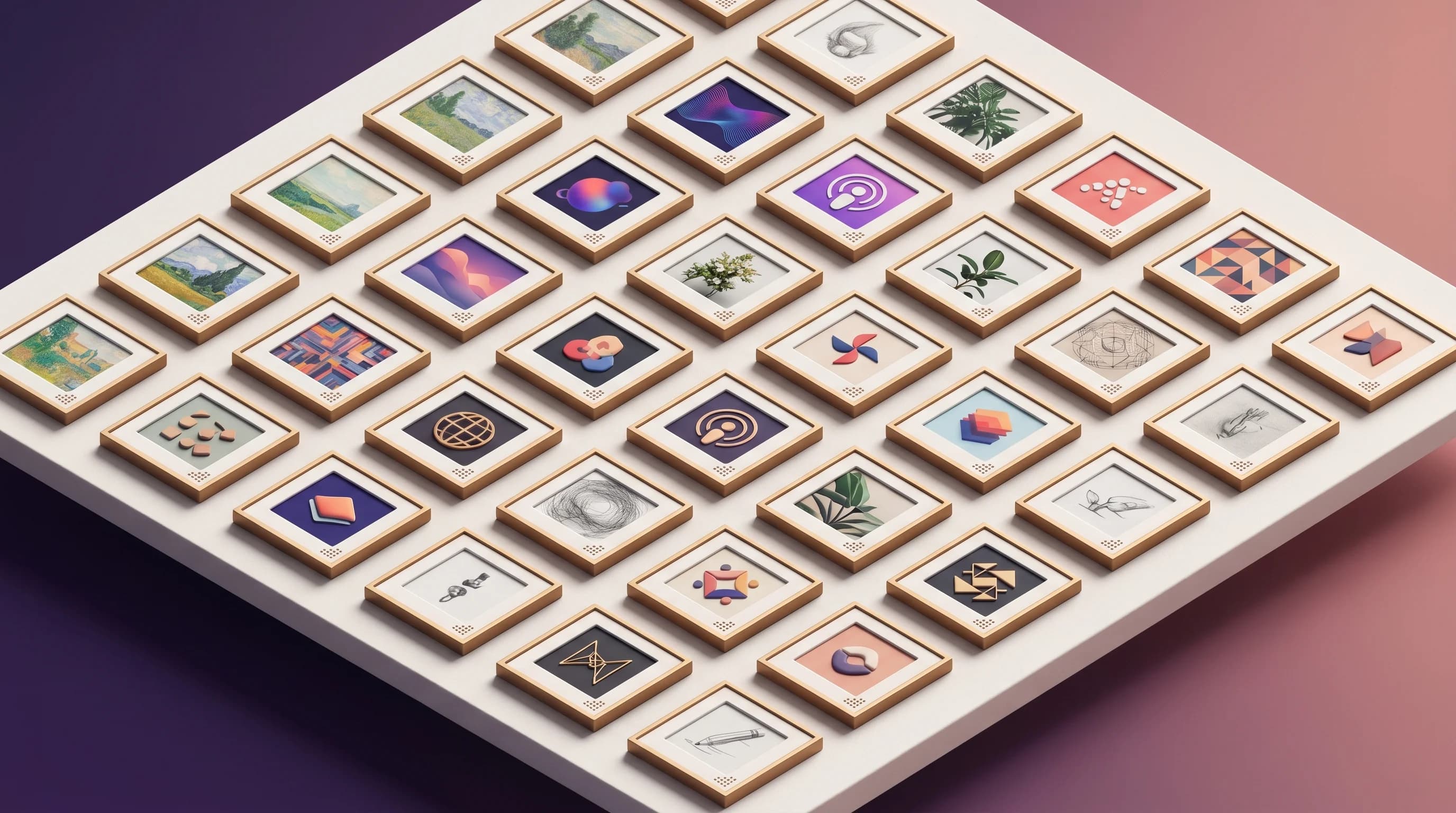
In June 2026, YouTube did something small that signaled something large. It updated the Payment Activity overview in Studio so that creators with multiple channels can finally see their aggregated AdSense earnings across linked accounts in one place — instead of logging into AdSense directly to consolidate the numbers by hand (Social Media Today).
On its own, that's a quality-of-life fix. But read it as a tell: YouTube is now building features for creators who don't run a channel — they run a portfolio. That cohort is bigger than most people assume, and almost nobody is talking about the specific problem it creates for thumbnails.
If you run a main channel plus a Shorts spin-off, or a faceless niche-tester network, or a podcast clips channel alongside the flagship, you've already felt it: the system that kept one channel's thumbnails looking like a family starts working against you the moment you have two. Make them too similar and viewers can't tell your channels apart. Make them too different and you throw away the brand recognition you spent a year building. This post is about the middle path — a cross-channel thumbnail system that scales.
The Multi-Channel Creator Is Not an Edge Case
Start with the size of the cohort, because it reframes everything.
Roughly 35% of YouTube creators operate multiple channels to target different niches, according to Statista data compiled by Analyzify. The typical active YouTube account already maintains 1.8 channels on average once you count brand accounts. About 12,000 creators manage ten or more channels simultaneously, and at the network level, multi-channel networks run an average of 150 channels per parent company.
This isn't a fringe behavior for media empires. With 69 million active creators worldwide in 2026 — up 11.6% year over year per DemandSage — even a single-digit percentage running 2+ channels is millions of people facing the same coherence problem with zero playbook for it.
And the reason creators spread out is sound. Running a second channel multiplies your on-camera (or faceless) capacity: you can publish Shorts and long-form at higher volume, test two niches at once without confusing one audience, and isolate experiments so a flop on the test channel doesn't drag down the flagship's average. The strategy works. The thumbnails are where it breaks.
Why a Single-Channel Brand System Fails Across a Portfolio
If you've already built a thumbnail brand system for one channel, you know the core idea: lock your colors, fonts, and logo treatment so a subscriber recognizes your video in the feed before reading the channel name. Consistency is a measurable growth lever — Sprout Social's 2026 analysis found thumbnails with consistent color schemes and logo placement improve click-through rate by roughly 25% across a catalog.
Here's the trap. That same recognition mechanism, copied verbatim onto a second channel, produces anti-recognition. If Channel A and Channel B both use the same red-and-white palette, same bold condensed font, same bottom-left logo, then a viewer who follows both can no longer tell which channel a given video belongs to. Worse, YouTube's own systems may surface both channels' videos in the same Suggested column — and now you're competing with yourself using thumbnails that are visually indistinguishable.
The single-channel rule ("never change your core elements") is exactly wrong at the portfolio level. What you actually need is a two-layer system: one layer that's shared so the portfolio reads as yours, and one layer that's reserved so each channel reads as distinct.
The Two-Layer Cross-Channel System
Think of it as a parent brand and child brands. The parent layer is what makes someone say "oh, that's a [Your Name] channel." The child layer is what makes them say "and that's specifically the gaming one."
Layer 1 — the portfolio constant (shared across every channel):
- Composition logic. Subject placement, text-to-image ratio, focal hierarchy, and how aggressively you crop. If your flagship uses a left-third subject with right-side text, every channel inherits that skeleton. Composition is the most invisible-yet-recognizable signal you own.
- Typography family. Not the exact font weight, but the family. A geometric sans across the portfolio. Viewers don't consciously read fonts, but they feel the consistency.
- Production finish. The same level of contrast, the same approach to drop shadows or outlines, the same "hand-finished" polish. In 2026, thumbnails that look hand-finished beat AI-default polish — and that finish is a portfolio-wide signature.
Layer 2 — the channel variable (unique per channel):
- Accent color. Each channel owns one signature accent. Gaming runs hot orange; the tutorial channel runs cool teal. Same composition, different temperature — instantly separable in a mixed feed.
- Logo lockup. A consistent mark, but a channel-specific corner or color treatment so the logo itself disambiguates.
- Image style. Photographic on the flagship, illustrated on the faceless channel, screen-capture-forward on the tutorial channel. The style of imagery is a cheap, high-signal differentiator.
The rule of thumb: share structure, vary skin. Structure (layout, hierarchy, finish) carries brand recognition. Skin (color, imagery, logo treatment) carries channel identity. When you confuse the two — varying structure or sharing skin — the system collapses.
The Over-Branding Risk Multiplies With Channels
There's a failure mode that gets worse, not better, as you add channels: over-branding. When your logo, brand colors, and text overlays start competing with the actual content of the thumbnail, viewers feel like they're being sold to rather than offered a preview — and CTR drops.
On one channel, you can usually catch this by eye. Across five channels managed by different editors or contractors, the over-branding creep is silent and compounding. Each editor adds "a little more brand" to be safe, and six months later every thumbnail in the portfolio looks like an ad. The fix is a written contract for what is fixed and what is flexible, applied identically to every channel — which is exactly what most multi-channel operations lack.
This is why larger creator groups have started hiring for it directly. Real 2026 job postings from major multi-channel creator networks describe a dedicated Thumbnail Strategist role whose entire mandate is collaborating with channel leads to keep every thumbnail eye-catching, on-brand, and strategically aligned across the roster. If a network is paying a full-time salary to solve cross-channel thumbnail coherence, the problem is real — and it's the same problem a two-person operation has, minus the budget.
Stop guessing. Start testing thumbnails.
Paste any YouTube URL and get AI-branded thumbnails in under 60 seconds. Free to try.
Try Hooksnap FreeThe Hub-and-Spoke Model for Channel Portfolios
For global, multilingual, or multi-format operations, YouTube's own guidance points to a hub-and-spoke model: one primary channel acts as the brand hub, and spoke channels serve specific audiences, niches, or languages while inheriting the hub's visual DNA.
Translated to thumbnails, hub-and-spoke means:
- The hub defines the constants. Your flagship channel's composition logic, typography family, and finish become the portfolio standard. You don't redesign them per spoke — you inherit them.
- Each spoke claims one variable. A new channel doesn't reinvent the system; it picks an accent color, an image style, and a logo treatment from a pre-defined palette. This is the difference between "launching a brand" (slow, expensive) and "adding a spoke" (a 20-minute decision).
- Spokes never recycle audiences. Distinct thumbnails prevent the self-competition problem. A viewer who follows three spokes should never be confused about which channel a video belongs to.
The discipline that makes hub-and-spoke survivable is the same one localized-thumbnail operations learned the hard way: scale gradually. The repeated lesson from creators who tried to launch five channels at once is that they collapsed under their own workflow. Nail the hub's system, make it trivially repeatable, then spin up spokes.
Templates Are the Only Thing That Makes This Survivable
Here's the brutal arithmetic. One channel publishing twice a week is ~104 thumbnails a year. Five channels at the same cadence is 520 thumbnails a year. If each one is a from-scratch design decision, the multi-channel strategy that was supposed to multiply your output instead multiplies your design debt until quality cracks.
Templates are the load-bearing solution, and at the portfolio level they're not optional — they're the system. A template encodes Layer 1 (the shared structure) so it's literally impossible for an editor to break composition or finish. Then per-channel template variants encode Layer 2 (the channel's accent, logo treatment, and image style). Adding a video to a channel becomes: open that channel's template, swap the subject image and the text, ship. The brand system enforces itself.
The catch most creators hit is that generic templates pull toward sameness — every channel ends up with the same canned layout, which is the over-branding failure all over again. The templates have to be customized to your portfolio: your composition, your finish, your per-channel accents. The goal isn't "a template," it's your template system, replicated with controlled variation across the portfolio.
This is precisely the workflow Hooksnap is built around. Instead of you hand-designing a template, Hooksnap scans a channel and extracts its visual style — palette, composition, font feel, mood — into a reusable template automatically. For a portfolio, that means you can capture your flagship's DNA once, then generate per-channel variants that keep the shared structure while flexing the accent color and image style per spoke. The two-layer system, without the manual labor of maintaining it across 500 thumbnails.
A Practical Cross-Channel Audit You Can Run Today
You don't need a Thumbnail Strategist on payroll to get most of the benefit. Run this audit on your portfolio this week:
- Pull your last 6 thumbnails from each channel into one screen. Squint. Can you instantly tell which channel each belongs to? If two channels blur together, your Layer 2 variables aren't strong enough — assign each channel a harder accent color and a clearer image style.
- Now check the opposite. Do all six channels feel like they came from the same operation? If a stranger couldn't tell your channels are related, your Layer 1 constants are too weak — tighten composition and finish to a shared standard.
- Split your CTR by subscriber vs. non-subscriber, per channel. Strong subscriber CTR signals good brand recognition (Layer 1 is working). Strong non-subscriber CTR signals broad appeal (your hooks are landing). A channel weak on subscriber CTR usually has a Layer 1 problem; weak on non-subscriber CTR usually has a hook problem.
- Audit for over-branding. On every channel, ask: is the logo or brand color competing with the content? If a thumbnail reads as an ad before it reads as a preview, strip the branding back until the content leads.
Run this quarterly. A portfolio drifts faster than a single channel because there are more hands and more surfaces — and drift is invisible until you line everything up on one screen.
The Bottom Line
YouTube just acknowledged the multi-channel creator in Studio. The thumbnail layer hasn't caught up — most advice still assumes you run one channel and tells you to never change your core elements. Across a portfolio, that advice produces channels that compete with themselves.
The fix is the two-layer system: share structure, vary skin. A portfolio constant (composition, typography family, finish) carries brand recognition across every channel; a channel variable (accent color, image style, logo treatment) keeps each one distinct. Hub-and-spoke governs how you add channels without redesigning the system, and templates are what make 500 thumbnails a year survivable instead of fatal.
If you're running — or about to run — more than one channel, build the system before the second channel exists. Retrofitting coherence onto a portfolio that already drifted is far harder than designing it in from spoke number two.
If you want to capture your flagship channel's visual DNA and generate on-brand thumbnails for every spoke without maintaining 500 designs by hand, try Hooksnap free — it scans your channel's style and turns it into a reusable template system built for exactly this.
See how Hooksnap creates click-worthy thumbnails
AI-powered thumbnail generation that helps your YouTube videos get more clicks.
View PlansRelated Articles
Build a Thumbnail Brand System That Compounds Channel Growth
Consistent thumbnail branding lifts subscriber CTR by 15-20% and grows channels 45% faster. Build a visual identity system that makes your videos instantly recognizable.

YouTube Thumbnail Templates: The Layout Guide for 2026
The 5 YouTube thumbnail template layouts top channels reuse, why structure beats decoration for CTR, and how to apply them without downloading a single PSD.
YouTube Localized Thumbnails: How to Design for a Global Audience in 2026
YouTube now lets creators upload different thumbnails for different languages. Here is how to use localized thumbnails to grow your international audience in 2026.
Related Tools
Ready to boost your CTR?
Stop losing clicks to boring thumbnails. Get AI-generated thumbnails in under 60 seconds.
Get Started Free