Batch-Creating YouTube Thumbnails: The Workflow That Grows Channels
Top YouTube channels batch thumbnails weekly. Here's the system for faster, consistent creation — and why visual consistency compounds into real channel growth.
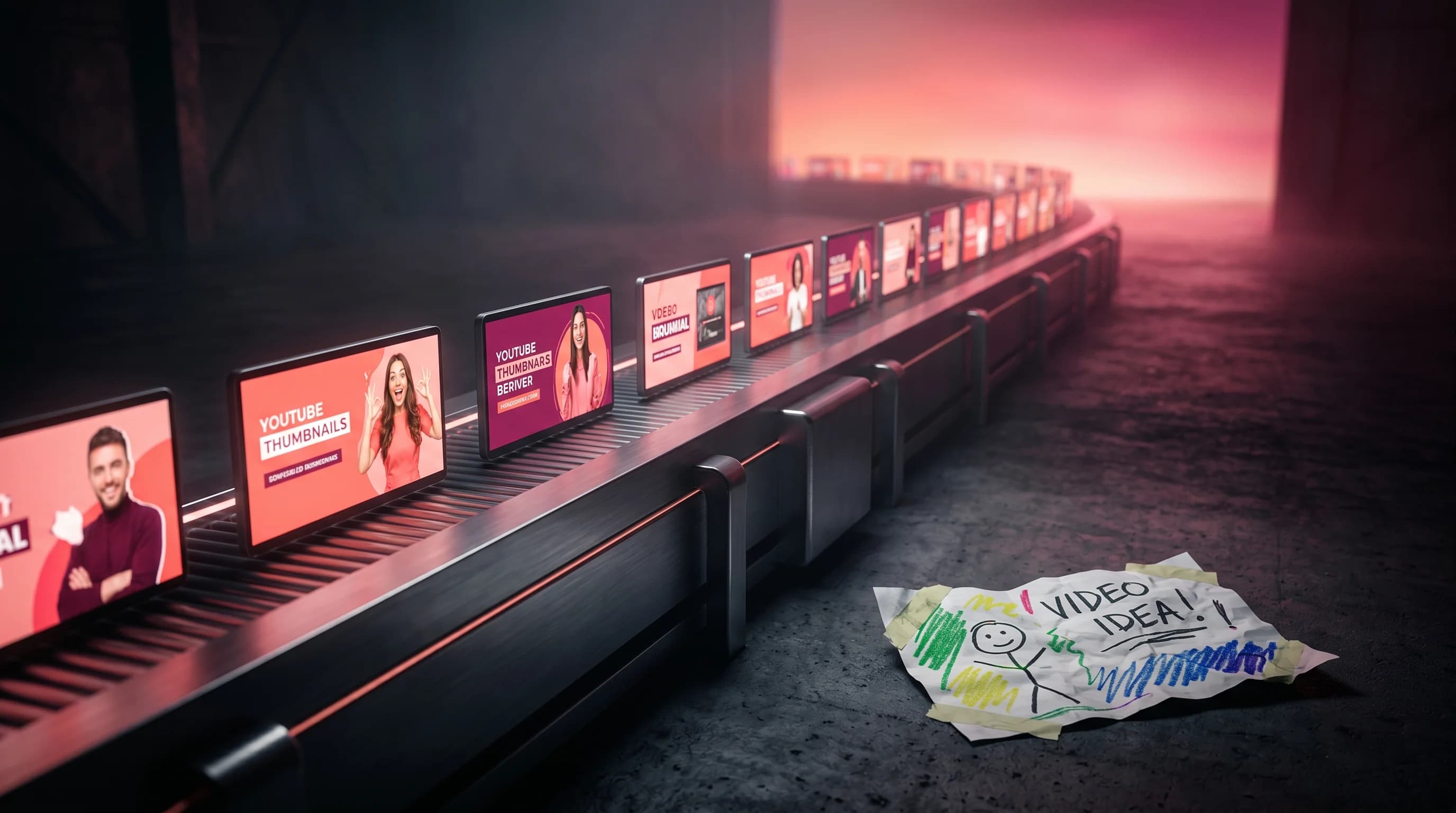
Most YouTube creators treat thumbnails like an afterthought. They finish editing a video, open Canva or Photoshop, spend 45 minutes designing something passable, and then hit upload. Each thumbnail is essentially a one-off — designed in isolation, under time pressure, with no connection to what came before or after.
The creators growing fastest in 2026 do it differently. They batch.
I built Hooksnap specifically to make batch thumbnail creation accessible to YouTube creators who aren't full-time designers. In the process, I've studied how the top-performing channels manage their visual identity — and the pattern is consistent. They treat thumbnails as a system, not a task.
Here's what that system looks like, why it works algorithmically, and how to build it into your own workflow.
Why Single-Video Thumbnail Design Is Killing Your Growth
The problem with designing thumbnails one at a time isn't just inefficiency. It's compounding inconsistency.
When you design reactively — thumbnail by thumbnail — your visual identity drifts. The fonts shift. The color palette wanders. The composition style changes with your mood. Viewers who watch your channel regularly are subconsciously scanning for signals that something is "from you" before they read the title. If those signals are absent, you're essentially anonymous to your own audience every time you upload.
This is backed by the data. Channels with consistent visual branding see 2–3x higher click-through rates on their thumbnails, and viewers are 80% more likely to subscribe to channels that look professional and cohesive, according to research compiled by vidIQ's 2026 thumbnail guide. A study of channel branding patterns found that consistent elements like a single color palette and font across all thumbnails increase recognition clicks by 25%.
Recognition clicks are different from curiosity clicks. A recognition click comes from a subscriber who sees your thumbnail in their feed, immediately identifies it as yours, and clicks because they trust your content. Those clicks have higher retention — which is exactly what YouTube's 2026 algorithm rewards.
The Algorithm Now Rewards What Consistent Thumbnails Deliver
YouTube's algorithm in 2026 is fundamentally a satisfaction prediction engine. It doesn't just measure clicks — it measures what happens after the click. Videos that get clicks but lose viewers in the first 30 seconds are actively demoted. YouTube engineers have called this "Quality CTR": the intersection of compelling enough to click and honest enough to retain.
Viewer satisfaction surveys — those occasional pop-ups asking viewers to rate a video — now feed directly into recommendation models. According to John Isaacson's breakdown of the 2026 algorithm, these survey signals give YouTube a nuanced quality signal beyond raw engagement. Average suggested CTR currently sits around 9.5% for content with strong topical relevance, and YouTube Search CTR reaches 8–15% for well-optimized content.
Here's where consistency compounds: when subscribers click your thumbnail because they recognize your brand — not just because the thumbnail is visually interesting — they are more likely to watch longer. They came with intent. The algorithm registers this as high satisfaction and serves your content to more people. Consistent thumbnails are one of the few levers that improve both CTR and retention simultaneously.
The Batch Creation Workflow: Step-by-Step Setup
The goal of batching is to front-load all thumbnail creation decisions in a single focused session rather than making micro-decisions scattered across the week. Here's a structure that works for most creators:
Step 1: Define Your Template System (Once)
Before you batch anything, establish 2–3 thumbnail templates that fit your content types. A template isn't just a visual layout — it's a set of constraints:
- Color palette: 2–3 core colors that appear in every thumbnail
- Font pairing: One display font for headlines, one supporting font for subtext
- Text placement zones: Defined areas where text lives (top-left, bottom-right, etc.)
- Signature visual treatment: An outline style, shadow, gradient, or compositional element that reads as "yours"
Once you have templates, thumbnail creation becomes execution rather than design. You're filling a defined structure, not inventing one from scratch each time. Hooksnap's template system is built for exactly this — define your brand settings once and reuse them across every thumbnail generation.
Creators who nail this report dramatic time savings. Tools like ThumbnailCreator's template system document creators going from two hours per thumbnail to six minutes — not by cutting corners, but by eliminating the decision-making overhead that kills creative time.
Step 2: Batch on a Weekly Production Day
The most efficient creators dedicate one day per week (or one half-day) to creating thumbnails for all upcoming uploads. The workflow looks like:
- Pull your upload calendar for the next 7–14 days. Know exactly which videos need thumbnails and when.
- Gather raw assets (screenshots, face photos, product shots, background imagery) for all videos at once.
- Generate or design all thumbnails in one session, using your template system to minimize decisions.
- Review and queue them — check each one against your template checklist before calling it done.
Batching 5–10 thumbnails in one session versus one per upload day saves creators an estimated 8–12 hours per week according to workflow analysis from OpusClip's creator productivity research. More importantly, it eliminates the frantic "upload is live and the thumbnail looks terrible" energy that produces your worst creative work.
Step 3: Use AI for First Drafts, Not Final Decisions
This is the piece most creators get backwards. The workflow that actually works is: AI handles generation, you handle judgment.
Modern AI thumbnail tools can produce a solid first draft in 30 seconds based on your video topic and brand guidelines. Hooksnap's generation pipeline, for example, can create 4 thumbnail variants from a video transcript in under two minutes — giving you options to evaluate rather than a blank canvas to fill. The same concept applies whether you're using Hooksnap, Miraflow, or any tool trained on high-performing thumbnails.
What AI can't do is make the judgment call on which variant fits your brand voice, which face expression feels authentic, or which composition tells the right visual story for this specific video. That's your job — and when you're evaluating drafts rather than creating from zero, you spend far less time on it.
The batch workflow with AI looks like: generate 2–3 variants for each video at the start of your production day, then spend your session evaluating and refining rather than generating from scratch. Creators using this approach report going from 8 hours per week to under 5 hours, with quality improving.
Stop guessing. Start testing thumbnails.
Paste any YouTube URL and get AI-branded thumbnails in under 60 seconds. Free to try.
Try Hooksnap FreeThe Branding Layer: What Makes Thumbnails Recognizable
Consistency works when your thumbnails have a recognizable signature — something that signals "this is from [channel]" before the viewer reads your name. The most effective signatures are visual rather than textual.
Color identity is the fastest recognition signal. If your last 20 thumbnails form a visual pattern in your audience's feed, they can identify your content at a glance. Pick 2 dominant colors and one accent. Use them consistently. This isn't about matching your channel art — it's about training your audience's pattern recognition.
Compositional fingerprint is subtler but powerful. Some channels always put a face on the left and text on the right. Some always use minimal text on a cinematic background. Some use a split-panel format. Whatever you choose, stick to it. Deviations should be intentional, not accidental.
Text style and scale matters more than most creators realize. The font weight, casing (title case vs all caps vs sentence case), and size relationship between headline and subtext should be consistent. Inconsistency here reads as "cheap" even if the individual design is technically fine.
According to Influenceflow's YouTube branding guide, channels uploading three times per week grow views eight times faster than those posting less than once a month — and this effect is significantly amplified when paired with consistent thumbnail branding. The consistency signals to the algorithm that you're a reliable content source, not a one-hit creator.
Common Mistakes That Break Consistency
Mistake 1: Designing thumbnails to fit individual videos instead of series. Every video is part of a series, even if you don't call it one. Your "review" videos should look like your other review videos. Your "tutorial" videos should look like your other tutorials. Viewers learn to expect this.
Mistake 2: Chasing trends with your visual style. When you see a thumbnail style performing well on another channel, copying it for one video breaks your own visual identity. If you want to test a new style, run it as a deliberate template shift across several videos — not as a one-off experiment.
Mistake 3: Letting AI variations dilute your brand. AI tools generate variety easily. This is a feature and a liability. Every thumbnail variant you generate should be evaluated against your template constraints before it goes live. More options isn't always better — the right option is better.
Mistake 4: Optimizing each thumbnail in isolation. High-CTR thumbnails don't just compete with other channels. They compete with your own previous thumbnails in a subscriber's feed. A subscriber who watches 60% of your videos will see your thumbnails side by side in their feed regularly. Design for that pattern, not just for the single video. A free thumbnail preview checker lets you compare how multiple designs look side by side at feed scale.
How to Measure Whether Consistency Is Working
The metric to watch is CTR trend over time — not video by video, but as a 30-day rolling average. Random variation is normal. What you're looking for is directional movement.
Channels that implement consistent thumbnail systems typically see CTR stabilize within 4–8 weeks (less variance between videos) and then gradually trend upward as recognition builds with their subscriber base. This is a slower effect than a viral thumbnail, but it's durable.
Also watch your "returning viewer" ratio in YouTube Analytics. If consistent thumbnails are doing their job, the share of returning viewers clicking your content should grow over time. These viewers have the highest retention rates, which feeds directly into the satisfaction signals YouTube's 2026 algorithm rewards.
Secondary metric: average view duration for subscribers vs. non-subscribers. A growing gap here — with subscribers watching significantly longer — suggests your thumbnail recognition is pre-qualifying your audience before they click.
Keep reading:
Building the Habit
The biggest obstacle to batch thumbnail creation isn't technical skill or tool access. It's the habit of treating thumbnails as a strategic system rather than a production task.
The reframe that helps most: thumbnails are not deliverables attached to individual videos. They are installments in an ongoing visual series that tells your audience who you are and what to expect. Each thumbnail either reinforces that identity or fragments it.
Once that reframe clicks, batching becomes obvious. Block two hours this week: one to define your 2–3 templates, one to generate your first batch. You wouldn't write each chapter of a book in a different font with a different narrative voice — your thumbnails shouldn't feel that way either.
If you want to generate your first batch of on-brand thumbnail variants from your video transcript — and see what a consistent visual system looks like in practice — try Hooksnap free.
I'm Dan Kim, founder of Hooksnap. We build AI thumbnail generation tools for YouTube creators who care about both quality and consistency. Questions? Find me through Hooksnap's support.
See how Hooksnap creates click-worthy thumbnails
AI-powered thumbnail generation that helps your YouTube videos get more clicks.
View PlansRelated Articles

How to Build a Sustainable YouTube Production Workflow (Without Burning Out)
63% of creators report burnout. Here's the batch production system that works: realistic posting frequency, workflow automation, and the changes that prevent creator burnout.
YouTube Thumbnail Templates: The Layout Guide for 2026
The 5 YouTube thumbnail template layouts top channels reuse, why structure beats decoration for CTR, and how to apply them without downloading a single PSD.
The Real Cost of a YouTube Thumbnail Isn't Design — It's Timing
Creators price a thumbnail by the design fee. The costly part is when you decide it — last, exhausted, idea locked. Here's the real 2026 cost and the fix.
Related Tools
Ready to boost your CTR?
Stop losing clicks to boring thumbnails. Get AI-generated thumbnails in under 60 seconds.
Get Started Free

