YouTube Shorts Thumbnail Maker
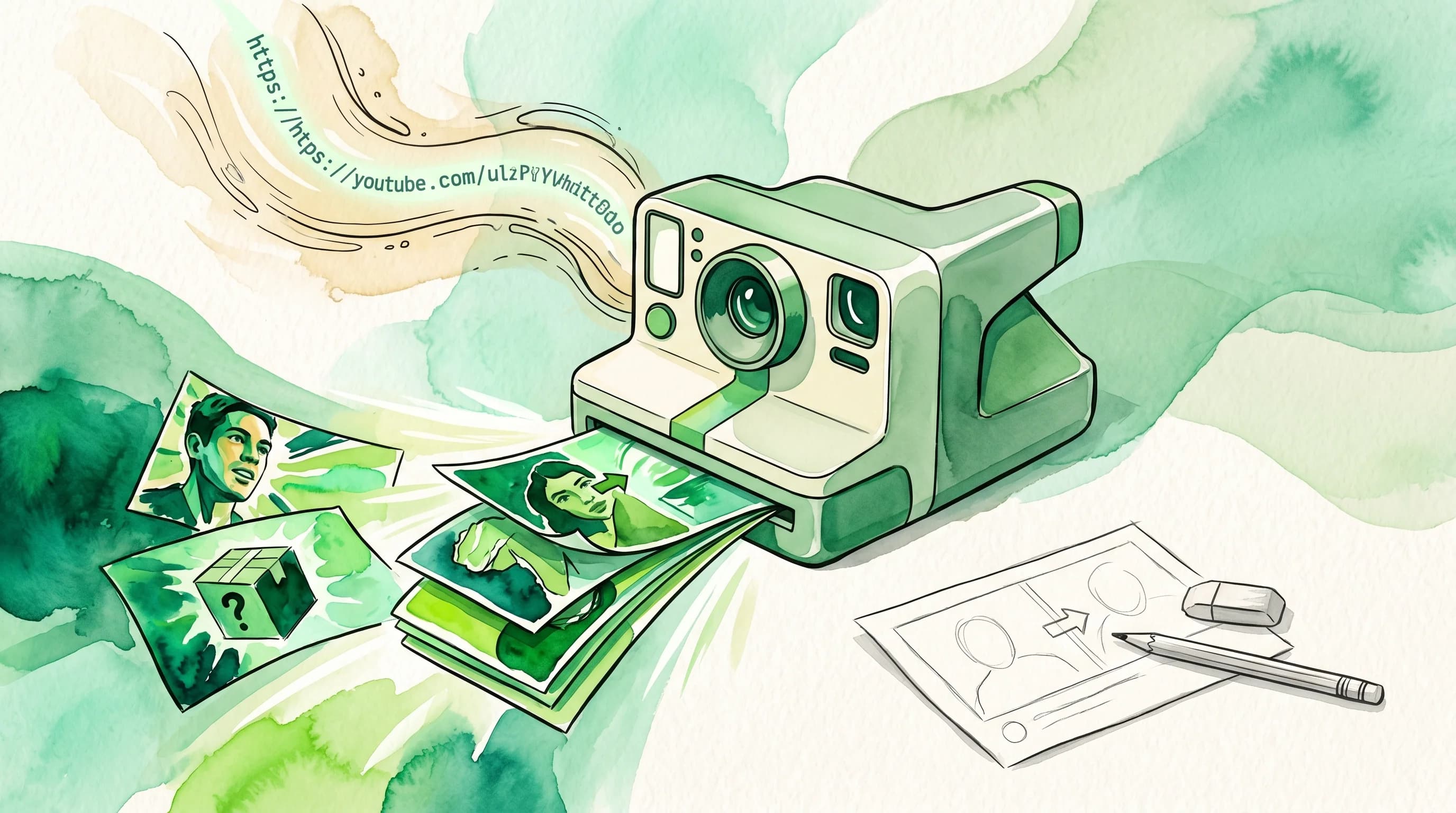
Upload any image and get a perfectly cropped 1080×1920px Shorts thumbnail with safe zone preview. Runs entirely in your browser — no uploads, no signup.
Drop your thumbnail here or browse
JPEG, PNG, WebP — up to 10 MB. Any aspect ratio accepted.
Why Your YouTube Shorts Thumbnail Matters
YouTube Shorts thumbnails appear in multiple high-traffic surfaces: the Shorts shelf on the homepage, the Shorts tab on mobile, search results, and your channel page. Unlike regular videos where the algorithm might serve your video to viewers regardless of thumbnail quality, Shorts thumbnails compete in a fast-scrolling vertical feed where you have less than a second to capture attention. A properly sized, visually compelling thumbnail is the difference between a viewer pausing to watch and scrolling past.
The technical requirement is non-negotiable: YouTube Shorts uses a 9:16 vertical format (1080x1920 pixels), the opposite of standard 16:9 video thumbnails. Many creators upload a horizontal thumbnail for their Shorts and wonder why it looks cropped and off-center. This tool solves that problem by automatically center-cropping your image to the exact Shorts dimensions, then showing you a preview with the safe zone overlaid so you can verify your key content is visible.
All processing runs in your browser — your image never leaves your device. Just drag and drop your image, check the preview, and download the correctly sized Shorts thumbnail.

Designing Thumbnails That Work in the Shorts Format
Effective Shorts thumbnails follow different design principles than standard horizontal thumbnails. The vertical canvas demands a different visual hierarchy:
Subject centered and close-cropped. In a vertical format, full-body shots lose impact at thumbnail size. Tight framing on a face or key object fills the frame and commands attention in the feed. If your Short features a person, a head-and-shoulders framing works better than a wide shot.
Minimal text, maximum impact. Shorts thumbnails are viewed at a much smaller size than regular video thumbnails on mobile — and YouTube overlays your video title below the thumbnail anyway. If you include text, limit it to 3-4 large words and use high-contrast colors. Avoid small text that disappears at mobile sizes.
Bright colors and strong contrast. The Shorts feed is visually dense. Bright, saturated colors and high contrast between subject and background help your thumbnail stand out. Consider a solid color background if your subject is the main focus.
Respect safe zones. YouTube overlays UI elements on approximately the top and bottom 15% of Shorts thumbnails. Faces, product shots, and key text should stay within the middle 70% of the frame to avoid being obscured by buttons and labels. This tool previews these zones so you can verify your composition before downloading.
How to Upload a Custom Thumbnail to YouTube Shorts
Once you've downloaded your 9:16 thumbnail, here's how to apply it to your Shorts video:
During upload: When uploading a Short in YouTube Studio, click the “Custom thumbnail” option in the Details tab and select your 1080x1920 JPEG file. YouTube will show a preview of how it looks in the vertical frame.
After upload: Open YouTube Studio, find the Short in your Videos list, click “Edit video,” then go to the Details tab. Under the thumbnail section, click “Upload thumbnail” to replace the auto-generated frame.
Custom thumbnail eligibility: Not all accounts can set custom thumbnails on Shorts. YouTube requires channel verification (a verified phone number) to unlock this feature. If you don't see the option, verify your account at youtube.com/verify.
For standard video thumbnails and AI-generated designs, also check our thumbnail preview checker to see how your regular video thumbnails look at every YouTube display size before publishing.
Related Articles
YouTube Thumbnail Mobile Design: The Complete Guide for 2026
70% of YouTube watch time happens on mobile. Learn the safe zones, color strategies, and design rules that make thumbnails click-worthy on phone screens.
5 Thumbnail Mistakes Killing Your YouTube CTR
Discover the five most common thumbnail mistakes that are silently destroying your click-through rate, and learn exactly how to fix each one with actionable before-and-after examples.
How to Make YouTube Thumbnails That Get Clicks: A Complete Guide
Learn the science and art behind high-CTR YouTube thumbnails. From color psychology to face expressions, this complete guide covers everything you need to create thumbnails that stop the scroll.
Frequently asked questions
YouTube Shorts thumbnails should be 1080x1920 pixels at a 9:16 aspect ratio. This matches the vertical format of Shorts content. YouTube will automatically crop thumbnails that don't match this ratio, often cutting off important content — so preparing a properly sized thumbnail beforehand gives you control over what viewers see.
No. All processing happens entirely in your browser using the HTML5 Canvas API. Your image is never uploaded to any server, and no data is collected. You can use this tool offline once the page loads.
YouTube overlays UI elements on Shorts thumbnails — the title bar at the top, the subscribe button and channel name in the lower portion, and viewer interaction buttons on the right side. Safe zones are the areas where your key visual content (face, text, subject) won't be obscured by these overlays. This tool shows a preview with the top and bottom 15% shaded to indicate where YouTube's UI will appear.
You can upload a 16:9 thumbnail to a Shorts video, but YouTube will center-crop it to fit the 9:16 frame, which often cuts off the sides of your image. Using a proper 9:16 thumbnail ensures your composition looks exactly as intended in the Shorts feed and on the Shorts shelf on the homepage.
This tool accepts JPEG, PNG, and WebP images up to 10 MB. The output is a JPEG file at 92% quality, which produces a good balance of file size and visual quality for YouTube's upload requirements.
More Free YouTube Tools
YouTube Title Generator
Generate click-worthy YouTube titles from your video topic using AI-powered hooks.
Try it freeYouTube Hashtag Generator
Get optimized hashtags for your YouTube videos to boost discoverability.
Try it freeThumbnail Preview Checker
See how your thumbnail looks at every YouTube size before publishing.
Try it freeChannel Name Generator
Generate unique YouTube channel name ideas from your niche using AI.
Try it freeYouTube Thumbnail Downloader
Download YouTube video thumbnails in all available resolutions — HD, SD, and maxres. Free, no signup.
Try it freeYouTube Thumbnail Size Guide
Check your thumbnail dimensions, aspect ratio, and file size against YouTube requirements — with previews at every display size.
Try it freeYouTube Video Ideas Generator
Generate fresh video topic ideas for your YouTube channel from a niche or keyword using AI.
Try it freeYouTube Description Generator
Generate optimized YouTube video descriptions with AI — includes hashtags, timestamps, and CTAs.
Try it freeYouTube Tag Generator
Generate 20-30 optimized YouTube tags for any video topic — a mix of broad and long-tail keywords to boost discoverability.
Try it free