Build a Thumbnail Brand System That Compounds Channel Growth
Consistent thumbnail branding lifts subscriber CTR by 15-20% and grows channels 45% faster. Build a visual identity system that makes your videos instantly recognizable.
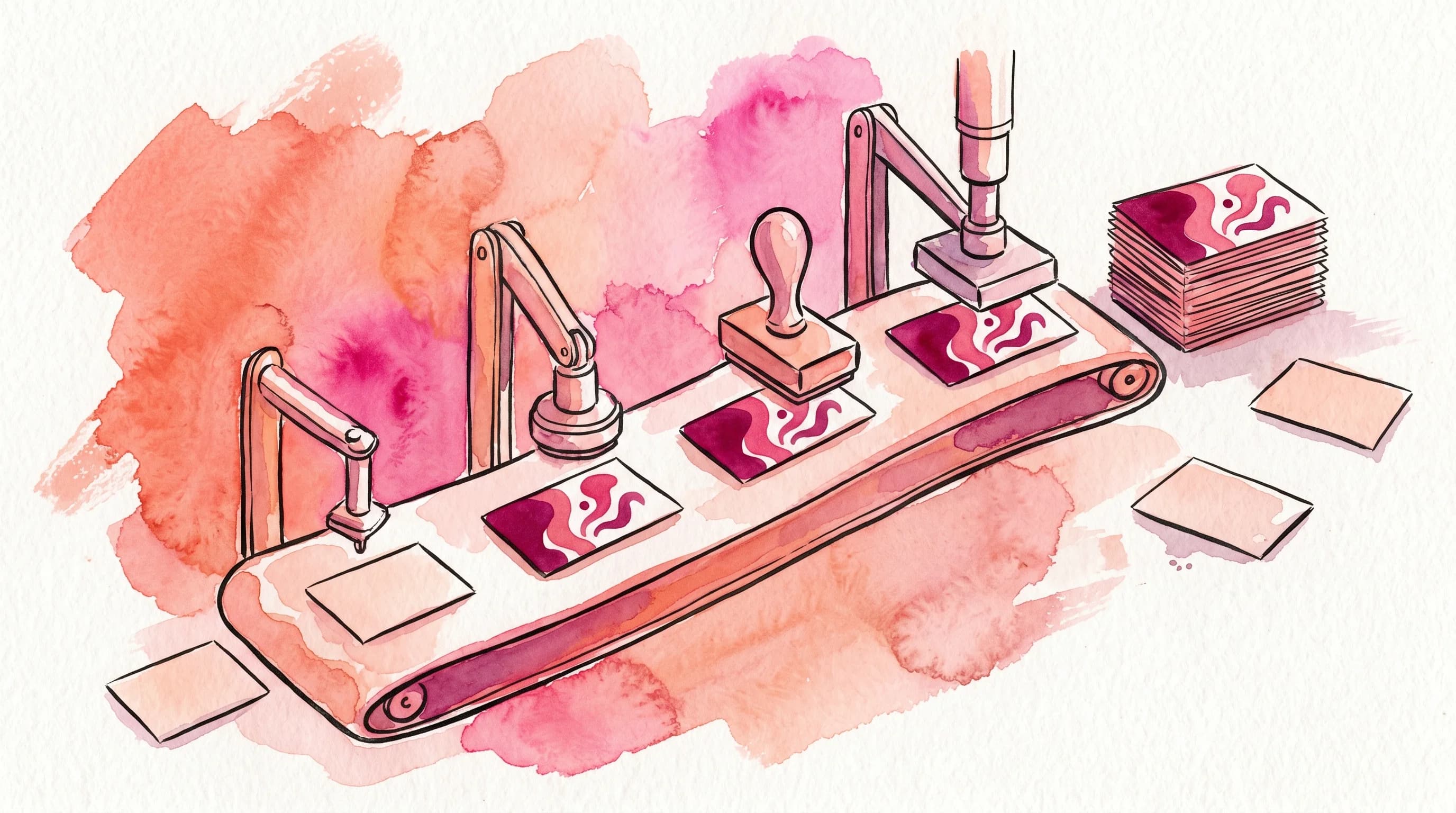
Most creators treat each thumbnail as a standalone design problem. They think about the right emotion for this video, the right color for this topic, the right text for this title. They start fresh every week, with no thumbnail brand consistency — optimizing each thumbnail in isolation.
That approach leaves a measurable amount of growth on the table.
The channels that compound fastest on YouTube — the ones where growth feels almost algorithmic — almost universally share one trait: their thumbnails look like a family. You can spot them in the feed without reading the channel name. The visual language does the work.
That is not an accident. It is a system.
This post is about building that system — the thumbnail brand system — and why it matters more in 2026 than ever before.
Why Consistency Is Now a Growth Lever, Not Just an Aesthetic Choice
For a long time, thumbnail advice focused on individual-click optimization: which color pops, which expression converts, which font reads fastest at small sizes. That advice is still valid. But it misses a compounding dynamic that most creators overlook.
When a subscriber has watched three or four of your videos and loved them, they have built an implicit memory of your visual style. The next time your video appears in their feed — among dozens of competing thumbnails — recognition happens before conscious evaluation. They click because they trust you before they even read the title.
This is the subscriber recognition effect, and the data shows it is real.
According to research aggregated by Sprout Social in their 2026 analysis, thumbnails with consistent color schemes and logo placement improve CTR by 25% across a channel's catalog. Established channels with consistent thumbnail styling see 15–20% higher CTRs from subscribers compared to channels with inconsistent visual approaches. HubSpot's 2026 research found that consistent brand elements across thumbnails increase recognition clicks by up to 30%.
Perhaps most striking: according to Influencer Marketing Hub's 2025 research, 78% of viewers say consistent branding makes them more likely to trust a creator. And YouTube Creator Academy data shows creators with strong brand identity see 35% higher subscriber retention rates.
The mechanism makes sense. YouTube's algorithm has shifted away from raw click-through rate as the primary signal. In 2026, viewer satisfaction — measured by watch time, repeat views, shares, and surveys — drives distribution. Subscribers who recognize your thumbnail and feel trust are far more likely to watch through. That downstream behavior compounds into algorithmic distribution.
Statista's 2026 research found that channels with consistent branding see 45% faster subscriber growth than those without branding. That number is not about aesthetics. It is about the flywheel that trust creates.
What a Thumbnail Brand System Actually Is
A thumbnail brand system is not a rigid template you stamp on every video. It is a set of consistent visual variables — the fixed elements that signal "this is my channel" — combined with deliberate variable elements that give each video its own visual identity.
The formula is: Consistent elements + Variable elements = Brand recognition with visual variety.
Here is how to think about each layer.
Fixed Elements (Your Brand Anchors)
These are the parts of your thumbnail that stay the same across every video, regardless of topic or format.
Color palette. Pick two to three signature colors and use them as your dominant palette across all thumbnails. These should contrast well against YouTube's white and dark backgrounds, and against each other. The goal is not that every thumbnail uses identical colors — it is that your colors feel immediately recognizable. When someone scrolls past your video, the palette registers before anything else.
Typography. Choose one display font for text overlays and use it consistently. Typography is one of the most underrated brand signals in thumbnails. A distinctive font becomes a visual fingerprint. Viewers associate it with you.
Logo placement. If you use a channel logo or watermark in thumbnails, place it in the same position every time. Many top creators anchor their logo in the lower-left or upper-right corner at 5–10% of the thumbnail area. This small, consistent element reinforces identity without competing with the main visual.
Compositional structure. Not every thumbnail needs the same layout, but establishing a structural vocabulary helps — whether that is always placing your face on the left side, always using a text block at the bottom third, or always leaving a specific zone for the key visual. Viewers internalize these structural patterns over time.
Variable Elements (What Changes Per Video)
Within your brand anchors, these elements shift to serve the specific video.
Imagery and subject matter. The photo, illustration, or graphic that represents this particular video.
Emotional tone. Even if you always feature your face, the expression changes. Even if you always use the same palette, the dominant hue shifts to match the mood of the content.
Text content. The words on the thumbnail change every video. The style and font stay consistent.
Contrast intensity. Some topics call for high-energy, saturated visuals. Others work better with more restrained, editorial compositions. Your system should be flexible enough to accommodate both while staying recognizable.
Building Your Thumbnail Brand System: A Practical Framework
This is not a theoretical exercise. Here is a concrete process for establishing your system.
Step 1: Audit Your Existing Thumbnails
Pull the last 20–30 thumbnails from your channel and lay them side by side. What do viewers see? Is there a recognizable visual language, or does each thumbnail look like it came from a different channel?
Look specifically for:
- Which colors appear most often? Are they intentional?
- Is your font consistent, or have you used three different typefaces?
- Where does your face or logo appear? Is there a pattern?
- What compositional structure recurs?
This audit reveals your de facto brand — the visual identity you have developed accidentally. From here, you either formalize what is already working or redesign with intention.
Step 2: Define Your Brand Anchors
Based on your audit, lock in your fixed elements. Write them down with specifics:
- Hex codes for your primary and secondary colors
- Font name and weight for your display text
- Logo placement rule (e.g., "always lower-right, 8% of thumbnail width")
- Compositional structure (e.g., "face always left half, text always right half")
This document is your thumbnail style guide. It takes 30 minutes to create and pays dividends for years.
Step 3: Build Templates, Not Constraints
The mistake most creators make with templates is building them too rigidly. A template that requires every thumbnail to look identical becomes a production constraint and, eventually, a visual trap — your thumbnails start to feel repetitive, which suppresses clicks from non-subscribers who have not yet built trust with you.
Instead, build flexible template families. Think of it as creating three or four compositional starting points that all share your brand anchors but allow for visual variety within each. One template might be face-forward with text overlay. Another might be object-forward with minimal text. A third might be a dramatic scene with your brand color as an accent.
YouTube Creator Academy notes that 90% of best-performing videos use custom thumbnails, and the channels executing this best use consistent structural families rather than one rigid template.
Step 4: Apply Your System Consistently Over Time
This is the step most creators skip: doing it for long enough that the compound effect activates.
Brand recognition is not instant. It builds through repeated exposure. Subscribers who see your visual language across six videos start to build an implicit map of your channel's aesthetic. By video ten or fifteen, that recognition becomes automatic. By video twenty, it is a reflex.
The channels with the strongest recognition effects have been running consistent systems for at least three to six months. Consistency over time is the variable that separates surface-level branding from genuine channel identity.
Stop guessing. Start testing thumbnails.
Paste any YouTube URL and get AI-branded thumbnails in under 60 seconds. Free to try.
Try Hooksnap FreeThe Common Traps to Avoid
Building a thumbnail brand system is straightforward in theory. In practice, there are a few traps that derail creators.
Trap 1: Confusing consistency with repetition. Your brand system should make each thumbnail feel like part of a family, not like a copy of the previous one. If your thumbnails are literally identical except for the text, you have built a template, not a system. Viewers will click the first few out of curiosity and then stop when there is no visual surprise.
Trap 2: Optimizing individual thumbnails against the system. Every channel has moments where a specific video demands a visual treatment that breaks from the established brand. Sometimes that is the right call. But doing it habitually destroys the consistency that makes the system work. Hold the system unless there is a strong reason to break it, and when you break it, make the break intentional and dramatic enough that it signals "this is different" rather than "this creator forgot their style."
Trap 3: Changing the system too often. It is tempting to refresh your visual identity every few months, especially when growth feels slow. Resist this. The compounding effect of consistent branding requires time. Rebuilding your system resets the clock. If your current visual identity has a specific problem, fix the problem — do not restart.
Trap 4: Branding that reads as "ad-like." Channels that over-brand their thumbnails — cluttering them with logos, channel names, and watermarks — can see suppressed clicks from non-subscribers because the thumbnails feel like advertisements rather than content. Your brand anchors should be subtle enough to signal identity without overwhelming the visual hierarchy.
How This Connects to the Algorithm in 2026
YouTube's shift toward satisfaction metrics changes how brand consistency compounds algorithmically.
When your subscribers reliably click your thumbnails and watch your videos through because they trust your content — a behavior pattern driven partly by visual recognition — the algorithm receives a strong signal that your content satisfies your audience. That signal drives distribution to similar viewers.
The audience that comes in through algorithmic distribution does not yet recognize your brand. But they are watching because the algorithm identified them as likely to enjoy your content. If your first impression — the thumbnail — communicates quality and consistency, a portion of them subscribe. Those subscribers then join the pool of viewers who will eventually develop visual recognition of your brand.
The loop is: brand consistency → subscriber recognition → higher subscriber CTR → higher satisfaction signals → algorithmic distribution → new subscribers → stronger brand recognition over time.
This is not a rapid growth loop. It is a slow compound. But it is one of the most durable growth mechanisms available on the platform, and it is one that most creators never activate because they are optimizing at the single-thumbnail level rather than the system level.
Keep reading:
What to Do This Week
If you have been treating each thumbnail as a fresh design problem, here is where to start.
Spend an hour this week auditing your last 20 thumbnails and identifying your de facto brand anchors. Write down what you find — the colors that recur, the fonts you have used, the compositional patterns that appear most often.
Then formalize the elements that are already working. Lock them down as your style guide. Build two or three flexible template starting points based on that guide.
Going forward, start every thumbnail from inside your system rather than from a blank canvas. Evaluate each thumbnail not just on whether it is compelling in isolation, but on whether it looks like it belongs to your channel's visual family.
The single-thumbnail mindset optimizes for one click. The brand system mindset compounds into a channel.
If you want to see how this looks in practice, Hooksnap's template system lets you build a thumbnail brand kit — defining your colors, fonts, and logo placement once and applying it across every thumbnail you generate. Your AI-generated thumbnails stay visually consistent without you having to manually enforce the style guide on each one.
You can also explore how channels in your niche are using visual consistency by browsing the creator comparisons we have put together. And if you are curious how your current thumbnails stack up against these principles, the thumbnail checker tool gives you a quick read on visual consistency and CTR potential.
The system is what compounds. Start building yours.
See how Hooksnap creates click-worthy thumbnails
AI-powered thumbnail generation that helps your YouTube videos get more clicks.
View PlansRelated Articles
How to Brand Your YouTube Channel Without Hiring a Designer
Build a YouTube channel brand — logo, colors, fonts, thumbnails — without Photoshop or a designer. Free tools, practical steps, and real growth data.
Batch-Creating YouTube Thumbnails: The Workflow That Grows Channels
Top YouTube channels batch thumbnails weekly. Here's the system for faster, consistent creation — and why visual consistency compounds into real channel growth.
How to Make YouTube Thumbnails Without Photoshop (2026 Guide)
You do not need Photoshop to make thumbnails that get clicks. Here are the exact workflows — from AI generation to free design tools — that work without Adobe.
Related Tools
Ready to boost your CTR?
Stop losing clicks to boring thumbnails. Get AI-generated thumbnails in under 60 seconds.
Get Started Free