AI Generators vs Traditional Thumbnail Makers for YouTube (2026)
What is a thumbnail maker, and do you still need one in 2026? Traditional thumbnail makers vs AI thumbnail generators, with honest tradeoffs and where Hooksnap fits.
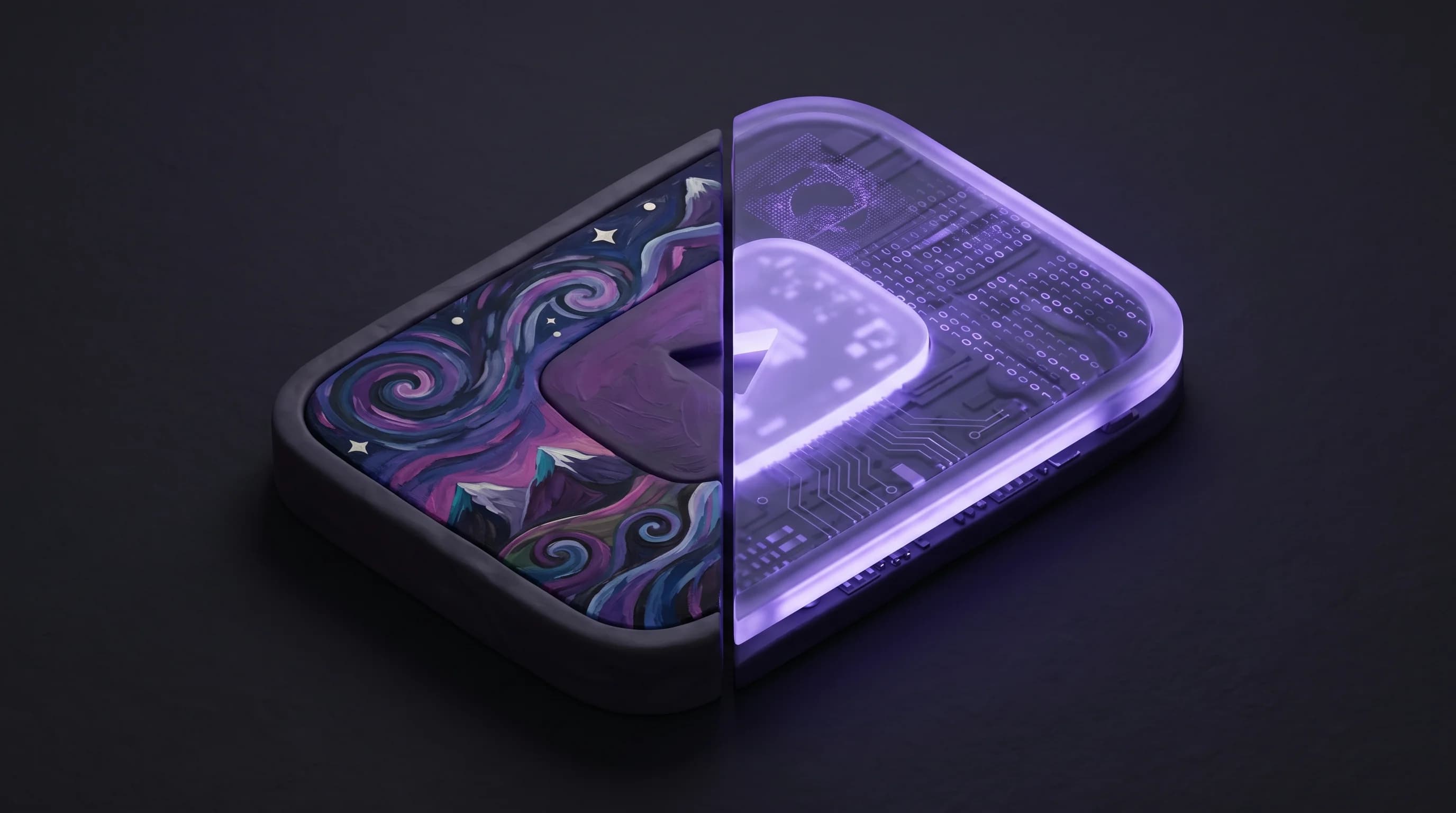
I get a version of this question almost every week: "Is Hooksnap a thumbnail maker, or is it something different?" And honestly, the answer matters more than it sounds. "Thumbnail maker" is one of the most-searched terms in the creator tooling world, but in 2026 it is also one of the most overloaded. Half the tools wearing that label are manual editors. The other half are AI generators that work in a fundamentally different way. They are not the same product, and treating them as one category is how most creators end up paying for the wrong tool.
I built Hooksnap, so this comparison comes with my obvious bias. I am going to keep it honest anyway, because the category confusion costs creators real money and real production time.
Quick Answer
A thumbnail maker is the umbrella term for any tool that helps you create a YouTube thumbnail. In 2026 the term covers two genuinely different categories: traditional thumbnail makers (Canva, Adobe Express, Snappa, Fotor, Picmaker) where you manually design every element, and AI thumbnail generators (Hooksnap, vidIQ, Thumber, Miraflow) where the tool generates a finished thumbnail from your video or prompt.
Traditional thumbnail makers give you a template library, a drag-and-drop editor, and pixel-level control. You pick a template, swap a background, type your text, and export. According to Adobe Express's free YouTube thumbnail page, the free tier alone unlocks over 100,000 templates and 1M+ stock assets. Generation time per thumbnail is typically 10-30 minutes for someone fluent in the tool, longer for new users. Best for creators who enjoy the design process and want creative control over every element.
AI thumbnail generators analyze your actual video — frames, transcript, topic — and produce finished thumbnails in seconds. No template picking, no manual placement, no design skill required. According to Miraflow's 2026 thumbnail trends analysis, the best AI generators are trained on 2025-2026 high-performing thumbnail patterns and produce variants ready for A/B testing. Best for creators who publish weekly or more and treat thumbnails as production work, not creative practice.
Hooksnap sits firmly in the AI generator category, but with a specific positioning: it reads your video before generating anything. You paste a YouTube URL, the system extracts key frames and transcript, detects the topic, and produces thumbnail variants grounded in your actual content. There is no editor, no template picker, no manual placement. Just thumbnails in under 60 seconds.
If you only publish once a month and you enjoy designing, a traditional thumbnail maker is the right tool. If thumbnails are a load-bearing weekly cost in your workflow, an AI generator pays for itself in the first month.
What Is a Thumbnail Maker, Exactly?
The term "thumbnail maker" became standard around 2018-2020 when Canva, Snappa, and Picmaker started shipping YouTube-specific templates. Before that, most creators used Photoshop, GIMP, or whatever general design tool they already owned. The "thumbnail maker" category emerged when tools started building YouTube-specific workflows — preset 1280x720 dimensions, 16:9 aspect ratio enforcement, 2MB export caps, and thumbnail-specific template libraries.
A thumbnail maker in 2026 typically does three things well:
- Enforces YouTube spec. Custom thumbnails must be at least 1280x720 pixels with a 16:9 aspect ratio and under 2MB per YouTube's own creator help docs. A good thumbnail maker handles this without you thinking about it.
- Provides templates and assets. The fastest path from blank canvas to finished thumbnail is starting from a template that already works. Canva, Adobe Express, Snappa, and Fotor all ship with hundreds of YouTube-specific templates.
- Exports clean, web-ready images. PNG for graphics with text overlays, JPG for photo-heavy designs. No bleed lines, no print marks, no surprises at upload.
The category split between traditional and AI is mostly about how you get from a blank canvas to a finished thumbnail. Traditional tools give you a template and an editor. AI generators give you a finished thumbnail and ask you to refine it from there.
Traditional Thumbnail Makers in 2026
If you have searched "best thumbnail maker" recently, you have probably landed on a roundup featuring some combination of these five tools:
| Tool | Pricing (2026) | Best for | Limitation |
|---|---|---|---|
| Canva | Free / Pro $12.99/mo | All-purpose design, brand kit | Manual every time |
| Adobe Express | Free / Premium $9.99/mo | Adobe ecosystem users, AI assist | Generative credits capped |
| Snappa | Free (3 dls/mo) / Pro $10/mo | Quick exports, stock library | JPG/PNG only, no SVG |
| Fotor | Free / Pro $8.99/mo | Photo editing + thumbnails | AI features behind paywall |
| Picmaker | Free / Pro plans | Quick template-based exports | Limited brand controls |
Each tool sits in a slightly different niche. Canva is the broadest — over 135 million monthly active users across virtually every design use case. Adobe Express is the strongest for creators already in the Adobe ecosystem or who want some AI assistance via Firefly. Snappa is built for speed exports. Fotor leans into photo editing. Picmaker is the lightest-weight option.
What they all have in common: you do the design work. You pick the template, you place the text, you size the elements, you export the file. Generation time per thumbnail is the cost.
According to SuperAGI analysis cited by ThumbMagic, it takes 40-60 hours to develop reliable thumbnail design skills. That is a one-time cost that pays off forever if you enjoy the work. It is a recurring tax if you do not.
For a deeper side-by-side on the free options, our free thumbnail makers comparison breaks down which tool is actually worth the time on a no-budget channel.
AI Thumbnail Generators in 2026
The AI thumbnail category has matured fast. Two years ago, "AI thumbnail" usually meant a generic image generator dressed up with a 1280x720 export button. In 2026 the better tools — Hooksnap, vidIQ, Thumber, Miraflow, ThumbMagic — actually do thumbnail-specific work: video analysis, brand template application, A/B variant generation, mobile-render scoring.
Performance data has caught up too. According to bananathumbnail's 2026 analysis, an optimized AI thumbnail strategy improves click-through rate by 30% to 154% depending on niche and starting baseline. The same analysis notes that generating multiple variations for A/B testing can lead to a 20-30% CTR gain — the lift comes from the testing as much as the AI.
But the category is not monolithic. There is a meaningful split between:
- Generic AI generators that take a text prompt and produce a generic image you crop to 1280x720.
- Video-aware AI generators that read your actual video (frames, transcript, topic, emotional peaks) and produce thumbnails grounded in real content.
The difference matters more than the marketing suggests. According to ThumbMagic's 2026 analysis on AI vs manual thumbnails, AI thumbnails grounded in real video context can match or exceed manual designs in CTR. AI thumbnails generated from generic prompts cannot. The system needs to know what your video is actually about.
Try the video-aware AI thumbnail workflow.
Paste any YouTube URL and get AI thumbnails grounded in your actual video content. Three variants ready for YouTube Studio A/B testing — no template picking, no manual editor.
Try Hooksnap FreeWhere Traditional Thumbnail Makers Still Win
I want to be honest about this because it matters for the bottom-line recommendation.
Creative Control and Design Practice
If you treat thumbnail design as part of your creative practice — the same way some photographers treat post-processing — a traditional thumbnail maker is the right tool. Canva, Adobe Express, and the rest give you pixel-level control. You pick the composition, you choose the typography, you adjust the contrast curve. AI tools cannot replicate that experience because they are designed to remove it.
This is not a niche use case. Some of the best-performing channels on YouTube still hand-design every thumbnail because the design process is part of the work. If that is you, an AI generator is going to feel like it is taking away the part you enjoy.
One-Off Brand Asset Work
Channel art, end screen graphics, social media crops, lower thirds — all of these benefit from a general design tool. If you are already paying for Canva Pro or Adobe Express Premium for non-thumbnail work, the thumbnail capability is essentially free.
Visual Identity Experimentation
When you are still figuring out your channel's visual identity, the manual workflow is genuinely useful. You learn what works by making it yourself. AI tools optimize for execution speed once you know what you want. They are less useful in the discovery phase.
Where AI Thumbnail Generators Win
Production Speed at Scale
This is the obvious one and it is also the most important. According to creator workflow research summarized by Miraflow, the fastest AI generators produce a finished thumbnail in about 30 seconds. Traditional thumbnail makers, even for fluent users, take 10-30 minutes per thumbnail. Multiply that by weekly uploads across a year and the time gap is enormous.
The production speed compounds in a way creators underestimate. Every minute you spend in a thumbnail editor is a minute you do not spend on the next video. Most creators I talk to who switched to AI generators describe it not as "better thumbnails" but as "the production time disappeared."
A/B Testing Without Production Tax
This is the under-appreciated lever. According to Tubular Labs data cited in industry analysis, videos with A/B tested thumbnails see CTR lifts of up to 30%. The methodology requires generating multiple variants per video, which is exactly where traditional makers fail. Producing three thumbnail variants in Canva takes 30-90 minutes. Producing them in an AI generator takes the same time as producing one.
YouTube's native Test & Compare workflow requires you to upload at least two variants. The barrier to capturing the A/B testing lift is almost always production time, not motivation. AI generators remove the barrier by default.
Brand Consistency Without Discipline
In a traditional thumbnail maker, brand consistency requires discipline. You have to remember the colors, apply the same typography, place the logo in the same spot. AI generators with brand templates apply this automatically. The system enforces consistency so the creator does not have to.
According to ThumbMagic's CTR benchmark research, the average YouTube CTR sits around 4-5% across all niches, with top performers consistently hitting 12-15% or higher. A meaningful portion of that gap comes from systematic visual identity. Brand-templated AI thumbnails close that gap by default.
Mobile-First Scoring
Over 70% of YouTube watch time happens on mobile devices. Traditional thumbnail makers preview thumbnails on a desktop canvas. AI generators with scoring (Hooksnap, ThumbMagic) actually evaluate readability at mobile feed sizes. Before committing to a design, you can drop any thumbnail through the Hooksnap Thumbnail Checker to see how it scales on the device most of your audience is using.
Where Hooksnap Fits in the Thumbnail Maker Landscape
Hooksnap is intentionally not a traditional thumbnail maker. It has no canvas, no template picker, no drag-and-drop editor. Within the AI generator category, it sits at the video-aware end.
The workflow is: paste a YouTube URL, wait under 60 seconds, get three thumbnail variants designed around your actual video content. The system reads your frames, transcript, topic, and emotional peaks to ground the output in real material rather than a generic prompt. Brand template application is automatic on every output. A/B test variants are included on every paid plan starting at $9/month.
That positioning has clear tradeoffs. Hooksnap will not let you hand-design a specific composition from scratch. It will not give you a 100,000-template library. It does not handle channel art, end screens, or any non-thumbnail work. If those are core needs, a traditional thumbnail maker or a general design tool serves you better.
What Hooksnap does well is the workflow most creators run weekly: take a video, produce branded thumbnail variants, drop them into Studio for A/B testing, move on. That is a smaller surface area than what Canva covers, but it goes deeper because it is the entire product.
For a fuller side-by-side, see the Hooksnap vs Thumbnail Maker comparison page with feature matrix, pricing, and tradeoffs.
The Honest Bottom Line
Use a traditional thumbnail maker (Canva, Adobe Express, Snappa, Fotor) if:
- You publish monthly or less frequently and the production time is not a real cost
- You enjoy the design process and want creative control
- You need general design assets (channel art, social posts, lower thirds) on top of thumbnails
- You are still figuring out your channel's visual identity
Use an AI thumbnail generator (Hooksnap, vidIQ, ThumbMagic, Miraflow) if:
- You publish weekly or more and thumbnail production time is a real cost
- You want A/B test variants without spending an hour producing them
- You want brand consistency enforced automatically across uploads
- You already have a design tool you trust for non-thumbnail work
Use both if:
- You want production speed on weekly thumbnails plus a general design tool for the rest of your visual work
For most creators publishing weekly or more, the math favors an AI generator for the recurring thumbnail workflow plus a traditional tool kept around for one-off design tasks. The combined cost is typically lower than paying for a single tool that does both jobs poorly. For more on what works at each starting baseline, our how to make YouTube thumbnails that get clicks guide breaks down the underlying design principles either category needs to apply.
FAQ
What is a thumbnail maker? A thumbnail maker is any tool that helps you create a YouTube thumbnail. The term covers two distinct categories in 2026: traditional thumbnail makers (Canva, Adobe Express, Snappa, Fotor, Picmaker) where you manually design every element using templates and an editor, and AI thumbnail generators (Hooksnap, vidIQ, Thumber, Miraflow) where the tool produces a finished thumbnail from your video or prompt in seconds.
Is an AI thumbnail generator better than a traditional thumbnail maker? Neither is universally better. AI thumbnail generators win on production speed (about 30 seconds vs 10-30 minutes per thumbnail) and on producing A/B test variants by default. Traditional thumbnail makers win on creative control, design flexibility, and general-purpose design work beyond thumbnails. If you publish weekly or more, AI usually wins on workflow cost.
What is the best free thumbnail maker for YouTube in 2026? For manual design, Canva's free tier and Adobe Express's free tier are both strong — Canva for breadth of templates, Adobe Express for the 100,000+ template library plus 25 monthly generative AI credits. For AI generation, Hooksnap's free plan includes 10 generations per month with full feature access.
Do AI thumbnail makers actually increase YouTube CTR? The data says yes, with caveats. Optimized AI thumbnail strategies improve CTR by 30% to 154% depending on niche and starting baseline, and A/B testing variants generated by AI lift CTR by 20-30% on average. The lift is most reliable when the AI is grounded in actual video content and the output is used in A/B testing.
How is Hooksnap different from a regular thumbnail maker? Hooksnap has no editor, no template picker, no drag-and-drop canvas. It reads your video and produces three branded thumbnail variants in under 60 seconds, ready for YouTube Studio's A/B testing. Traditional thumbnail makers require manual design every time; Hooksnap removes the design step entirely.
Should I switch from Canva to an AI thumbnail generator? Not necessarily. Use Canva for channel art, social posts, and one-off design work. Use an AI thumbnail generator for weekly thumbnail production where speed and A/B test variants matter. Many creators run both.
See how Hooksnap creates click-worthy thumbnails
AI-powered thumbnail generation that helps your YouTube videos get more clicks.
View PlansRelated Articles
Hooksnap vs SnapThumb for YouTube Thumbnails (2026)
SnapThumb is a prompt-based AI thumbnail generator. Hooksnap analyzes your actual video. Where each wins, where each falls short, and what the data says.
Hooksnap vs Snappa for YouTube Thumbnails: An Honest Comparison (2026)
Snappa is built for speed and simplicity. Hooksnap generates thumbnails from your actual video. Where each tool wins, where it falls short, and what the data says.
Hooksnap vs Adobe Express for YouTube Thumbnails (2026)
Adobe Express has Firefly AI and a free tier. Hooksnap generates thumbnails from your video. Where each tool wins and what the 2026 data says.
Related Tools
Ready to boost your CTR?
Stop losing clicks to boring thumbnails. Get AI-generated thumbnails in under 60 seconds.
Get Started Free

