Hooksnap vs Adobe Express for YouTube Thumbnails (2026)
Adobe Express has Firefly AI and a free tier. Hooksnap generates thumbnails from your video. Where each tool wins and what the 2026 data says.
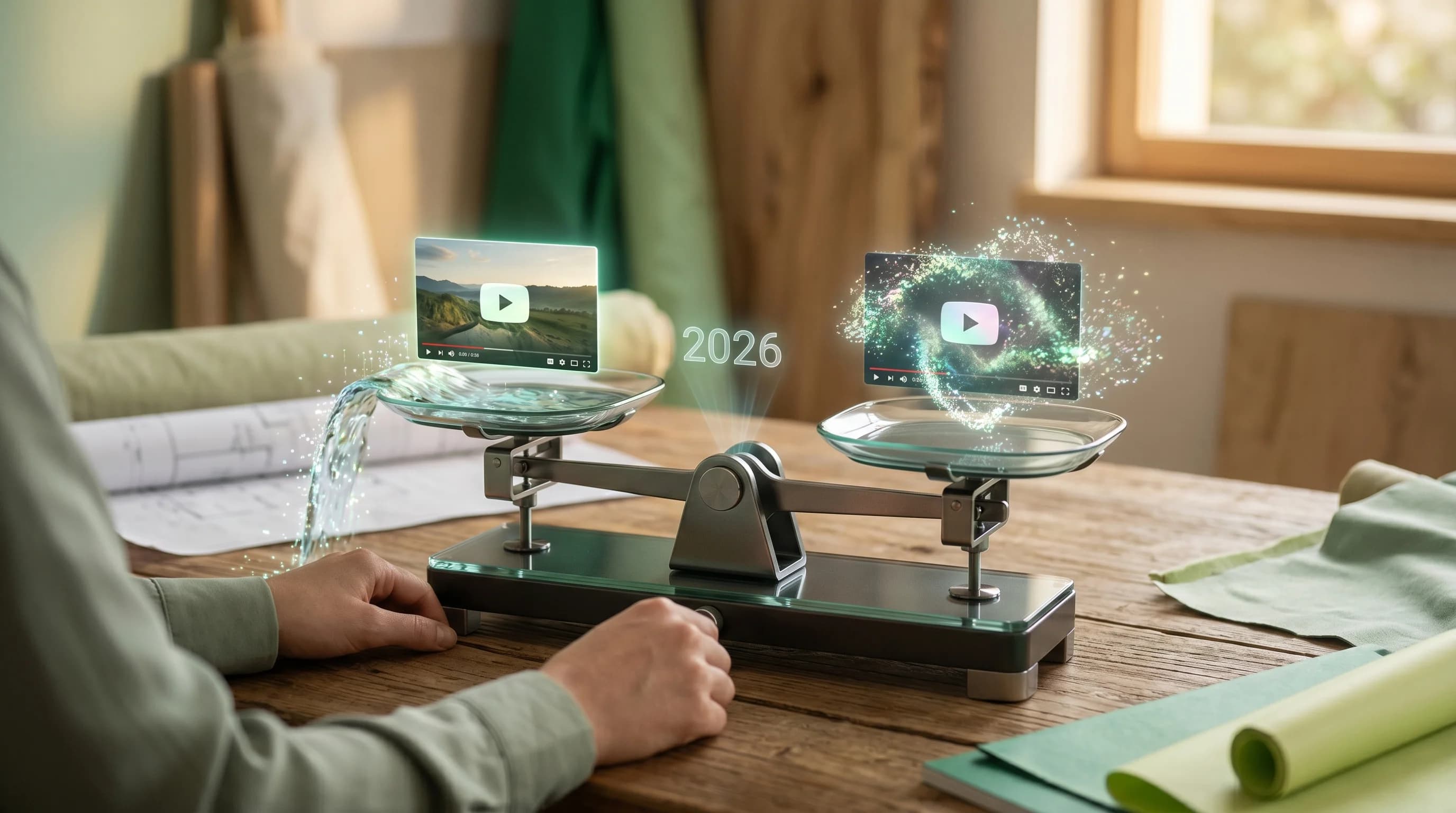
I built Hooksnap, so this comparison comes with an obvious bias. You should read it that way.
That said, I have spent the last year studying which thumbnail tools small and mid-sized YouTubers actually pay for, and Adobe Express comes up constantly — especially among creators who already live inside the Adobe ecosystem or who want Firefly's generative AI without committing to a full Creative Cloud subscription. The Firefly integration is genuinely strong, the free tier is more useful than most, and the brand carries enterprise-grade trust that nothing else in the thumbnail-tool space can match.
So let me try to do this honestly. Adobe Express is a perfectly reasonable choice for a specific kind of creator. It is also not the right tool for every YouTube creator. The question is which group you fall into.
Quick Answer
Adobe Express is Adobe's general-purpose design tool with Firefly-powered AI image generation, background removal, and a deep template library covering YouTube thumbnails alongside posters, social posts, and dozens of other formats. The Premium plan is $9.99 per month and includes 250 generative AI credits per month, 100GB storage, brand kits, and access to 30,000+ Adobe Fonts. Best for creators who want trusted Adobe quality across a range of design needs — not just thumbnails — and who value Firefly's text-to-image and generative fill.
Hooksnap is a dedicated AI thumbnail generator that analyzes your actual video — frames, transcript, topic, emotional peaks — and produces branded thumbnails in under 60 seconds. Best for creators who publish regularly, want video-aware AI generation, and need built-in A/B testing.
If you do significant design work outside YouTube and want Firefly's AI for general visuals, stick with Adobe Express. If you publish weekly or more and want thumbnails generated from your actual video content without manual layout work, Hooksnap is the faster path. For a full feature matrix, see the Hooksnap vs Adobe Express comparison page.
What Each Tool Is Actually Built For
Most tool comparisons get this part wrong. They line up features side-by-side as if both products are solving the same problem. They are not.
Adobe Express is, at its core, a general-purpose design platform. The roadmap reflects that — Firefly-powered text-to-image, generative fill, AI background removal, the full Adobe Fonts library, and templates spanning YouTube thumbnails, Instagram posts, TikTok videos, presentations, flyers, logos, and dozens of other formats. According to a 2026 Adobe Express review on CreatorStackClub, the tool's strength is "Firefly integration for text-to-image, background removal, and generative fill" applied across many design surfaces — YouTube thumbnails being one of them.
Hooksnap does one thing: generate YouTube thumbnails from your actual video content. You paste a YouTube URL, the system analyzes the video — frames, transcript, topic, emotional peaks — and generates thumbnails using your brand template. No presentations. No flyers. No general-purpose photo editing. Just thumbnails built from your video.
That difference in scope drives almost every comparison point that follows.
Where Adobe Express Wins
I want to start here because it matters.
Firefly AI Is Genuinely Strong for General Design
If you are a creator who needs to generate background art, create conceptual visuals, or apply generative fill to existing photos, Adobe Express delivers. A 2026 Adobe Express vs Canva analysis on Style Factory Productions notes that Express's AI image generator "is more flexible and based on experience, provides higher-quality output" — particularly for creators who want fine control over the prompt and the result.
For thumbnails that lean heavily on generated background imagery, illustrated concept art, or hybrid photo-and-illustration treatments, Firefly is one of the cleanest implementations in the consumer design market.
Adobe Ecosystem Integration
If you already pay for Adobe Creative Cloud — Photoshop, Premiere Pro, Illustrator — Adobe Express drops into that workflow without friction. You can move assets between tools, share libraries, and use a consistent brand kit across the full Adobe suite. For creators producing video in Premiere Pro and finishing thumbnails in a separate tool, that integration is real friction-removal.
Hooksnap does not integrate with the Adobe suite. If your editing pipeline is already Adobe-native, that is a legitimate cost of switching.
Aggressive Pricing for the Feature Set
Adobe Express Premium at $9.99 per month (or $99.99 per year) puts Firefly AI, 100GB storage, 30,000+ Adobe Fonts, and the full template library inside the same price band as Hooksnap Starter and Canva Pro. For a creator who needs general design capability plus AI generation, that is a competitive offer.
There is also a free tier. Free Adobe Express includes basic templates and a small monthly allowance of generative credits — enough to evaluate the tool but not enough to publish at volume.
Trusted Brand and Enterprise Reliability
This sounds soft, but it matters. Adobe has been making creative software for four decades. The uptime, the export reliability, the resolution of corner-case bugs, and the long-term financial stability of the platform are all on a different tier than newer entrants. For creators running brands or agencies where infrastructure stability matters, Adobe Express inherits all of that trust.
Where Adobe Express Falls Short for YouTube-Specific Work
Here is where the honest part of this comparison gets uncomfortable.
Firefly Does Not Know What Your Video Is About
This is the core architectural limitation that no amount of feature development will fix without restructuring the product.
Adobe Express's AI generation is prompt-based. You describe what you want — "a YouTube thumbnail with a gaming setup and the text WORLD RECORD" — and Firefly produces an image. That is genuinely useful for creating background elements or conceptual visuals. It is not useful for translating your specific 12-minute video into a thumbnail that represents what that video is actually about.
The decisions that separate high-CTR thumbnails from low-CTR ones — which frame from the footage stops the scroll, which emotional beat to feature, what text creates an honest curiosity gap, how the thumbnail pairs with the title — require knowledge of the video. Adobe Express has no access to any of that. You do, and you have to translate it into a prompt and a manual design.
For creators publishing one video per week, that translation work takes 20-45 minutes per thumbnail according to multiple 2026 thumbnail tool surveys. For channels publishing 3 or more videos per week, that time adds up to dozens of hours per year.
The Credit System Caps AI Volume Faster Than You Expect
Adobe Express Premium includes 250 generative AI credits per month. Each standard generation — text-to-image, generative fill, background replacement — consumes 1 credit. That sounds generous until you actually use the tool at thumbnail-production volume.
A single thumbnail pass might burn through a background-removal credit, a generative-fill credit, and one or two text-to-image credits for variants. If you want three variants to A/B test, multiply that out. For a creator producing 12-16 thumbnails per month with revisions and variants, the 250 credit ceiling is closer than the headline number suggests — especially if you also use Firefly for non-thumbnail design work like channel art or social cross-posts.
This is the inverse of how Hooksnap's pricing works. Hooksnap Starter at $9/month covers 50 thumbnail generations dedicated entirely to YouTube. Every credit goes to thumbnails. No splitting the budget across photo retouching, social graphics, or generative fill on unrelated projects.
No A/B Testing or Performance Scoring
Adobe Express has no built-in A/B testing or thumbnail performance scoring. It can produce a thumbnail, but it cannot tell you whether that thumbnail will outperform your previous one, and it does not generate multiple variants designed for direct use in YouTube Studio's A/B testing.
According to ThumbMagic's 2026 CTR benchmark report, creators who systematically A/B test thumbnails see an average 20% CTR lift. The barrier to that lift is usually not motivation — it is production time. When generating three variants takes three minutes instead of three hours, the barrier disappears. Adobe Express does not address that barrier. You have to design each variant manually, which puts most creators back to publishing one thumbnail per video and skipping the test.
Template Saturation Is Real
Adobe Express has hundreds of YouTube thumbnail templates. The problem is the same one Canva faces at greater scale: millions of creators have access to the same templates, and the most polished ones get used by everyone. A thumbnail that looks like an Adobe Express template does not necessarily look bad — but it stops signaling effort or originality. It signals that someone opened a template and changed the text.
This matters more in 2026 than it did in 2024. The 2026 YouTube thumbnail trends discussion has shifted toward authentic, video-specific imagery and away from the polished "stock thumbnail" look. Template-based design accelerates the saturation problem because the same patterns get reused at scale.
Where Hooksnap Wins
Video-Aware Generation
The core difference is that Hooksnap starts with your content. Paste any YouTube URL — published or unlisted — and the system analyzes the actual video. It extracts key frames, reads the transcript, identifies the most visually compelling moments, and understands the topic well enough to generate thumbnails that represent what the video is actually about.
This matters for CTR because relevance matters. The 2026 YouTube CTR benchmarks from ThumbMagic show that the platform-wide average CTR sits between 4% and 5%, with 7%+ considered strong. Channels below 3% CTR see the largest gains from thumbnail optimization — but the gains come from thumbnails that accurately represent the content and create appropriate expectations. A thumbnail that misrepresents the video creates clicks but tanks watch time, which the new 2026 "Quality CTR" signal penalizes by demoting the video in recommendations.
Brand Consistency at Speed
Hooksnap applies your brand template — fonts, colors, logo placement, text zones — automatically to every thumbnail it generates. You set up your brand once. Every output reflects it.
The time comparison is stark. Creating a branded thumbnail in Adobe Express from scratch typically takes 20-45 minutes when you include prompting, regenerating, layout, and brand application. Generating one in Hooksnap takes under a minute. The annual math on that gap — assuming one video per week — is roughly 60 hours of thumbnail production time, which is more than seven full working days. For creators publishing three videos per week, the gap turns into more than 100 hours per year.
See what AI generates from your actual video.
Paste any YouTube URL and get AI-branded thumbnails in under 60 seconds. No prompts. No manual layout. Just thumbnails built from your content.
Try Hooksnap FreeA/B Testing Built Into the Workflow
Hooksnap generates multiple thumbnail variants per video by default. You get three options from a single analysis, each with a different visual approach, and you can test them directly using YouTube Studio's A/B testing feature. That 20% average CTR lift from systematic A/B testing — the one most creators skip because production time is the bottleneck — becomes accessible because the production time bottleneck is gone.
Optimized for the YouTube Surface
Every design decision in Hooksnap is calibrated specifically for how thumbnails appear on YouTube — on the home feed, in search results, in suggested video rails, and on mobile screens. Mobile accounts for over 70% of YouTube watch time according to YouTube's own platform data, and thumbnails render at roughly 200x113 pixels at that scale. Text that looks balanced at 1280x720 becomes illegible on mobile. Faces that look expressive at full size shrink to unreadable when small.
Hooksnap's composition engine accounts for this. Adobe Express's templates are designed at full size, and the mobile performance depends entirely on how well you manually account for scale during layout.
Free Tier Without Watermarks
Hooksnap's free tier gives you 10 thumbnail generations per month without watermarks. Adobe Express's free tier exists but has tighter restrictions on AI credit volume and premium template access — usable for evaluation, less usable for actual publishing.
Pricing Reality Check
Adobe Express pricing (2026):
- Free: basic templates, limited generative AI credits, no premium fonts
- Premium: $9.99/month (or $99.99/year) — 250 generative AI credits, 100GB storage, brand kits, 30,000+ Adobe Fonts
Hooksnap pricing:
- Free: 10 thumbnail generations per month, no watermark
- Starter: $9/month with A/B testing, batch generation, and thumbnail scoring included
For a creator who genuinely needs Firefly AI plus brand kit plus the Adobe Fonts library plus storage for general design work, Adobe Express Premium at $9.99/month is a compelling all-in-one. For a creator whose primary need is YouTube thumbnails specifically, Hooksnap Starter at $9/month is the better-targeted spend — every credit goes to thumbnails, not split across general-purpose design features the creator may not use.
The math sharpens if you actually need both: a year of Hooksnap Starter ($108) plus Adobe Express Free (for occasional general design work) covers most weekly-upload creator workflows without double-paying for overlapping features.
The Hybrid Workflow
Many creators end up using both tools for different purposes, and this is often the right answer.
Use Adobe Express for:
- Channel art, banners, and branding assets beyond thumbnails
- Cross-platform social media graphics (Instagram, TikTok, LinkedIn)
- Presentations, media kits, and sponsor decks
- Generative AI for background imagery, generative fill on existing photos
- Design work that benefits from the broader Adobe ecosystem (Photoshop integration, Adobe Fonts)
Use Hooksnap for:
- Standard weekly video thumbnails
- High-volume production periods
- Generating A/B test variants
- Thumbnails for videos where you want to feature your own brand template consistently
The tools are not mutually exclusive. Adobe Express's $9.99/month for general design work is defensible even if you are using Hooksnap for thumbnails specifically.
The CTR Data Question
I want to address this directly because it is the question that actually matters.
Will switching from Adobe Express to a video-aware generator improve your CTR?
The honest answer is: it depends on why your CTR is low.
If your CTR problem is design quality — poor composition, low contrast, unclear focal point, illegible text — a video-aware AI generator does not automatically fix that. Garbage in, garbage out. A video with weak content will still produce weak thumbnails.
If your CTR problem is production bandwidth — you are not testing variants because it takes too long, you are reusing old templates because designing takes too much time, you are publishing thumbnails that are "good enough" rather than optimal — then a video-aware generator directly addresses the bottleneck. The 2026 CTR benchmark research shows that channels below 3% CTR see improvements of 20-50% after systematic optimization, but that data reflects all sources of improvement — better composition, better emotional expression, better title-thumbnail synergy — not just tool switching.
What tool switching changes is your ability to produce quality thumbnails consistently and at scale. That is a production capacity question, not a magic bullet.
If you want a faster read on your current thumbnails before changing tools, try the free Hooksnap thumbnail checker — it scores your existing thumbnails against the same composition, hierarchy, and mobile-readability heuristics Hooksnap uses internally.
The Honest Bottom Line
Choose Adobe Express if:
- You do significant design work beyond YouTube thumbnails (social, presentations, branding)
- You want Firefly AI for general-purpose generative imagery and fill
- You are already in the Adobe ecosystem and value Creative Cloud integration
- You need the breadth of 30,000+ Adobe Fonts and 100GB storage
- You produce fewer than two videos per week and have time to design
Choose Hooksnap if:
- You publish regularly and need to maintain production speed
- You want thumbnails built from your actual video content
- You are currently spending 20+ minutes per thumbnail
- You want to run A/B tests without the production overhead
- Your thumbnails need to consistently reflect your brand without manual application
Use both if:
- You need general design capabilities and Firefly AI beyond thumbnails
- You want Hooksnap for production thumbnails and Adobe Express for channel art, social cross-posts, or sponsor decks
Neither tool is universal. Adobe Express is one of the best general-purpose design tools ever built. Hooksnap solves a narrower problem more deeply. Understanding which problem you actually have determines which tool you need.
FAQ
Is Adobe Express good for YouTube thumbnails in 2026? Adobe Express is good for creators who want Firefly AI plus a broad template library for general design work — YouTube thumbnails are one job among many. It is prompt-based and template-driven, not video-aware. If thumbnails are your primary use case and you publish weekly or more, a dedicated AI thumbnail generator like Hooksnap is the better-targeted spend.
Does Adobe Express generate thumbnails from a YouTube video URL? No. Adobe Express's Firefly AI is prompt-based — you describe the thumbnail you want and the AI generates an image. It does not analyze your video to inform the design. Hooksnap, by contrast, takes a YouTube URL and generates thumbnails using actual frames, transcript, and topic from the video.
How much does Adobe Express cost compared to Hooksnap? Adobe Express Premium is $9.99 per month (or $99.99 per year) and includes 250 generative AI credits shared across all AI features, 100GB storage, brand kits, and 30,000+ Adobe Fonts. Hooksnap Starter is $9 per month and includes 50 dedicated thumbnail generations plus A/B testing, batch generation, and thumbnail scoring focused entirely on YouTube thumbnails. Both have free tiers — Adobe Express Free is limited but capable for evaluation; Hooksnap Free includes 10 watermark-free thumbnail generations per month.
What is the best Adobe Express alternative for AI YouTube thumbnails? Hooksnap is the dedicated AI alternative for YouTube thumbnails specifically. It generates thumbnails from your actual video content (frames, transcript, topic), applies your brand template automatically, and includes A/B testing and thumbnail scoring out of the box. Canva and Fotor are general-purpose alternatives if you need broader design capabilities beyond thumbnails.
How many AI credits does Adobe Express Premium give you per month? Adobe Express Premium includes 250 generative AI credits per month, shared across all Firefly features — text-to-image, generative fill, background removal, and AI text effects. Most standard generations consume 1 credit each. For a creator producing 12-16 thumbnails per month with variants and revisions, the credit ceiling is closer than the headline number suggests, especially if you also use Firefly for non-thumbnail design work.
Can Adobe Express generate multiple thumbnail variants for A/B testing? Yes, you can generate multiple thumbnails manually by running Firefly more than once or duplicating templates with different edits — but each pass consumes generative AI credits from the same 250-credit monthly pool. Hooksnap generates three variants per video analysis automatically as part of one credit, designed for direct use in YouTube Studio's A/B testing feature.
Dan Kim is the founder of Hooksnap, an AI YouTube thumbnail generator that analyzes your video and generates branded thumbnails in under 60 seconds. He has spent the past year studying what makes thumbnails work — and where most creator tools fall short.
Want to see how Hooksnap handles your channel? Start with a free video analysis — no credit card, no commitment. Or compare how Hooksnap stacks up against other tools in our full comparison guide.
See how Hooksnap creates click-worthy thumbnails
AI-powered thumbnail generation that helps your YouTube videos get more clicks.
View PlansRelated Articles
Hooksnap vs Fotor for YouTube Thumbnails: An Honest Comparison (2026)
Fotor is a photo editor with thumbnail templates. Hooksnap generates thumbnails from your actual video. Where each tool wins, where it falls short, and what the data says.

Hooksnap vs Canva for YouTube Thumbnails: An Honest Comparison (2026)
Canva is great for general design. Is it the right thumbnail tool for YouTubers? Where each tool wins, where it falls short, and what the data says.

Hooksnap vs Snappa for YouTube Thumbnails: An Honest Comparison (2026)
Snappa is built for speed and simplicity. Hooksnap generates thumbnails from your actual video. Where each tool wins, where it falls short, and what the data says.
Related Tools
Ready to boost your CTR?
Stop losing clicks to boring thumbnails. Get AI-generated thumbnails in under 60 seconds.
Get Started Free

