How to Make YouTube Thumbnails That Get Clicks: A Complete Guide
Learn the science and art behind high-CTR YouTube thumbnails. From color psychology to face expressions, this complete guide covers everything you need to create thumbnails that stop the scroll.
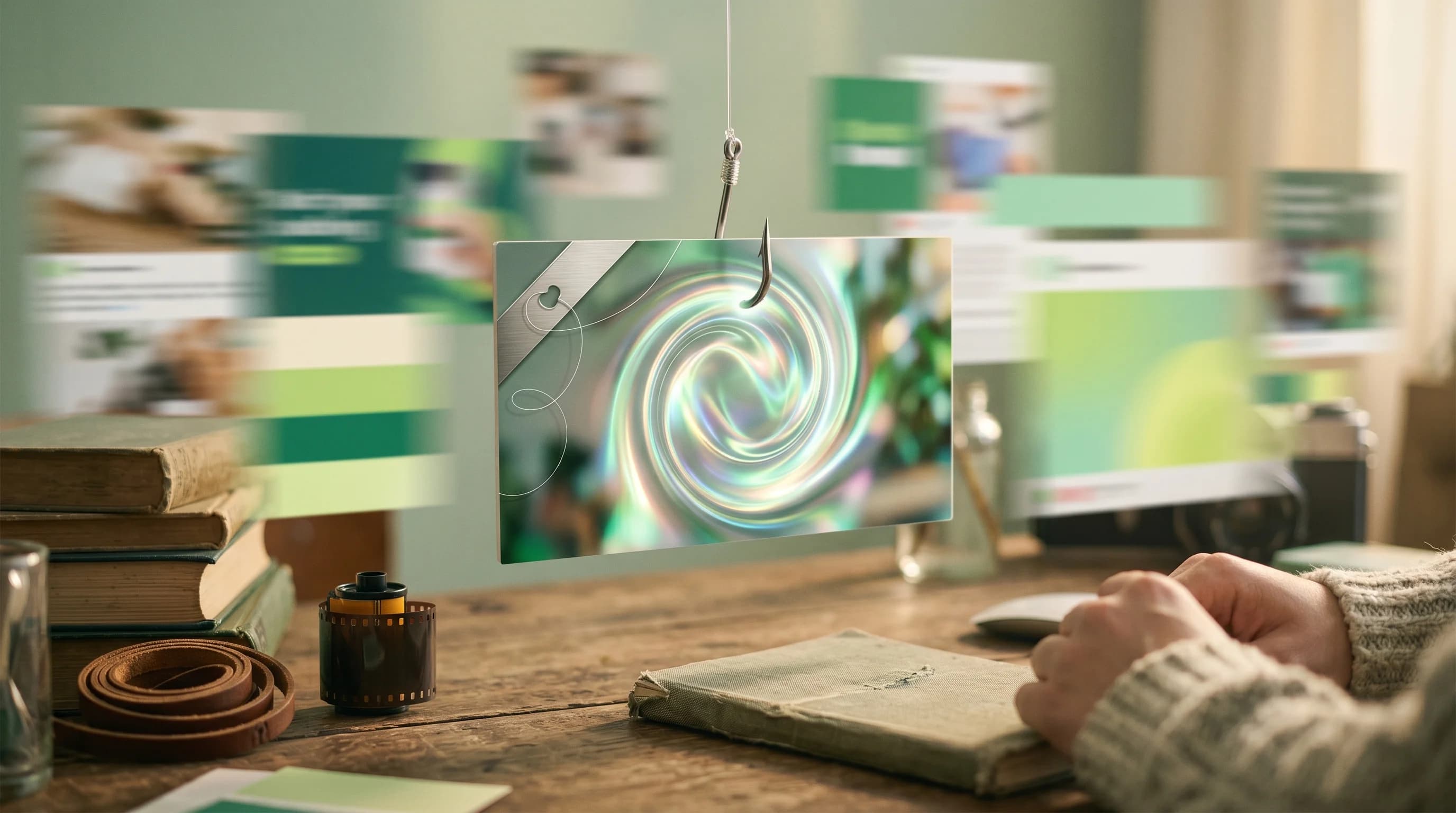
Your thumbnail is the single most important factor determining whether someone clicks on your YouTube video. It is the first impression, the billboard, the pitch — all compressed into a 1280x720 pixel image. YouTube's own Creator Academy states that 90% of top-performing videos use custom thumbnails. Yet most creators treat thumbnails as an afterthought, slapping together a random screenshot with some text.
In this guide, we will break down the science and craft behind thumbnails that actually get clicks. Whether you are a beginner or an experienced creator looking to boost your CTR, these principles will transform how you approach thumbnail design.
The Psychology of Clicks
Before we talk about design techniques, let us understand why people click. The human brain processes images 60,000 times faster than text. When a viewer scrolls through YouTube, they are making split-second decisions based on pattern recognition and emotional triggers.
Curiosity Gap
The most effective thumbnails create a curiosity gap — they show enough to intrigue but not enough to satisfy. Think of it as a visual cliffhanger. If your thumbnail reveals the entire story, there is no reason to click. But if it hints at something surprising, unexpected, or valuable, the viewer feels compelled to find out more.
For example, instead of showing the final result of a room makeover, show the "before" state with an arrow pointing to a blurred "after." The viewer's brain cannot resist wanting to see the transformation.
Emotional Triggers
Thumbnails that evoke strong emotions consistently outperform neutral ones. Research from YouTube's internal data suggests that thumbnails featuring faces with exaggerated expressions can increase CTR by 30-40% compared to those without faces.
The key emotions that drive clicks include:
- Surprise — wide eyes, open mouth, unexpected juxtaposition
- Excitement — dynamic poses, bright colors, energy
- Curiosity — partial reveals, question marks, contrasting elements
- Fear of missing out — urgency cues, exclusive content hints
Color Theory for Thumbnails
Color is not just decoration — it is a strategic tool. The right color choices can make your thumbnail pop in a sea of content, while poor color choices can render it invisible.
High Contrast Is Non-Negotiable
YouTube displays thumbnails at various sizes, from tiny mobile previews to large desktop cards. Your thumbnail must be readable at every size. This means high contrast between foreground elements and the background.
The most effective contrast combinations include:
- Yellow text on dark backgrounds
- White text on saturated color backgrounds
- Red elements against blue or green backgrounds
- Bright subjects against desaturated or dark backgrounds
The YouTube Red Rule
Avoid using the exact shade of YouTube's interface red (#FF0000) as your primary thumbnail color. Your thumbnail will blend into the UI rather than standing out from it. Instead, use complementary warm tones like orange, coral, or a shifted red that contrasts with the platform's native colors.
Color Psychology in Practice
Different colors evoke different responses:
- Red — urgency, excitement, danger (great for "mistakes" or "warning" videos)
- Blue — trust, calm, authority (ideal for tutorials and educational content)
- Yellow — attention, energy, optimism (perfect for positive, upbeat content)
- Green — growth, money, success (works well for finance and self-improvement)
- Purple — creativity, luxury, mystery (effective for creative and tech content)
Face Expressions That Convert
Human faces are the most powerful element you can include in a thumbnail. Our brains are wired to look at faces — it is an evolutionary trait that helped our ancestors survive. In the context of YouTube, faces create an instant emotional connection.
The Three-Second Rule
Your face expression should communicate the video's emotional tone within three seconds. If a viewer cannot immediately understand the emotion, the expression is too subtle.
The most effective expressions for thumbnails are:
- The Shock Face — eyebrows raised, mouth open, eyes wide. Use for surprising reveals, unboxing, or reaction content.
- The Knowing Smile — slight smirk, one eyebrow raised. Perfect for tips, hacks, and "secret" knowledge content.
- The Intense Focus — furrowed brows, serious expression. Ideal for tutorials, deep dives, and analytical content.
- The Genuine Laugh — full smile, squinted eyes. Great for entertainment, comedy, and positive content.
Positioning Matters
Place your face on one side of the thumbnail (typically the left or right third) to leave room for text and other visual elements. The face should be large enough that the expression is readable even at small sizes — this usually means the face takes up at least 30-40% of the thumbnail height.
Stop guessing. Start testing thumbnails.
Paste any YouTube URL and get AI-branded thumbnails in under 60 seconds. Free to try.
Try Hooksnap FreeText Overlays That Work
Text on thumbnails serves a specific purpose: it adds context that the image alone cannot communicate. But too much text is worse than no text at all.
The Three-Word Rule
The most effective thumbnail text uses three words or fewer. At small sizes, long sentences become illegible blobs. Short, punchy phrases work because they can be rendered in large, bold fonts that remain readable at any size.
Good examples:
- "NEVER DO THIS"
- "Game Changer"
- "I Was Wrong"
- "$10K Result"
Font Selection
Use bold, sans-serif fonts with high legibility. Popular choices among top creators include Impact, Montserrat Black, and Bebas Neue. Avoid thin fonts, script fonts, or anything with fine details that disappear at small sizes.
Text Styling Tips
- Always add a stroke or shadow to text so it reads against any background
- Use a maximum of two colors for text
- Place text in areas with the least visual complexity
- Never let text overlap with the face, especially the eyes
- Use text that complements the image, not duplicates the title
Composition and Layout
Great thumbnails follow compositional principles borrowed from photography and graphic design.
The Rule of Thirds
Divide your thumbnail into a 3x3 grid. Place key elements along the grid lines or at their intersections. This creates a balanced, visually pleasing composition that naturally guides the viewer's eye.
Visual Hierarchy
Every thumbnail should have a clear visual hierarchy:
- Primary focus — the main subject (usually a face or key object)
- Secondary focus — supporting text or graphic
- Background — contextual but not distracting
The viewer's eye should follow this hierarchy in under two seconds. If multiple elements compete for attention equally, the thumbnail feels chaotic and the viewer moves on.
Negative Space
Do not fill every pixel. Strategic use of empty space (negative space) actually draws more attention to your key elements. Top creators often use simple, slightly blurred backgrounds to keep the focus on the subject and text.
Technical Specifications
Getting the technical details right ensures your thumbnails look professional across all devices.
Required Specs
- Resolution: 1280 x 720 pixels (minimum), 1920 x 1080 recommended
- Aspect ratio: 16:9
- File format: JPG, PNG, or GIF
- File size: Under 2MB (YouTube's limit)
- Color space: sRGB
Mobile-First Design
Over 70% of YouTube watch time occurs on mobile devices. This means your thumbnail must work at roughly 168 x 94 pixels — the typical size on a mobile feed. Design at full resolution, but always zoom out to check readability at mobile size. A free thumbnail preview checker will simulate the exact feed sizes YouTube uses so you can catch problems before you publish.
Tools for Thumbnail Creation
Manual Design Tools
- Canva — beginner-friendly with templates, but can lead to generic-looking results
- Adobe Photoshop — professional-grade with full control, steep learning curve
- Figma — collaborative design tool, good for teams
AI-Powered Thumbnail Generation
The latest advancement in thumbnail creation is AI-powered generation. Tools like Hooksnap analyze your video content and generate multiple thumbnail options optimized for clicks. This approach offers several advantages:
- Speed — generate multiple options in seconds instead of hours
- Data-driven — AI can incorporate CTR patterns from millions of thumbnails
- Consistency — maintain a cohesive channel aesthetic without manual effort
- A/B testing — quickly create variations for split testing
A/B Testing Your Thumbnails
Creating a great thumbnail is only half the battle. Testing is how you discover what actually works for your specific audience.
How A/B Testing Works
Upload your video with one thumbnail, then swap to a different version after a set period. Compare the CTR for each period. YouTube Studio provides CTR data in the Analytics tab, though there can be a 48-hour delay.
More sophisticated approaches use YouTube's built-in thumbnail test feature (available to some creators) or third-party tools that automate the switching and statistical analysis. Hooksnap's A/B testing feature is designed specifically for this — generate multiple AI variants and let YouTube's Test and Compare pick the winner.
What to Test
- Face vs. no face
- Different expressions
- Text vs. no text
- Color scheme variations
- Layout and composition changes
- Close-up vs. wide shot
Statistical Significance
Do not make decisions based on small sample sizes. A thumbnail test needs at least 1,000-2,000 impressions per variant before the data is meaningful. Running a test for less than 48 hours rarely produces reliable results.
Common Mistakes to Avoid
-
Clickbait without delivery — misleading thumbnails might get clicks initially, but they destroy audience trust and hurt your channel's long-term performance through poor watch time signals.
-
Too much text — if your thumbnail looks like a paragraph, simplify it. More than 5-6 words is almost always too many.
-
Low contrast — if elements blend together or text is hard to read, your thumbnail fails its primary job.
-
Ignoring mobile — always check how your thumbnail looks at mobile size before publishing.
-
Inconsistency — while each thumbnail should be unique, having no consistent style makes your channel look unprofessional and makes it harder for returning viewers to recognize your content.
Keep reading:
Putting It All Together
The best thumbnails combine multiple principles from this guide:
- Start with a clear concept that creates a curiosity gap
- Choose a composition that follows the rule of thirds
- Include a face with a clear, exaggerated expression
- Add minimal, high-contrast text that complements the image
- Use colors strategically based on the emotional tone
- Test at mobile size before finalizing
- A/B test different versions to find what works for your audience
Remember, thumbnail design is both an art and a science. The principles in this guide give you the science. The art comes from understanding your specific audience and developing your unique visual style over time. Start applying these principles today, and watch your CTR improve with every upload.
See how Hooksnap creates click-worthy thumbnails
AI-powered thumbnail generation that helps your YouTube videos get more clicks.
View PlansFrequently asked questions
High-CTR thumbnails combine three elements: a clear focal point (usually a human face with an expressive emotion), high contrast colors that stand out in the feed, and minimal readable text that creates curiosity. The thumbnail should tell a story that complements the title without repeating it.
A good CTR ranges from 4-10% depending on your niche. Gaming channels average 4-6%, education channels 6-8%, and entertainment channels 8-12%. CTR also varies by traffic source — browse features typically show lower CTR than search traffic.
Text can help when it adds context the image alone cannot convey, but keep it to 3-5 words maximum. Use large, bold fonts that remain readable at 168x94 pixels (the smallest display size on YouTube). Avoid duplicating the video title — the thumbnail text should complement, not repeat it.
Related Articles

YouTube Thumbnail Design Trends 2026: 7 Styles Winning Clicks Right Now
The complete guide to YouTube thumbnail design trends in 2026. From neo-minimalism to proof-of-human authenticity, here are the 7 styles driving the highest CTR this year.

YouTube Thumbnail Colors: Which Palettes Actually Get Clicks in 2026
Data shows high-contrast thumbnail colors can boost CTR by 20-45%. Learn which color combinations work for gaming, tech, education, and other niches, plus the psychology behind why they work.
The Psychology Behind Why Viewers Click Your YouTube Thumbnail
Viewers decide whether to click your YouTube thumbnail in under 50 milliseconds. Here is the neuroscience behind that decision — and how to design with it, not against it.
Related Tools
Ready to boost your CTR?
Stop losing clicks to boring thumbnails. Get AI-generated thumbnails in under 60 seconds.
Get Started Free

