YouTube Series Thumbnail Design: Win the Binge, Not Just the Click
A single thumbnail wins one click. A series thumbnail system wins the whole session. Design episode thumbnails that read as a family and signal watch order.
Most thumbnail advice optimizes for a single click. Which color pops, which face converts, which two words read fastest at mobile size. That advice is correct, and it is also incomplete — because the most valuable thing a thumbnail can do is not win one click. It is win the next four.
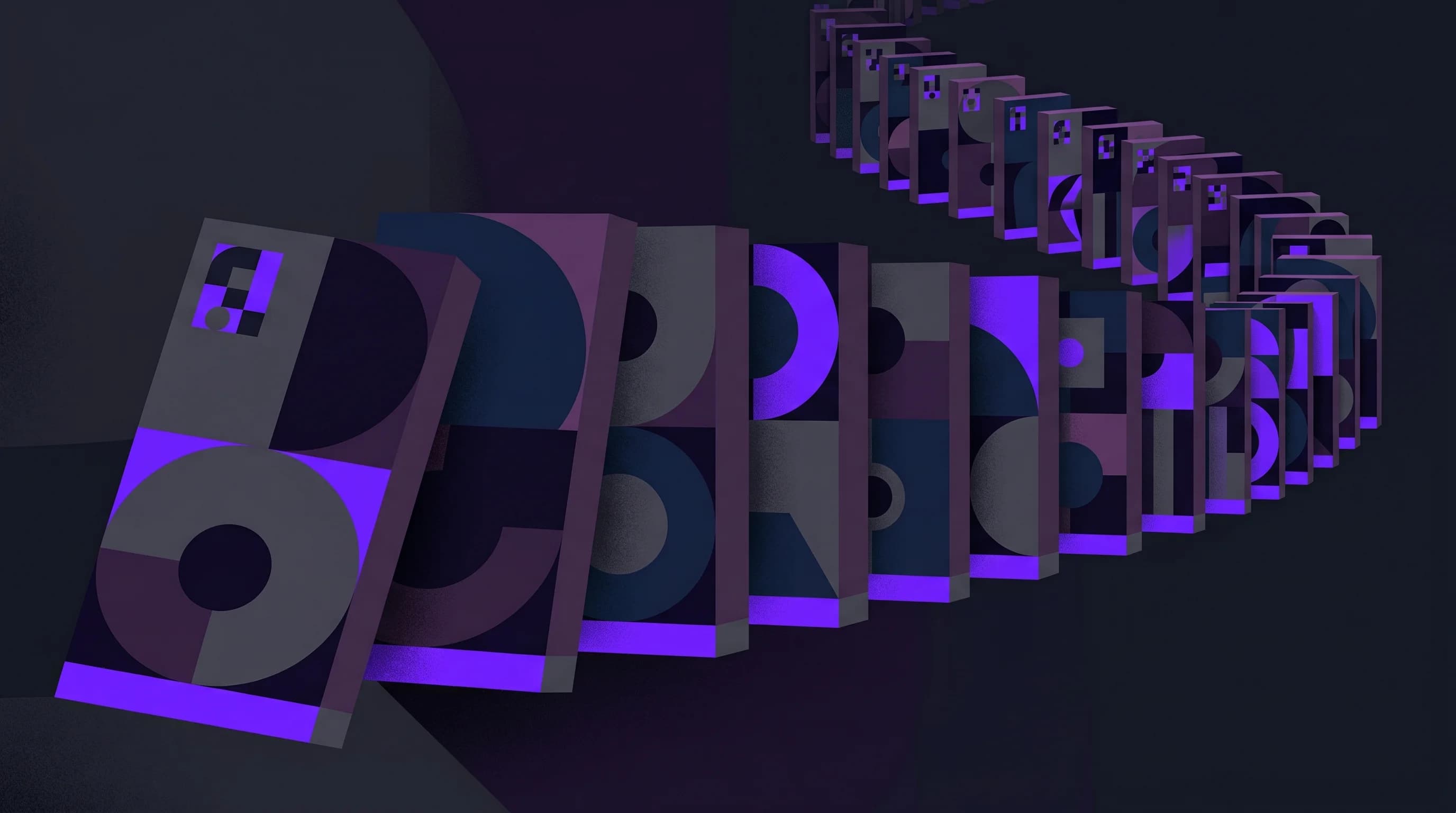
When a viewer finishes episode 3 of your series and immediately recognizes episodes 4, 5, and 6 sitting in the Up Next rail, you have not won a click. You have won a session. And YouTube rewards sessions far more generously than it rewards individual clicks.
I build Hooksnap to help creators who aren't full-time designers produce thumbnails that hold together as a set, not just as one-offs. In studying how the channels with the deepest watch time design their series, one pattern shows up over and over: good YouTube series thumbnail design treats episodes as a system, not as individual problems. The thumbnails have two jobs — look like a family, and tell you where you are in the story.
This post is the practical guide to building that system.
Why a Series Thumbnail System Beats a Better Single Thumbnail
Start with the metric YouTube actually optimizes for. The algorithm does not chase raw views — it weighs watch time, retention, click-through rate, and how often viewers return to the platform, all in service of session length. A 2026 playlist strategy breakdown from Miraflow puts it plainly: YouTube wants viewers to fall into sessions, and well-designed playlists turn random videos into guided watch paths.
A standalone thumbnail can only do so much for session length. A series can do far more, because it gives the viewer a reason to stay after the video they came for ends. That is where the design work pays off.
The recognition effect is measurable. Channels with consistent thumbnail styling see roughly 15 to 20 percent higher click-through rates from subscribers than channels that design every thumbnail in isolation, according to thumbnail design research compiled by ThumbMagic. For a series specifically, that lift compounds: each recognizable episode in the rail is a near-free click because the viewer has already decided they trust the format.
And recognition matters most exactly where series content lives. Impressions on YouTube come from Home, Search, Suggested, the Subscriptions feed, and Browse — but the platform also counts impressions from Up Next and playlists, the surfaces where one episode hands off to the next. Those surfaces behave very differently. CTR benchmark data for 2026 shows Search CTR commonly clearing 12 percent while Browse sits under 4 percent. A binge viewer at the end of episode 3 is in a Search-like state of mind — high intent, already invested. A thumbnail that signals "this is the next part" converts that intent at a rate a cold Browse impression never will.
The Two Jobs of a Series Thumbnail
Every episode thumbnail in a series has to do two things at once, and most creators only do the first.
Job one: belong to the set. The viewer should be able to spot your series in a crowded feed without reading the channel name. This is the family-resemblance job, and it is what brand-consistency advice is usually about.
Job two: signal position. The viewer should know, at a glance, which episode this is and roughly where it sits in the arc. Is this the start? The payoff? The episode they skipped? Position signaling is what turns a folder of related videos into a watch path.
The tension between the two is the entire craft. Lean too hard into belonging and every episode looks identical, the viewer can't tell them apart, and you create visual fatigue scrolling the playlist. Lean too hard into uniqueness and you lose the family resemblance that drives recognition. The whole game is holding both at once.
The 70/30 Rule: How Much of the Thumbnail Is the "Series Wrapper"
The cleanest way to resolve that tension is a fixed budget. Reserve a consistent slice of the frame for the series identity, and let the rest be unique to the episode.
The working ratio top series use, per guidance on series thumbnail templates, is to keep series branding to roughly 20 to 30 percent of the thumbnail, with the remaining 70-plus percent carrying the episode's specific hook — the moment, the face, the result. I think of it as a wrapper: a recognizable frame that stays put while the contents change.
A practical series wrapper is made of four locked elements:
- A fixed layout grid. Faces, text, and subject occupy the same regions in every episode. If the face is camera-right in episode 1, it is camera-right in episode 12.
- A locked color band or accent. One primary brand color stays constant across the series; accent colors can shift per episode to prevent the playlist from looking monotonous. Series-template guidance explicitly recommends varying accents while keeping the primary color fixed.
- A small series mark. A compact logo, icon, or wordmark that appears in the same spot every time — the visual equivalent of a show's title card.
- An episode badge. The position indicator. More on this next, because it is the element most creators get wrong.
Everything outside that 20-to-30 percent wrapper is free real estate for the episode's individual hook. That is where you spend your strongest image and your sharpest words.
Stop guessing. Start testing thumbnails.
Paste any YouTube URL and get AI-branded thumbnails in under 60 seconds. Free to try.
Try Hooksnap FreeEpisode Badges: Get the Position Signal Right
The episode number is the single most underused tool in series design. Done right, it is what turns "another video" into "the next part."
The rules are unglamorous and they work. Use a consistent label style — EP 1, Part 3, #12 — and place it in the same corner on every episode, with a solid background shape behind it so it stays legible against any underlying image. That advice comes straight from 2026 thumbnail best-practice guidance, and the reason it works is that the eye learns the badge's location after two or three episodes. By episode 4, the viewer's gaze snaps to that corner automatically to check where they are.
A few things to get right with the badge:
- Keep it out of the danger zones. Critical text and faces should stay away from the corners and the bottom 15 percent of the frame, because YouTube's own thumbnail guidance and durations overlay can clip those regions on some surfaces. The safest badge corner is top-left or top-right, inset a comfortable margin.
- Make it a badge, not a caption. A number sitting on a colored chip reads instantly. A number buried in a sentence does not.
- Don't let it compete with the hook. The badge is a secondary signal. If you use multiple text elements, the primary message should be roughly 2 to 3 times larger than the badge, per feed-hierarchy guidance. The hook wins the click; the badge confirms the position.
One caveat: numbered badges assume watch order matters. For a series meant to be watched in sequence — a course, a build log, a narrative arc — numbers are essential. For a loose topic series where any episode stands alone, a series mark plus a consistent format is often enough, and a hard number can actually suppress clicks from viewers who think they've missed context.
Use the Series Playlist Feature So Design and Algorithm Agree
Design only does half the work. The other half is telling YouTube that these episodes belong together, so the platform serves the next one automatically.
YouTube's Series Playlist setting marks a playlist as content meant to be watched in a specific order. Creator guidance for 2026 notes that flagging a playlist this way increases the chance of automatic play to the next episode, which directly boosts session time. When the playlist is set up as an ordered series and the thumbnails visually confirm that order, the design and the algorithm are pulling in the same direction: the autoplay rail surfaces episode 4, and episode 4's badge confirms it is the right next step.
Reinforce it in the metadata, too. Starting each title with the series name — Build Log Ep. 5: Wiring the Motors — makes the set legible in text the same way the wrapper makes it legible in image, and it helps YouTube understand the relationship between the videos. The title, the thumbnail wrapper, and the playlist setting are three signals of the same fact. Send all three.
Batch the Series, Don't Improvise It
A series thumbnail system is only worth building if it is cheap to repeat. The whole point of a locked wrapper is that episodes 2 through 12 are fast — you drop a new hero image and a new number into a frame you already designed.
This is where the system pays for itself. Instead of opening a blank canvas every week and re-deciding layout, color, and font under deadline pressure, you produce against a fixed template. If you want the deeper version of this workflow, I wrote a full guide on batch-creating YouTube thumbnails that pairs directly with series design — the series wrapper is essentially a batch template with a built-in counter.
The way I designed Hooksnap to handle this is by treating your channel's existing style as the wrapper. Once it learns the layout, palette, and typographic feel from your back catalog, generating episode 6 in the same family as episodes 1 through 5 is a near-instant operation rather than a from-scratch design job. The constant elements stay constant; only the episode-specific hook changes. That is the entire mechanism behind a series that looks intentional instead of improvised. You can check any thumbnail against design fundamentals before it ships, and if you're still naming the series itself, the channel name generator is a fast starting point.
Don't Forget the Back Catalog
The most common series mistake is letting the template drift. You design episodes 1 through 5 one way, your style evolves by episode 15, and now the playlist is a museum of every phase your channel has been through. The family resemblance breaks, and the recognition advantage with it.
The fix is deliberate and worth the effort: when your series template evolves, go back and update the earlier episodes to match the current style. Series-consistency guidance is explicit that consistency across the full playlist — not just the latest uploads — is what encourages binge-watching. A viewer who lands on episode 1 should see the same visual promise that's running on episode 15. A unified back catalog is one of the highest-return afternoons you can spend on a series, because it improves the entry point for every future binge.
This is also a place where regenerating old thumbnails against your current template is dramatically cheaper than redesigning each one by hand. If the wrapper is defined, refreshing a back catalog of 20 episodes to a new standard becomes a batch operation rather than 20 separate design projects.
A Simple Build Order
If you are starting a new series this week, build it in this order:
- Lock the wrapper first. Decide the layout grid, the primary color, the series mark, and the badge corner before you design a single episode. This is the 20-to-30 percent that never changes.
- Design episode 1 as the reference. Spend real effort here — episode 1 sets the standard the whole series inherits.
- Set the playlist to Series Playlist and start every title with the series name.
- Batch the next episodes against the wrapper. New hero image, new badge number, same frame.
- Audit the playlist as a strip, not as singles. Open the playlist page and scan it the way a new viewer would. Do the episodes read as a set? Can you tell them apart? Can you tell what order they go in? Fix what fails that test.
- Refresh the back catalog whenever the template changes. Keep the entry point matching the latest standard.
The shift in mindset is the real unlock. Stop asking "is this a good thumbnail?" and start asking "does this look like the next episode of something I already trust?" The first question wins a click. The second one wins the session — and sessions are what the 2026 algorithm pays for.
If you want every episode in your next series to read as part of the same set without designing each one from scratch, Hooksnap learns your style once and applies it to the whole run.
Frequently Asked Questions
Should every video on my channel use the same series template? No. A series template is for a specific multi-part run — a course, a build log, a recurring format. Your channel's overall brand system is a broader, looser layer that ties everything together. For that wider identity, see the thumbnail brand system guide. Series wrappers live inside that brand system; they are not a replacement for it.
Do episode numbers hurt clicks from new viewers? They can, if the series isn't truly sequential. A high episode number on a standalone how-to can make a new viewer feel they've missed required context. For sequential content where order genuinely matters, the number is an asset. For loose topic series, use a series mark and consistent format instead of a hard number.
How many words should the episode hook use? The same rule as any thumbnail: fewer is better. Most high-CTR thumbnails carry zero to three words of hook text, separate from the badge. The series wrapper and badge handle identity and position, which frees the hook text to be short and punchy. The full breakdown is in how many words actually get clicks.
Does the Series Playlist setting actually change anything? Yes. It tells YouTube the videos are meant to be watched in order, which increases the likelihood of autoplay to the next episode and contributes to session watch time. It is a free signal that reinforces what your thumbnails are already communicating visually — use it on any playlist designed to be binged.
See how Hooksnap creates click-worthy thumbnails
AI-powered thumbnail generation that helps your YouTube videos get more clicks.
View PlansRelated Articles
Build a Thumbnail Brand System That Compounds Channel Growth
Consistent thumbnail branding lifts subscriber CTR by 15-20% and grows channels 45% faster. Build a visual identity system that makes your videos instantly recognizable.
Batch-Creating YouTube Thumbnails: The Workflow That Grows Channels
Top YouTube channels batch thumbnails weekly. Here's the system for faster, consistent creation — and why visual consistency compounds into real channel growth.
YouTube Thumbnail Text: How Many Words Actually Get Clicks in 2026
A/B test data shows 0-3 words on YouTube thumbnails outperform longer text across every niche. Learn the exact word counts, fonts, and text strategies top creators use in 2026.
Related Tools
Ready to boost your CTR?
Stop losing clicks to boring thumbnails. Get AI-generated thumbnails in under 60 seconds.
Get Started Free