YouTube Thumbnail Text: How Many Words Actually Get Clicks in 2026
A/B test data shows 0-3 words on YouTube thumbnails outperform longer text across every niche. Learn the exact word counts, fonts, and text strategies top creators use in 2026.
A finance creator ran a simple experiment last year. They took their standard thumbnails — packed with six or seven words explaining the video topic — and stripped them down to two or three words each. Their click-through rate jumped from 2.8% to 7.2%, according to a case study reported by ThumbnailTest. No other changes. Same content, same upload schedule, same titles. The only variable was fewer words on the thumbnail.
That result is not an outlier. Across multiple A/B tests and niche analyses in 2026, the data points in one direction: most creators are using too many words on their thumbnails, and it is costing them clicks.
The Data: Why Fewer Words Win
The instinct to explain your video on the thumbnail makes sense. You want viewers to know what they are getting before they click. But extensive A/B testing across niches consistently shows that thumbnails with 0 to 3 words outperform longer text.
Here is the breakdown by word count:
- 0-3 words: Highest average CTR across most content categories
- 4-6 words: Acceptable for tutorial and educational content, but typically underperforms minimal text
- 7+ words: Consistently underperforms across all categories
The reason is cognitive load. When a viewer is scrolling through their YouTube feed — especially on mobile, where over 70% of YouTube views happen — they spend less than a second evaluating each thumbnail. Text-heavy designs create friction. The brain needs more time to parse the message, and in that fraction of a second, the viewer has already scrolled past.
There is a useful rule of thumb here: the 12-character rule. Thumbnails with under 12 text characters significantly outperform text-heavy designs. That is roughly two or three short words.
The Neo-Minimalism Shift
The move toward less text is part of a broader design shift happening across YouTube in 2026. Creators are adopting what the community calls "neo-minimalism" — heavy negative space, single focal points, and dramatically reduced text.
Switching from cluttered, text-heavy thumbnails to clean neo-minimalist designs results in a 15-20% bump in mobile click-through rates. The style works because it reduces visual noise. When your thumbnail has one strong image and one or two powerful words, the message lands instantly.
Look at what the biggest creators are doing. MrBeast's thumbnails rarely exceed four words. Often it is just one or two. His team has tested extensively and arrived at the same conclusion the data supports: simplicity wins on YouTube.
This does not mean text is irrelevant. 84.2% of viral thumbnails — those crossing one million views — use bold text overlays. The key is that the text covers only 25-35% of the image area, and the words themselves are short and punchy.
What Your Text Should Actually Do
The purpose of thumbnail text is not to describe your video. Your title already does that. Thumbnail text serves a different function: it creates an emotional reaction or curiosity gap that makes the viewer need to click.
Effective thumbnail text falls into a few categories:
Reaction words: "WHAT?", "NO WAY", "GONE" — these trigger emotional curiosity without explaining anything.
Stakes or numbers: "$10,000", "24 HOURS", "100 DAYS" — concrete stakes that imply a story worth watching.
Contrast pairs: "BEFORE / AFTER", "CHEAP vs EXPENSIVE" — visual tension that promises a comparison.
Single topic words: "BANNED", "EXPOSED", "FINALLY" — one word that frames the entire video's emotional tone.
Notice what these all have in common: they are short, they carry emotional weight, and they complement the visual rather than competing with it.
Stop guessing. Start testing thumbnails.
Paste any YouTube URL and get AI-branded thumbnails in under 60 seconds. Free to try.
Try Hooksnap FreeThe Mobile Test That Matters
Here is a practical check that separates good thumbnail text from bad: shrink your thumbnail to 168 by 94 pixels. That is the size YouTube displays in the suggested videos sidebar on mobile. If your text is not instantly readable at that size, it is either too long or too small.
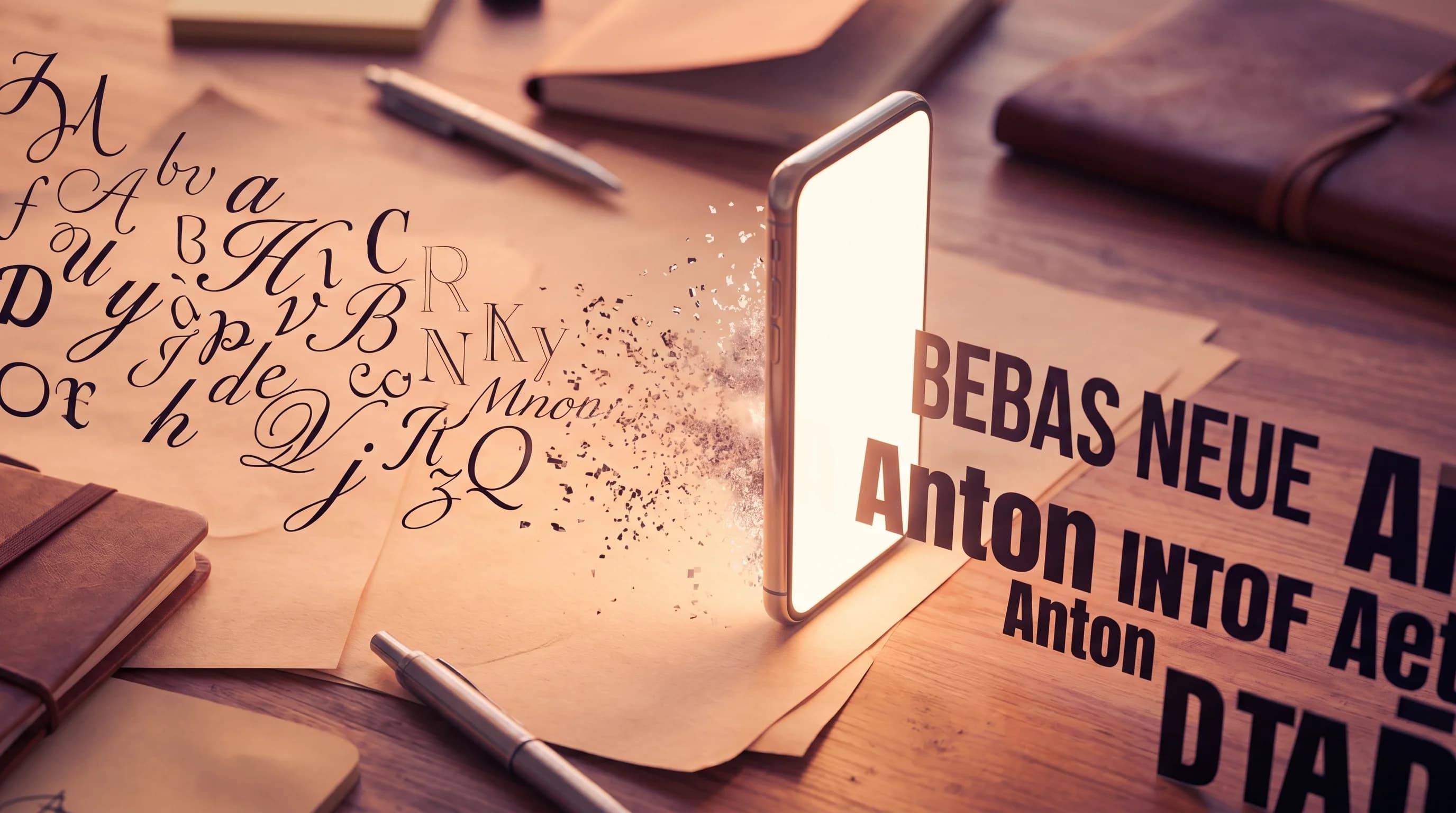
Bold, sans-serif fonts like Impact, Bebas Neue, and Montserrat Extra Bold remain the standard for a reason. They survive extreme size reduction. Thin weights, decorative scripts, and serif fonts with fine hairlines become unreadable smudges at sidebar size.
For font sizing on a standard 1280x720 canvas:
- Primary headline text: 150-200px
- Secondary text: 80-120px
- Minimum readable: 100px for any text you expect viewers to actually read
Contrast matters as much as size. White text with a black outline works on virtually any background. If you use colored text, aim for a contrast ratio of at least 4.5:1 against the background. Place text in the upper portion of the thumbnail to avoid YouTube's timestamp overlay and progress bar.
When More Text Works (The Exceptions)
The 0-3 word guideline is not absolute. Some content categories benefit from slightly more text:
Tutorials and how-to content: Viewers searching for specific solutions respond to text that confirms the thumbnail matches their query. "Fix Lag in Fortnite" is more clickable than just "LAG" for someone searching for that solution. Text overlays increase tutorial CTR by 30-40% compared to image-only thumbnails.
List and ranking videos: "Top 10" or "5 Best" in the thumbnail reinforces the video format. Viewers know what they are getting, and for list content, clarity beats curiosity.
Educational content: Channels in science, finance, or tech often need a few more words to distinguish between similar-looking topics. The key is staying under six words and making each one count.
Even in these categories, the principle holds: every additional word must earn its place. If removing a word does not change the thumbnail's message, remove it.
Typography Choices That Actually Matter
Beyond word count, your font selection affects CTR more than most creators realize. Here are the choices that the data supports:
Weight: Always use bold or extra-bold weights. YouTube's thumbnail rendering compresses images, and thin fonts lose definition. Extra-bold weights maintain their shape even at the smallest display sizes.
Style: Sans-serif fonts dominate high-performing thumbnails for a reason. They are optimized for screen readability at any size. The most battle-tested options are Impact, Bebas Neue, Montserrat Extra Bold, and Oswald Bold.
Color strategy: The default advice is "use red and yellow" — and for good reason, those colors grab attention. But there is a growing shift toward purple and yellow combinations as differentiation becomes harder. When every thumbnail in a niche uses the same red text, the one using purple stands out in the feed.
Outline and shadow: A 2-4px black outline around light-colored text is the single most reliable way to ensure readability across any background. Drop shadows are a close second but can look dated if overdone. A subtle shadow (2-3px offset, 50% opacity black) works better than a heavy one.
Building a Consistent Text System
The creators with the highest brand recognition on YouTube use consistent text styling across every thumbnail. Consistent brand elements — a single signature color and font — increase recognition clicks by 25%.
This means picking one primary font, one or two brand colors for text, and a consistent placement zone, then sticking with them for at least 20-30 uploads. Your thumbnails should be recognizable before a viewer reads the channel name.
Here is a simple system that works:
- Pick one bold sans-serif font and use it for all thumbnail text
- Choose two colors: one for your primary text, one for emphasis or contrast
- Set a placement zone: upper-left or upper-right works best for text placement
- Keep it to 1-3 words unless your niche specifically requires more
- Preview at 168x94px before publishing — if you cannot read it, simplify
This consistency compounds over time. Returning viewers start to recognize your thumbnails in the feed before they even process what the video is about, which builds a recognition-driven click habit that is more valuable than any single viral thumbnail.
Putting This Into Practice
If you are looking at your existing thumbnails and seeing walls of text, here is a practical migration plan:
Week 1: Pick your three best-performing recent videos. Redesign their thumbnails with 2-3 words max. Use YouTube's Test and Compare feature to A/B test the new versions against the originals.
Week 2-3: Apply the minimal text approach to all new uploads. Track CTR in YouTube Analytics for each video.
Week 4: Review the A/B test results and your new video performance. The data will likely confirm what the broader research shows: fewer words, more clicks.
Tools like Hooksnap can speed up this process significantly. Instead of manually redesigning each thumbnail, you can generate multiple text-minimal variants and test which style resonates with your audience. The template system lets you lock in your brand fonts, colors, and text placement so every thumbnail follows your established system automatically.
For creators who want to go deeper on thumbnail strategy, our comparison guides break down how different approaches to thumbnail design — including text strategy — stack up across tools.
Keep reading:
The Bottom Line
The research across 2025 and 2026 tells a clear story: YouTube thumbnail text works best when it is short, bold, and emotionally charged. The optimal range for most creators is 0 to 3 words. Educational and tutorial content can stretch to 4-6 words when clarity demands it. Anything beyond that is actively hurting your click-through rate.
The shift toward neo-minimalism is not just a trend — it reflects how viewers actually process visual information on mobile screens. Your thumbnail has less than a second to communicate its message. Every unnecessary word is friction between the viewer and the click.
Start by cutting your thumbnail text in half. Then test whether you can cut it in half again. The data suggests you probably can.
See how Hooksnap creates click-worthy thumbnails
AI-powered thumbnail generation that helps your YouTube videos get more clicks.
View PlansRelated Tools
Ready to boost your CTR?
Stop losing clicks to boring thumbnails. Get AI-generated thumbnails in under 60 seconds.
Get Started Free