YouTube's AI Disclosure Rules: What Thumbnail Creators Must Know
YouTube now auto-labels AI videos. But AI thumbnails are exempt. Here's what requires disclosure, what doesn't, and how to protect your channel.
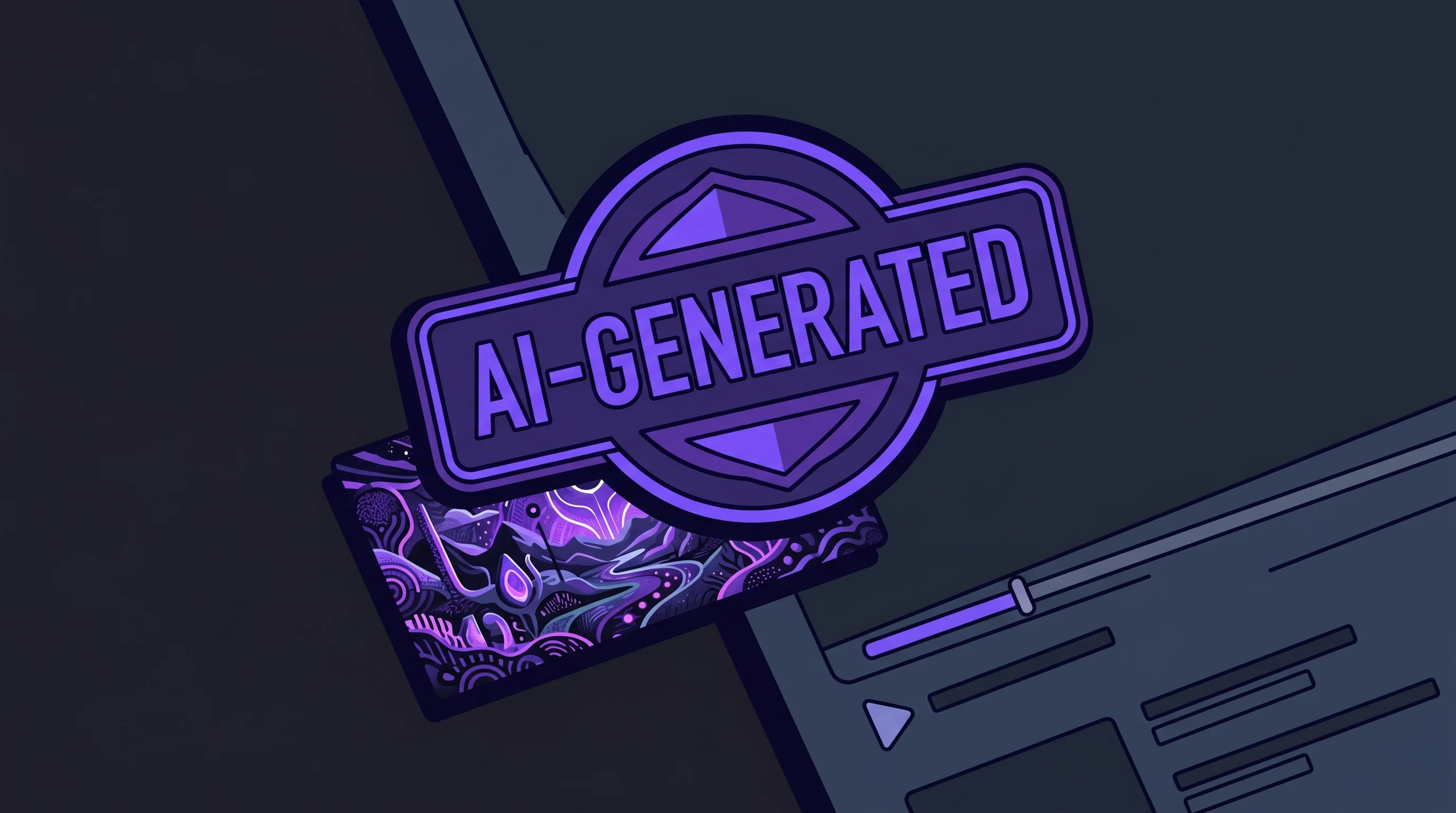
On May 27, 2026, YouTube flipped a switch that every creator should know about. The platform began automatically detecting and labeling AI-generated video content — even when creators don't self-disclose. Labels are now more prominent, appearing directly below the video player on long-form content and as overlays on Shorts.
At the same time, YouTube expanded its likeness detection tool to all creators aged 18 and older, letting anyone flag videos that use their face without permission.
If you use AI to make thumbnails (and 84% of creators now use AI in some form), you might be wondering: do I need to disclose that?
The short answer: no. AI-generated thumbnails are explicitly exempt from YouTube's disclosure rules. But the longer answer involves understanding exactly where the line sits — because getting it wrong can cost you your entire monetization.
The Disclosure Rules, Broken Down
YouTube's AI content policy distinguishes between two categories: content that appears in the video and production tools used to make it. Only the first category requires disclosure.
What Requires Disclosure
You must label your content as AI-altered or synthetic when it includes:
- Synthetic faces or voices that depict real people saying or doing things they didn't actually say or do
- Digitally altered footage of real events or real places that could mislead viewers
- AI-generated scenes that a reasonable viewer might believe depict reality
The keyword is "realistic." YouTube's policy targets content that could deceive viewers about what's real — deepfakes, synthetic news footage, altered historical events.
What Doesn't Require Disclosure
YouTube explicitly exempts production assistance from disclosure requirements. That includes:
- AI-generated thumbnails
- AI-written titles and descriptions
- AI-generated scripts and outlines
- AI-assisted editing (color grading, noise reduction, upscaling)
- AI-generated music for background tracks
This distinction makes sense. Using Hooksnap or any AI thumbnail tool to generate click-worthy thumbnails is no different from using Photoshop's generative fill or Canva's magic resize. It's a production tool, not deceptive content.
Why This Matters Right Now
Three things happened simultaneously that make understanding these rules urgent:
1. Automatic Detection Is Live
Before May 27, 2026, YouTube relied entirely on creators to self-disclose AI content. Now the platform uses internal signals to detect "significant photorealistic AI" in videos and applies labels automatically.
If your video contains C2PA metadata (a digital provenance standard adopted by OpenAI, Nvidia, and ElevenLabs) indicating it was fully AI-generated, the label is permanent — you can't remove it.
For other detected AI content, creators can contest the label through YouTube Studio. But the burden of proof shifted. You're now explaining why a label should be removed, rather than choosing whether to add one.
2. The Consequences Are Real
YouTube's enforcement wave in January 2026 wasn't subtle. The platform deleted 16 major AI channels holding 4.7 billion views and generating nearly $10 million annually. The term YouTube used: "AI slop."
Creators who consistently fail to disclose required AI content face suspension from the YouTube Partner Program — losing ad revenue on every video, not just flagged ones.
The flip side: creators who use verified disclosure labels correctly saw a 45% reduction in "Limited Ads" flags from AdSense. Transparency actually protects revenue.
3. Over a Million Channels Use AI Daily
More than 1 million YouTube channels were using AI creation tools daily by December 2025, according to YouTube CEO Neal Mohan. That number has only grown. Meanwhile, 71% of creators use AI for first drafts and then manually refine — making AI a starting point, not a replacement.
The scale means YouTube's enforcement systems need to be blunt instruments. Which makes knowing the specific rules even more important.
The Gray Areas That Trip Creators Up
The exemption for AI thumbnails seems clear, but certain workflows can blur the line:
AI-Generated Faces in Thumbnails
If you use AI to generate a photorealistic face in your thumbnail that doesn't appear in the video itself, you're technically in production-assistance territory. The thumbnail is not video content. But there's a nuance: if viewers click expecting a person who doesn't exist, that creates a trust problem the algorithm may punish through reduced viewer satisfaction scores.
YouTube's satisfaction-era algorithm cares about whether thumbnails deliver on their promise. An AI face in the thumbnail that doesn't match the video content is a broken viewer contract — not a disclosure violation, but potentially a performance killer.
AI-Enhanced vs. AI-Generated Video Content
Here's where it gets complicated. Say you use an AI tool to:
- Generate a thumbnail (no disclosure needed)
- Write your script (no disclosure needed)
- Generate B-roll footage using text-to-video tools (disclosure needed)
Items 1 and 2 are production tools. Item 3 creates realistic synthetic content that appears in the video. The same creator, the same workflow, but different rules apply to different outputs.
Likeness Detection and Thumbnails
YouTube's expanded likeness detection tool scans newly uploaded videos for enrolled creators' faces. It currently only detects visual matches — not audio. The system works similarly to Content ID but searches for faces instead of copyrighted material.
This primarily affects video content, not thumbnails. But if your thumbnail uses someone else's likeness without permission, you could face a privacy complaint through YouTube's standard channels. The likeness tool makes it easier for creators to discover unauthorized use of their face.
A Practical Decision Framework
When deciding whether your content needs an AI disclosure label, run through this checklist:
Does the AI-generated element appear in the video itself?
- No (thumbnails, titles, descriptions, scripts) → No disclosure needed
- Yes → Continue to next question
Could a reasonable viewer mistake the AI content for real footage?
- No (obvious animations, stylized effects, clearly fictional) → No disclosure needed
- Yes → Continue to next question
Does it depict real people, real events, or real places?
- No → Disclosure recommended but not strictly required
- Yes → Disclosure required
This framework aligns with YouTube's own guidance. When in doubt, disclose. YouTube has explicitly stated that disclosing AI content will not limit your video's audience or affect monetization eligibility.
How to Disclose AI Content in YouTube Studio
If you determine that your video does need an AI label, the process is straightforward:
- Open YouTube Studio and navigate to the video's details page
- Click "Show More" to expand the advanced settings
- Find the "Altered or Synthetic Content" section — it's under the content declaration area
- Check the box confirming your video contains realistic altered or synthetic content
- Save — YouTube applies the label immediately
The label appears below the player for long-form videos and as an overlay on Shorts. Viewers see a brief note indicating the content was altered or generated using AI tools.
If YouTube's automatic detection flags your video incorrectly, you can dispute the label through the same settings panel. YouTube reviews disputes and removes labels when the flagging was a false positive. However, labels applied because of C2PA metadata from tools like Veo or Dream Screen cannot be removed — they're permanent.
What This Means for Your Thumbnail Workflow
If you're using AI tools for thumbnail creation — whether that's Hooksnap for full thumbnail generation, Canva's AI features, or Photoshop's generative fill — nothing changes about your workflow from a compliance standpoint. AI thumbnails remain firmly in the production-assistance category.
But the broader AI labeling shift does affect thumbnail strategy in an indirect way:
Viewers Are Becoming Label-Aware
As AI labels become more visible (below the player, not hidden in descriptions), viewers will develop new browsing patterns. Some will filter toward labeled content out of curiosity. Others may develop mild skepticism. Smart creators will pay attention to whether labeled videos in their niche see CTR shifts over the coming months.
Authenticity Premium Grows
The automatic labeling system reinforces a trend we've been tracking: authenticity is becoming a competitive advantage. When YouTube actively flags AI-heavy content, thumbnails that feel genuine stand out more. This doesn't mean avoiding AI tools. It means using them to enhance your authentic creative voice rather than replace it.
Your A/B Testing Data Gets More Valuable
YouTube's built-in A/B testing now evaluates thumbnails based on watch time share, not just CTR. With AI labels potentially influencing viewer behavior, testing different thumbnail approaches becomes more important. Run tests comparing AI-enhanced thumbnails against traditionally designed ones to see what resonates with your specific audience.
The Bottom Line
YouTube's new automatic AI labeling is the most significant policy shift for creators since the platform started requiring disclosure in early 2024. Here's what to remember:
-
AI thumbnails are exempt — using AI tools for thumbnail creation, titles, scripts, and editing workflows does not require disclosure and never has.
-
Automatic detection is live — YouTube now labels AI video content even when creators don't self-disclose, using internal detection signals and C2PA metadata.
-
Consequences are steep — consistent failure to disclose required AI content can result in YPP suspension, losing monetization on your entire channel.
-
When in doubt, disclose — adding a label costs you nothing. YouTube confirmed it doesn't affect reach or monetization. But failing to add one when you should can cost everything.
-
Focus on the viewer contract — regardless of whether your tools use AI, the real test is whether your thumbnail honestly represents what viewers will find in your video.
The creators who will thrive aren't the ones avoiding AI. They're the ones using it thoughtfully and transparently. The disclosure rules exist to protect viewers from deception, not to penalize creators who use modern tools to do better work.
Stop guessing. Start testing thumbnails.
Paste any YouTube URL and get AI-branded thumbnails in under 60 seconds. Free to try.
Try Hooksnap FreeDan Kim is the founder of Hooksnap, an AI thumbnail generator for YouTube creators. Have questions about AI disclosure rules? Reach out on X.
See how Hooksnap creates click-worthy thumbnails
AI-powered thumbnail generation that helps your YouTube videos get more clicks.
View PlansRelated Articles
The AI Thumbnail Paradox: Why Creators Are Winning With Authenticity in 2026
YouTube just removed 16 channels making $10M yearly. The reason? AI slop. Here's how to use AI for thumbnails without looking fake—and why authenticity is now your competitive advantage.
AI Thumbnail Generation: How It Works and Why Creators Are Switching
Explore how AI-powered thumbnail generation works under the hood, why it produces better results than manual design for most creators, and how the technology is reshaping YouTube content strategy.

How YouTube's Gemini AI Actually Reads Your Thumbnail in 2026
YouTube now uses Gemini AI to analyze thumbnails via semantic IDs. Here's how the algorithm reads your thumbnail and what to change.
Related Tools
Ready to boost your CTR?
Stop losing clicks to boring thumbnails. Get AI-generated thumbnails in under 60 seconds.
Get Started Free