AI Thumbnail Generation: How It Works and Why Creators Are Switching
Explore how AI-powered thumbnail generation works under the hood, why it produces better results than manual design for most creators, and how the technology is reshaping YouTube content strategy.
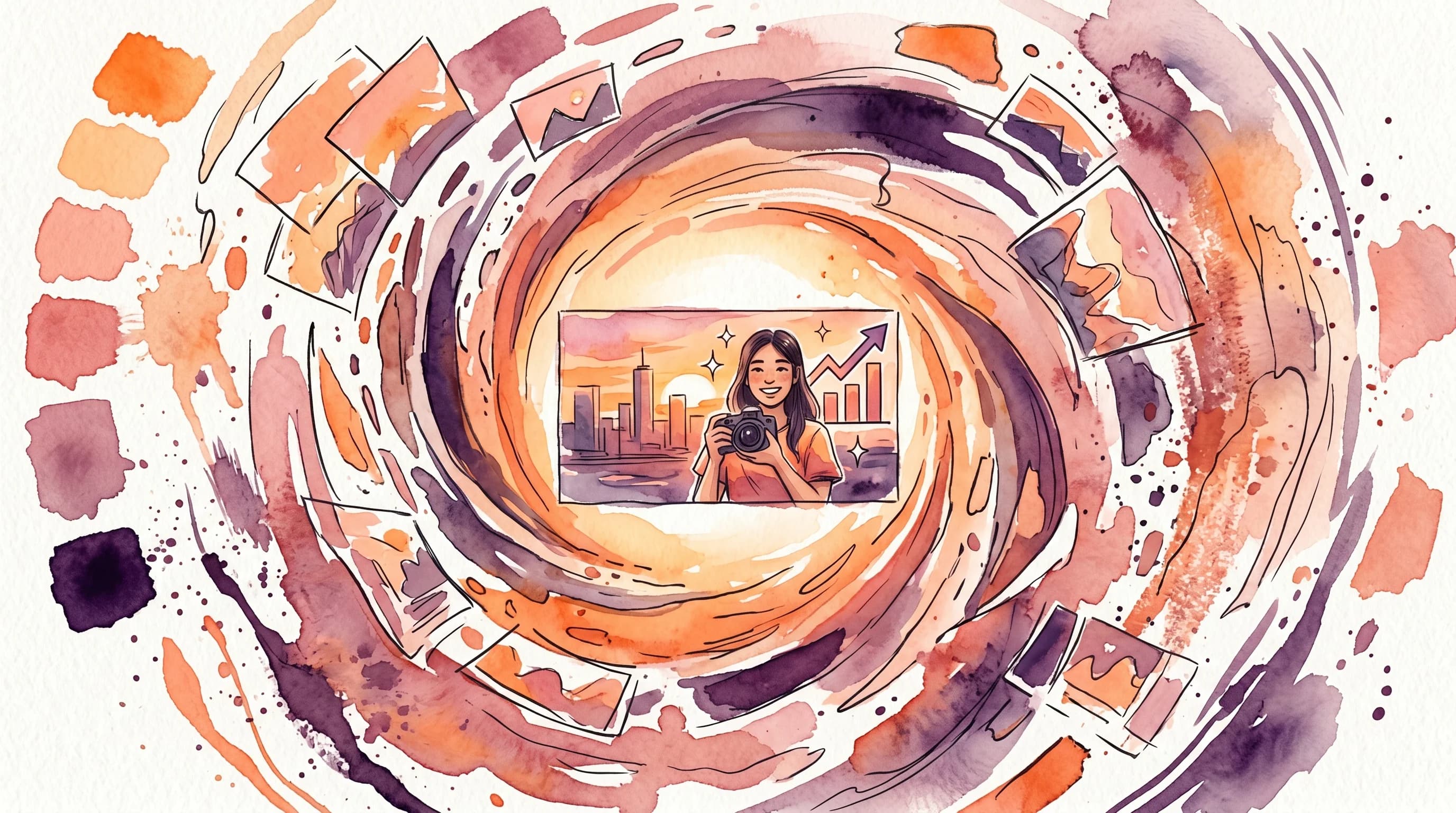
The YouTube creator economy has a bottleneck that nobody talks about: thumbnails. Every successful creator knows that a great thumbnail can double or triple a video's performance. Yet the process of creating one is time-consuming, skill-intensive, and frustrating. You film the video, edit the video, write the title and description, optimize the tags — and then you still need to spend 30-60 minutes designing a thumbnail that might not even work.
AI thumbnail generation is changing this equation fundamentally. Not by replacing creativity, but by eliminating the tedious parts of the process and letting creators focus on what they do best: making content. In this article, we will explore exactly how this technology works, why it produces surprisingly good results, and what it means for the future of YouTube content creation.
The Problem With Manual Thumbnail Design
Before diving into the AI approach, let us understand why the current process is broken.
The Skill Gap
Creating an effective thumbnail requires a specific combination of skills: graphic design, color theory, typography, composition, and an understanding of viewer psychology. Most YouTubers are content creators first — they are experts in their niche, whether that is cooking, gaming, education, or entertainment. Asking them to also be expert graphic designers is like asking a novelist to also be a book cover illustrator.
The result is predictable: most thumbnails are mediocre. They are either too complex, too simple, or simply do not follow the principles that drive clicks. Even creators who understand the theory often struggle with execution. Knowing that high contrast and clear focal points matter is very different from being able to produce them consistently under deadline pressure.
The Time Sink
A professional-quality thumbnail takes 30-60 minutes to create, assuming the creator has the skills and tools. For creators who upload 2-3 times per week, that is 2-3 hours per week spent on thumbnails alone. Over a year, that is 100+ hours — time that could be spent creating content, engaging with the audience, or simply resting.
Many creators compromise by spending less time on thumbnails, which leads to lower quality, which leads to fewer views, which makes the time investment in video production less worthwhile. It is a vicious cycle.
The Consistency Challenge
Even creators who can produce one great thumbnail struggle with consistency. Designing 100+ thumbnails per year while maintaining a cohesive visual identity is exhausting. Creative fatigue sets in, styles drift, and quality becomes uneven. The channel's thumbnail grid — which serves as a visual portfolio for every new visitor — ends up looking scattered and unprofessional.
How AI Thumbnail Generation Works
AI thumbnail generation is not a single technology — it is a pipeline of specialized AI systems working together. Here is what happens under the hood when you feed a video into an AI thumbnail generator.
Step 1: Video Analysis
The first stage involves understanding what the video is actually about. This goes far beyond reading the title. Modern AI systems analyze multiple signals:
Visual Analysis: The AI watches the video and identifies key visual elements — faces, objects, scenes, actions, and emotional moments. It uses computer vision models trained on millions of images to understand what is visually compelling and what is mundane.
Audio Analysis: Speech-to-text transcription extracts the narrative content. The AI identifies key topics, emotional peaks, surprising revelations, and climactic moments. These are often the best candidates for thumbnail representation.
Content Understanding: Natural language processing interprets the transcription to understand the video's core message, structure, and emotional arc. Is this a tutorial? A reaction video? A story? Each type has different thumbnail conventions that perform well.
Step 2: Frame Selection
Not every moment in a video makes a good thumbnail. The AI evaluates thousands of frames and scores them on multiple criteria:
- Face expression quality — clear, emotionally expressive faces score higher
- Composition balance — frames with natural focal points and visual balance
- Lighting quality — well-lit frames with good contrast
- Uniqueness — frames that are visually distinct from the rest of the video
- Emotional alignment — frames that match the video's peak emotional moments
- Technical quality — sharpness, color quality, absence of motion blur
This scoring process typically reduces thousands of candidate frames to 5-10 top candidates.
Step 3: Scene Understanding and Composition
Once the best frames are selected, the AI needs to understand how to compose them into an effective thumbnail. This is where things get sophisticated.
The system analyzes each selected frame for:
- Subject positioning — where the main subject is located and how to reframe for optimal thumbnail composition
- Background complexity — whether the background supports or distracts from the subject
- Text placement zones — areas of the frame where text would be readable without obscuring important elements
- Color palette — the dominant colors and their emotional associations
Using these analyses, the AI generates multiple composition options — face on the left with text on the right, centered subject with text above, split-screen comparisons, and more.
Step 4: Text and Graphics Generation
The AI generates text overlay options based on the video's content analysis. This is not random text — it is strategically crafted to create curiosity gaps and emotional triggers.
The text generation process considers:
- Key phrases from the video that would create curiosity
- Emotional language that aligns with the video's tone
- Length optimization — keeping text to 2-5 words for maximum readability
- Complement vs. duplicate — ensuring the text adds information not already in the title
Graphics elements — arrows, circles, borders, emojis — are added based on thumbnail conventions for the specific content category. Gaming thumbnails have different graphic conventions than educational content, and the AI knows the difference.
Step 5: Style Transfer and Rendering
The final stage applies visual styling to create a polished, professional-looking thumbnail. This includes:
- Color grading — enhancing saturation, contrast, and color balance for maximum visual impact
- Background treatment — blurring, desaturating, or replacing backgrounds to increase subject prominence
- Text styling — applying fonts, strokes, shadows, and effects that ensure readability at all sizes
- Consistency matching — if the channel has existing thumbnails, the AI can match the established visual style
The result is typically 4-8 thumbnail options generated in under 60 seconds, each representing a different creative approach to the same video content.
Why AI Thumbnails Often Outperform Manual Design
This might seem counterintuitive. How can an algorithm produce better results than a human designer? The answer lies in data-driven optimization and elimination of human biases.
Pattern Recognition at Scale
AI thumbnail generators are trained on millions of thumbnails and their corresponding performance data. They have internalized patterns about what works and what does not at a scale no individual designer could achieve. While a human designer might have intuitions about what makes a good thumbnail, the AI has statistical evidence across thousands of niches and content types.
Elimination of the Curse of Knowledge
Human creators suffer from the "curse of knowledge" — they know too much about their own video. This makes them poor judges of what would create curiosity for someone who has not seen it. They tend to create thumbnails that summarize the content rather than thumbnails that tease it.
AI systems do not have this bias. They evaluate thumbnail effectiveness based on visual and textual signals without being "attached" to the content. This often produces more effective curiosity gaps.
Consistent Application of Best Practices
Human designers have good days and bad days. They get tired, rushed, and creatively drained. They sometimes break their own rules because a design "feels right" even when it violates proven principles.
AI systems apply best practices consistently every single time. High contrast? Always. Readable text? Always. Clear focal point? Always. This consistency compounds over dozens of videos into a significant performance advantage. If you want to see how different tools compare on this dimension, check out our Hooksnap vs Canva breakdown.
Multi-Variant Generation
Perhaps the biggest advantage of AI thumbnail generation is volume. When you can generate 8 options in 60 seconds instead of 1 option in 60 minutes, you have a fundamentally different creative process. You are no longer committed to making your first idea work. Instead, you can evaluate multiple approaches and choose the one that feels most compelling.
This also enables proper A/B testing. With manual design, creating multiple variants for testing is prohibitively expensive in time. With AI, you can test different approaches on every video and build a data-driven understanding of what your specific audience responds to. Hooksnap's A/B testing feature is built specifically for this workflow.
Stop guessing. Start testing thumbnails.
Paste any YouTube URL and get AI-branded thumbnails in under 60 seconds. Free to try.
Try Hooksnap FreeThe Creator Workflow Revolution
AI thumbnail generation does not just save time — it changes the entire content creation workflow in meaningful ways.
From "Design Task" to "Selection Task"
The fundamental shift is from creation to curation. Instead of staring at a blank canvas and building a thumbnail from scratch, creators review 4-8 AI-generated options and select (or combine) the best elements. This is a completely different cognitive task — one that is faster, less stressful, and often produces better results because human judgment excels at evaluation and comparison, even when it struggles with creation from scratch.
Faster Publishing Cycles
When thumbnail creation takes 60 seconds instead of 60 minutes, creators can publish faster. This is particularly valuable for time-sensitive content — news reactions, trending topics, and event coverage — where being early significantly impacts views.
Several creators have reported that switching to AI thumbnails allowed them to increase their upload frequency from 2 to 3 videos per week without increasing total production time. Over a year, that is 50+ additional videos and the compound growth that comes with them.
Data-Driven Iteration
When AI handles the generation, every thumbnail becomes an experiment. Creators can track which AI-generated styles and approaches perform best for their channel and feed that data back into the system. Over time, the AI learns the specific visual preferences of each channel's audience, producing increasingly optimized results.
This creates a positive feedback loop that is impossible with manual design: more thumbnails → more performance data → better AI optimization → better thumbnails → more views → more data.
Common Concerns and Misconceptions
"AI thumbnails all look the same"
This was true of early AI image generation tools, but modern thumbnail-specific AI systems are designed to produce variety. They combine different compositions, text approaches, color palettes, and graphic styles. The key is that they produce variety within a framework of proven principles — each option is different, but all options follow best practices.
"I'll lose my creative control"
AI thumbnail generation is a tool, not a replacement for creative direction. Most systems allow you to influence the output through style preferences, brand guidelines, and specific requests. Think of it as having a highly skilled design assistant who can quickly produce options based on your direction, rather than an autonomous agent that makes all decisions for you.
"My audience will notice they're AI-generated"
Viewers do not evaluate thumbnails based on how they were made — they evaluate them based on how compelling they are. A great AI-generated thumbnail will outperform a mediocre manual one every time. And as the technology continues to improve, the quality gap is rapidly closing even for the highest-end comparisons.
"It's too expensive"
Consider the true cost of manual thumbnail design: your time. If you value your time at even $25 per hour and spend 45 minutes per thumbnail, each manual thumbnail costs you approximately $19 in time. At 2-3 videos per week, that is $40-57 per week, or $2,000-3,000 per year. Most AI thumbnail tools cost a fraction of this, making them financially compelling even before considering the potential CTR improvements.
The Future of YouTube Thumbnails
The trajectory is clear: AI will become the default thumbnail creation method for the majority of YouTube creators within the next 2-3 years. But this does not mean the end of human creativity in thumbnails — it means the beginning of a new creative paradigm.
Personalized Thumbnails
The next frontier is viewer-specific thumbnail optimization. YouTube already tests different thumbnails for different audience segments. As AI thumbnail generation becomes more sophisticated, creators will be able to generate multiple versions optimized for different viewer personas — a casual browser might see a more sensational thumbnail, while a loyal subscriber might see one that emphasizes the content's depth.
Real-Time Optimization
Current A/B testing requires manually creating variants and waiting for results. Future AI systems will generate and test variants continuously, automatically swapping thumbnails based on real-time performance data. Your video's thumbnail at hour one might be different from its thumbnail at hour 24, automatically optimized based on how different audience segments respond.
Cross-Platform Optimization
YouTube thumbnails, Instagram stories, Twitter cards, and TikTok covers all have different optimal formats and conventions. AI systems will generate platform-specific variants from a single video, each optimized for its target platform's unique requirements and audience expectations.
Keep reading:
- create thumbnails in 60 seconds with AI
- does AI thumbnail generation actually work?
- Hooksnap vs ThumbMagic
Getting Started
If you are ready to explore AI thumbnail generation, here is how to begin:
-
Audit your current performance. Look at your CTR across your last 20 videos. Identify your best and worst performers. Understanding your baseline is essential for measuring improvement.
-
Start with your next video. Do not try to redesign your entire back catalog at once. Use AI to generate thumbnails for your next upload and compare the results.
-
A/B test immediately. Generate multiple AI options and test the best two against each other. Real data is worth more than any amount of theoretical analysis.
-
Iterate based on results. Track which styles and approaches perform best for your specific audience. Feed this information back into your thumbnail process, whether AI-assisted or manual.
-
Scale gradually. As you build confidence in the AI approach, increase your reliance on it for routine thumbnails while maintaining manual design for special content that deserves extra creative attention.
The creators who adopt AI thumbnail tools early will have a significant advantage — not just in time saved, but in the compounding performance benefits of consistently optimized thumbnails. The technology is ready. The question is whether you are.
See how Hooksnap creates click-worthy thumbnails
AI-powered thumbnail generation that helps your YouTube videos get more clicks.
View PlansFrequently asked questions
AI thumbnail generators analyze your video content — including key frames, transcript, and topic — then use generative AI models to create thumbnail images optimized for YouTube. The process typically includes scene analysis, composition planning, image generation, and text overlay in under 60 seconds.
Modern AI thumbnail generators produce unique images for each video based on its specific content. Tools like Hooksnap use brand kits and templates to maintain visual consistency while creating distinct thumbnails. The output quality depends heavily on the tool — purpose-built YouTube tools produce significantly better results than generic AI image generators.
AI thumbnail generators are best suited for solo creators and small teams who cannot afford dedicated designers. Large channels with established design teams may use AI to generate initial concepts or A/B test variants. The technology handles production-quality thumbnails well, but custom illustration and highly artistic styles still benefit from human designers.
Related Articles
AI Thumbnail Generator for YouTube: What Actually Works in 2026
A practical breakdown of AI thumbnail generators for YouTube — how they work, what they produce, and which approach gives creators real results in 2026.
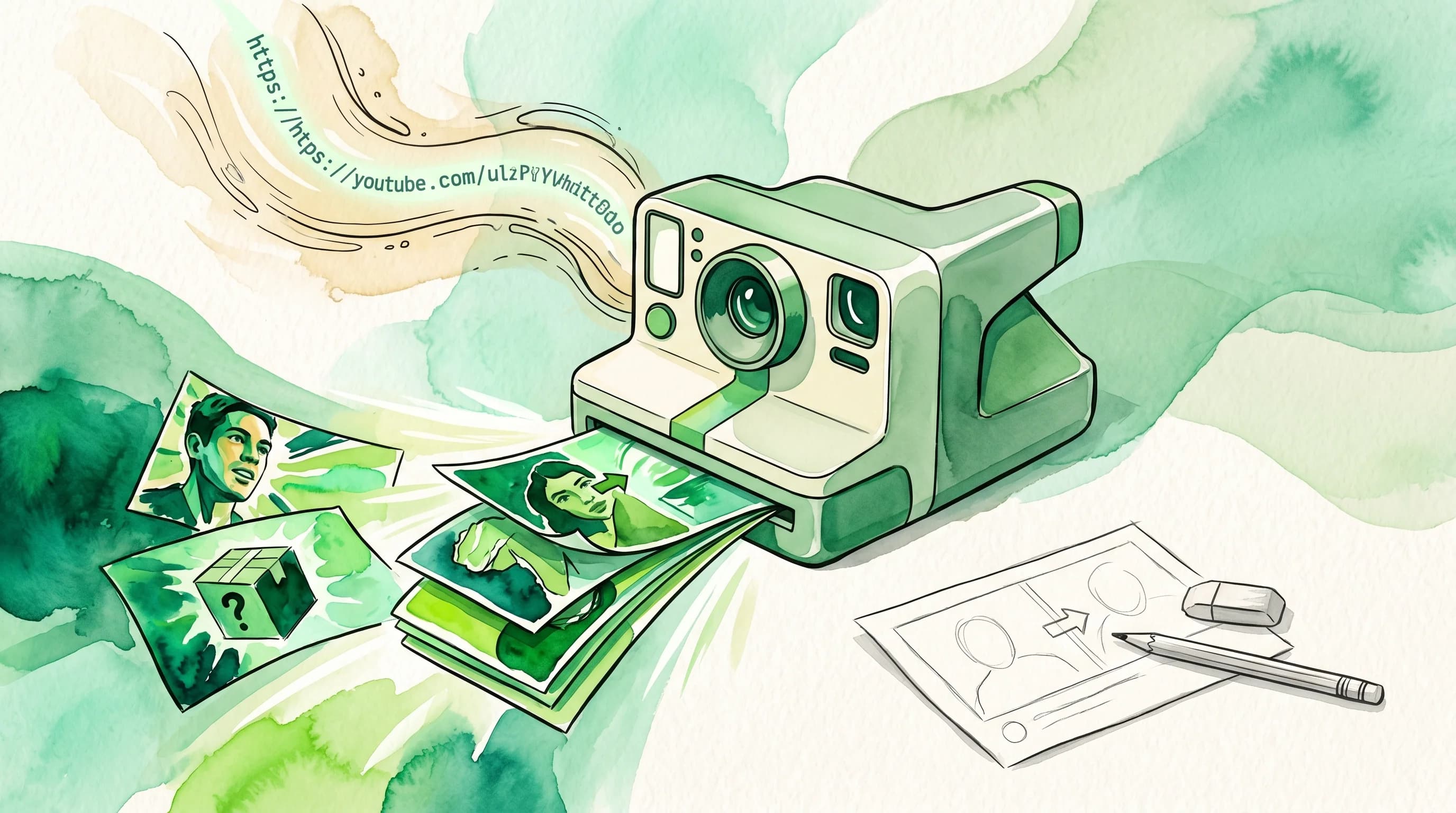
How to Use AI to Create YouTube Thumbnails in 60 Seconds
Learn how AI thumbnail generators turn a YouTube URL into click-worthy thumbnails in under a minute. A step-by-step guide for creators who want better CTR without the design grind.
AI Thumbnail Generator: Does It Work? An Honest Look
Do AI thumbnail generators actually improve YouTube CTR? Real data, creator results, and the honest limitations before you commit.
Related Tools
Ready to boost your CTR?
Stop losing clicks to boring thumbnails. Get AI-generated thumbnails in under 60 seconds.
Get Started Free

