YouTube's Deepfake Tool Skips Your Thumbnail. Here's the Gap.
YouTube opened Likeness Detection to all creators in May 2026. It scans videos for AI deepfakes — but skips your thumbnail, the most face-jacked surface you own.
In May 2026, YouTube did something most creators have wanted for years: it opened its AI Likeness Detection tool to every adult creator, not just the verified, the famous, or the Partner Program elite. Turn it on, complete a one-time face verification, and YouTube quietly scans the platform for AI-generated videos that misuse your face — much the way Content ID scans for stolen audio (Engadget, Tubefilter).
It's a genuinely good policy move. It's also incomplete in a way that matters a lot for thumbnails.
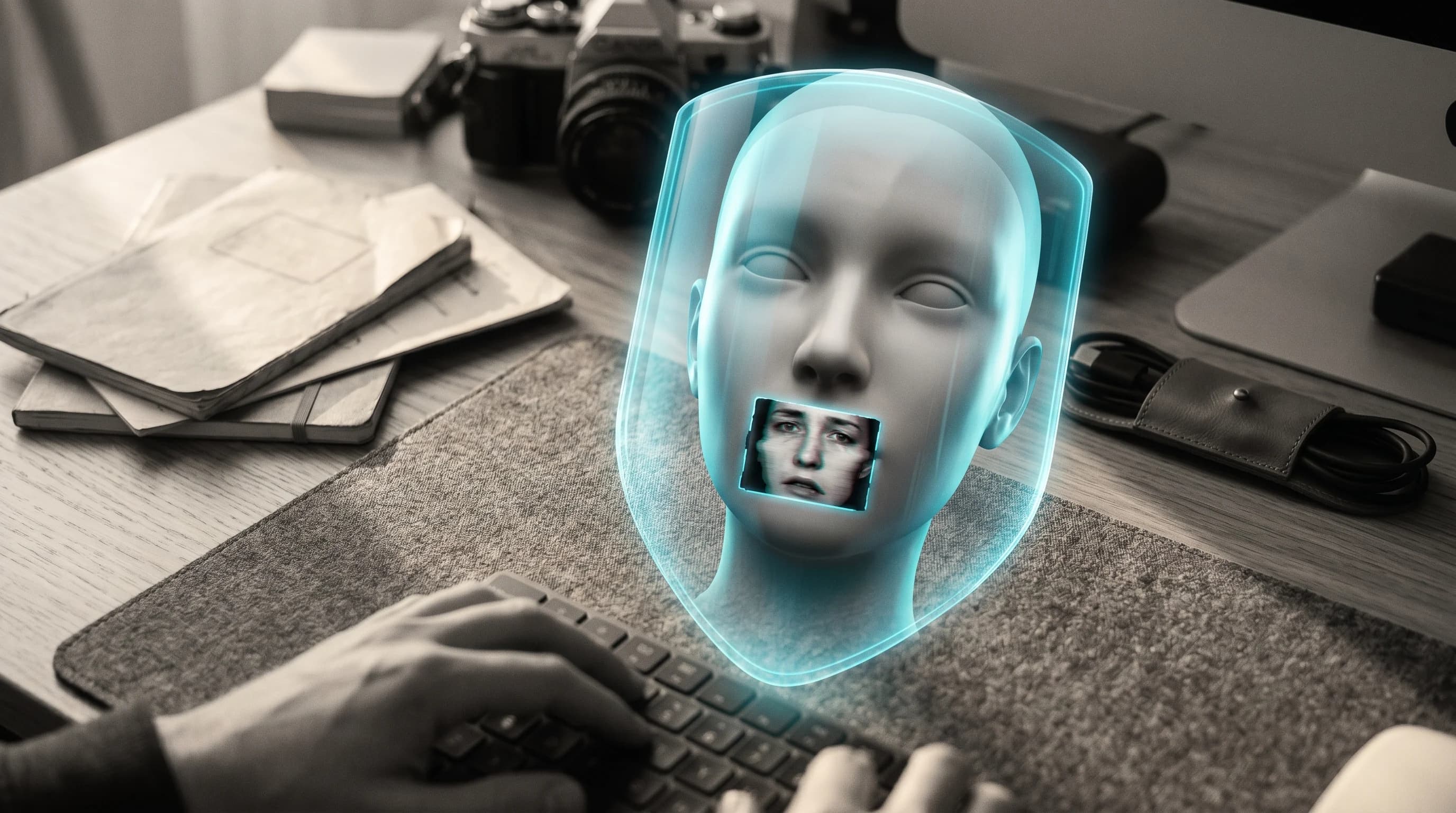
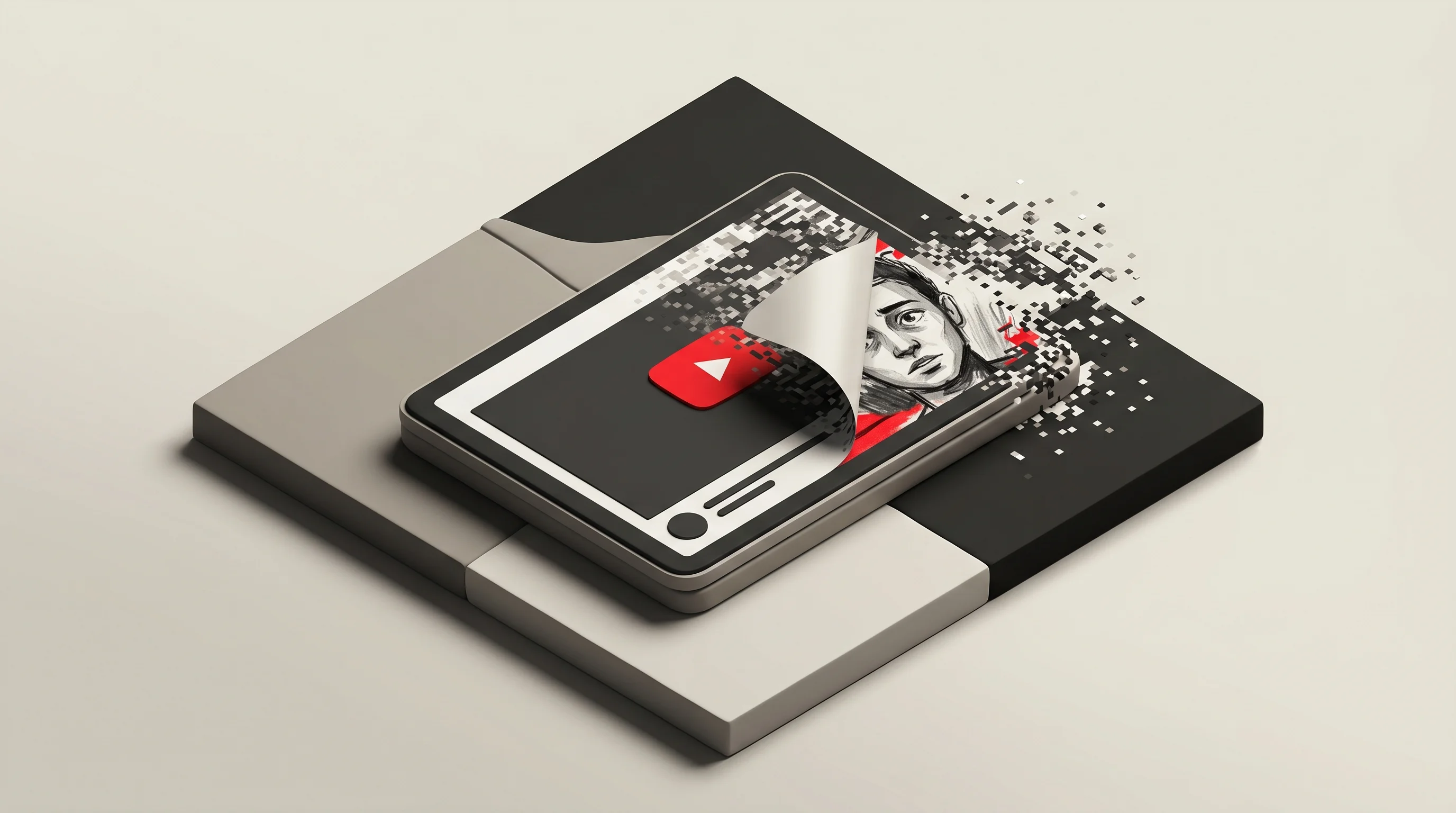
I run an AI thumbnail tool (Hooksnap), so I read every YouTube policy update through one lens: what does this change about the image people see before they click? And here's the catch buried in the fine print of Likeness Detection — it acts on video content, not on thumbnail images. The single most visible place a scammer can clone your face, the 1280x720 rectangle that sells the click, is the surface the new tool doesn't touch.
This post is about that gap: why thumbnail face-jacking is the attack the tool leaves open, what you can actually do about it today, and how a recognizable thumbnail identity is your cheapest defense.
What YouTube actually shipped — and what it covers
Let's be precise, because the headlines blurred this.
Likeness Detection has rolled out in phases:
- 2024: previewed publicly.
- Late 2025: launched, but limited to Partner Program members.
- Early 2026: expanded to a pilot group of government officials, political candidates, and journalists (TechCrunch).
- April 2026: extended to the entertainment industry — talent agencies, management companies, and the celebrities they represent, even those without a channel (blog.youtube).
- May 2026: opened to all adult creators 18 and older (Engadget).
To use it, you complete a one-time facial verification — uploading a government ID and recording a short selfie video. After that, the tool runs in the background and surfaces matches in YouTube Studio, where you can request removal (Business Standard).
The expansion isn't happening in a vacuum. UK cybersecurity firm Pi-Labs reported a 900% increase in deepfake material in recent years (India TV). Cloning a face is no longer a research-lab trick; it's a weekend project.
Now the two limits YouTube states plainly:
- It covers facial likeness only — not voice clones.
- It scans video content — the frames inside an upload — not the thumbnail image attached to it.
That second limit is the one nobody is talking about, and it's the one that hits creators where they're most exposed.
Why your thumbnail is the easiest face to steal
Think about how a scam or reupload channel actually operates. They don't need to deepfake a whole 12-minute video to fool your audience. They need exactly one convincing image: a thumbnail with your face, your expression, your color palette, and a caption like "I'm giving away $10,000 — link in description."
That's face-jacking: lifting a creator's likeness into a fake thumbnail to borrow their trust for a single click. And it's effective because the thumbnail is doing the persuasion before any video plays.
The mechanics are well documented. Impersonators copy a real channel's name, description, logo, and profile picture, often with a one-character swap — during the 2023 crypto-scam wave, fraudsters replaced "O" with "0" in famous names and fooled thousands (eydle). Marques Brownlee has said many of his own subscribers were targeted by impersonation scams using his name, and scammers spun up dozens of fake "@mrbeast__giveaway"-style accounts to mimic MrBeast's brand. The scale of platform fraud is real: per Statista, more than 75% of removed YouTube comments in Q4 2021 were deleted for spam, misleading, or fraudulent content (eydle).
Here's why the thumbnail is the soft target specifically:
- It's the highest-leverage single image on YouTube. Average CTR sits between 2% and 10%, and a clean +4% is a good thumbnail (Miraflow). Scammers know a believable face-jacked thumbnail can pull clicks far above that — they're borrowing your earned trust, not building their own.
- It's static. A deepfake video has tells: lip-sync drift, blink rate, weird hands. A still image of your face has almost none. There's nothing to "detect" frame-to-frame because there are no frames.
- It lives outside the video file. Likeness Detection reels in the upload; the thumbnail is metadata attached to it. The tool's scope simply doesn't extend there.
So the uncomfortable truth: the feature YouTube just gave every creator protects the part of your content that was already the hardest to convincingly fake, and skips the part that was always the easiest.
What you can actually do today
The gap exists. It doesn't mean you're defenseless — it means the defense is manual and brand-led, not automated. Here's the playbook I'd run if I were a face-forward creator.
1. Use the right takedown lane — it isn't Likeness Detection
Because the tool doesn't cover thumbnails, reporting a face-jacked thumbnail through it won't work. For misuse of your face or voice in AI-generated content — including a thumbnail — YouTube routes you to the Privacy complaint process, since it treats your likeness as personal data (Bytescare). For a channel cloning your name, logo, and branding, use the Impersonation report form. Knowing which lane to use saves you days; most creators fire the wrong form and wait.
2. Make your real face un-fakeable through consistency
You can't stop a scammer from generating an image. You can make their fake look obviously off to your own audience. The defense is a recognizable, consistent thumbnail identity — the same framing, the same color signature, the same typographic system across every upload. When your audience has seen your real packaging 200 times, a face-jacked knockoff with the wrong palette and a stock-AI gloss reads as fake instantly. Consistency is pattern memory, and pattern memory is the cheapest fraud filter there is. (We dug into the broader case for this in Proof-of-Human Thumbnails.)
3. Set a Google Alert and a reverse-image habit
Detection on the thumbnail surface is on you. Tells worth watching for: a "new" channel posting dozens of your old videos in a single day, a profile copying your bio verbatim, or your exact avatar on a near-identical handle. A monthly reverse-image search on your most-recognizable thumbnail catches a surprising amount.
4. Don't let CTR advice make you easier to fake
There's a subtle trap here. Generic advice screams "put a giant shocked face on everything." But faces don't help every niche — they can actively hurt in gameplay, tutorials, and ASMR, where the content is the draw. One creator reported dropping from 5% CTR to 0.9% after bolting a face onto thumbnails based on cookie-cutter advice (vidIQ). The irony: a generic, interchangeable "shocked creator face" is easier to fake than a distinctive, on-brand identity. Designing for your niche and your brand isn't just better packaging — it's a harder target. (More on niche-specific design in the niche formula guide.)
5. Remember Quality CTR cuts against the fakers anyway
YouTube's 2026 "Quality CTR" shift judges not just the click but what happens in the 30 seconds after (Humble & Brag). Scam thumbnails get the click and then crater on retention, because there's no real video behind the promise. The same algorithm change that punishes your own over-promising thumbnails also starves the impersonators. It won't remove them, but it limits their reach — one more reason your honest, on-brand packaging is the durable play.
The honest read on where this leaves creators
Likeness Detection is a real step forward, and I don't want to undersell it. A 900% rise in deepfakes is a genuine threat, and giving every creator — "whether they've been uploading for a decade or are just starting," as YouTube's spokesperson put it (Engadget) — the same Content-ID-style protection is the right direction. YouTube has even said it plans to eventually block violating uploads before they go live.
But "before they go live" still means the video. Until the tool's scope reaches the thumbnail layer, the most clickable face on the platform — yours, in a rectangle — stays outside the fence. The realistic posture for 2026 isn't "I'm protected now." It's "my video is better protected, and my thumbnail is still my job."
That's where a deliberate thumbnail identity earns its keep. At Hooksnap, we help creators build a consistent, recognizable look from their own channel's style — the kind of signature that makes a knockoff obvious to the people who matter most, your subscribers. To be clear about what we don't do: we don't detect or remove deepfakes, and no thumbnail tool can. What a strong, repeatable visual identity does is shrink the surface area a face-jacker can exploit, because a fake that doesn't match your established pattern stops looking like you. (If you've never test-packaged a video idea, we wrote about doing it before you film — and that same discipline is what builds the recognizable look in the first place.)
The takeaway
YouTube's Likeness Detection expansion is the headline, but the strategy story is the gap underneath it:
- The tool now protects every adult creator's face in video content — a real win against a 900%-larger deepfake problem.
- It does not cover thumbnails or voice, which leaves face-jacking — cloning your face into a fake thumbnail — as the open attack surface.
- The thumbnail is the soft target precisely because a still face has no detection tells and it's the highest-leverage image you own.
- Your defenses are manual and brand-led: use the Privacy complaint lane (not Likeness Detection) for thumbnail misuse, and build a consistent, recognizable identity so fakes look fake to your audience.
The creators who'll weather the deepfake era aren't the ones with the most aggressive shocked-face thumbnails. They're the ones whose packaging is so distinctly, recognizably theirs that a clone can't pass for the real thing.
If you want to build that kind of recognizable thumbnail identity from your own channel's style, try Hooksnap free — it learns your look so every upload reinforces the pattern only you own.
See how Hooksnap creates click-worthy thumbnails
AI-powered thumbnail generation that helps your YouTube videos get more clicks.
View PlansRelated Articles

Proof of Human Thumbnails: Why Authenticity Beats AI on YouTube
Viewers have AI fatigue and YouTube's algorithm knows it. What the Proof of Human thumbnail trend means for your CTR in 2026.
YouTube's AI Disclosure Rules: What Thumbnail Creators Must Know
YouTube now auto-labels AI videos. But AI thumbnails are exempt. Here's what requires disclosure, what doesn't, and how to protect your channel.
The AI Thumbnail Paradox: Why Creators Are Winning With Authenticity in 2026
YouTube just removed 16 channels making $10M yearly. The reason? AI slop. Here's how to use AI for thumbnails without looking fake—and why authenticity is now your competitive advantage.
Related Tools
Ready to boost your CTR?
Stop losing clicks to boring thumbnails. Get AI-generated thumbnails in under 60 seconds.
Get Started Free