YouTube Video Highlights: The Thumbnail Loses Its Monopoly (2026)
YouTube is testing curated clip previews that reveal a video before the click. What the Video Highlights layer means for your thumbnails.
For fifteen years the deal was simple: your thumbnail and title were the only things a viewer saw before deciding whether to click. Everything you knew about packaging — the bold face, the curiosity gap, the three-word overlay — was built on that single assumption. The thumbnail was the gate, and you owned the gate.
That assumption is now being tested, literally. YouTube is running an experiment called Video Highlights that inserts a new layer between the recommendation and the click: a strip of short, curated clips pulled from the video itself, shown before a viewer commits to watching. It's a small Android test for now. But the direction it points is the thing worth paying attention to, because it changes what a thumbnail is for.
Let me walk through what's actually happening, why it's different from the hover preview you already know, and what it does to the way you should be designing packages this year.
Quick Answer
YouTube's Video Highlights is a test feature that shows viewers a set of short, curated clips from a video before they click — not the autoplaying first frame, but moments YouTube selects to represent what the video actually delivers. It's currently a small-scale experiment on the Android app. For creators, the effect is that the thumbnail stops being the only pre-click promise. A thumbnail that overpromises now risks being contradicted by the preview before the viewer ever clicks, which means the highest-return move is package coherence — a thumbnail whose claim the first thirty seconds of footage can visibly back up. Bait still earns the tap, but the preview is starting to audit the bait in real time.
What Video Highlights actually is
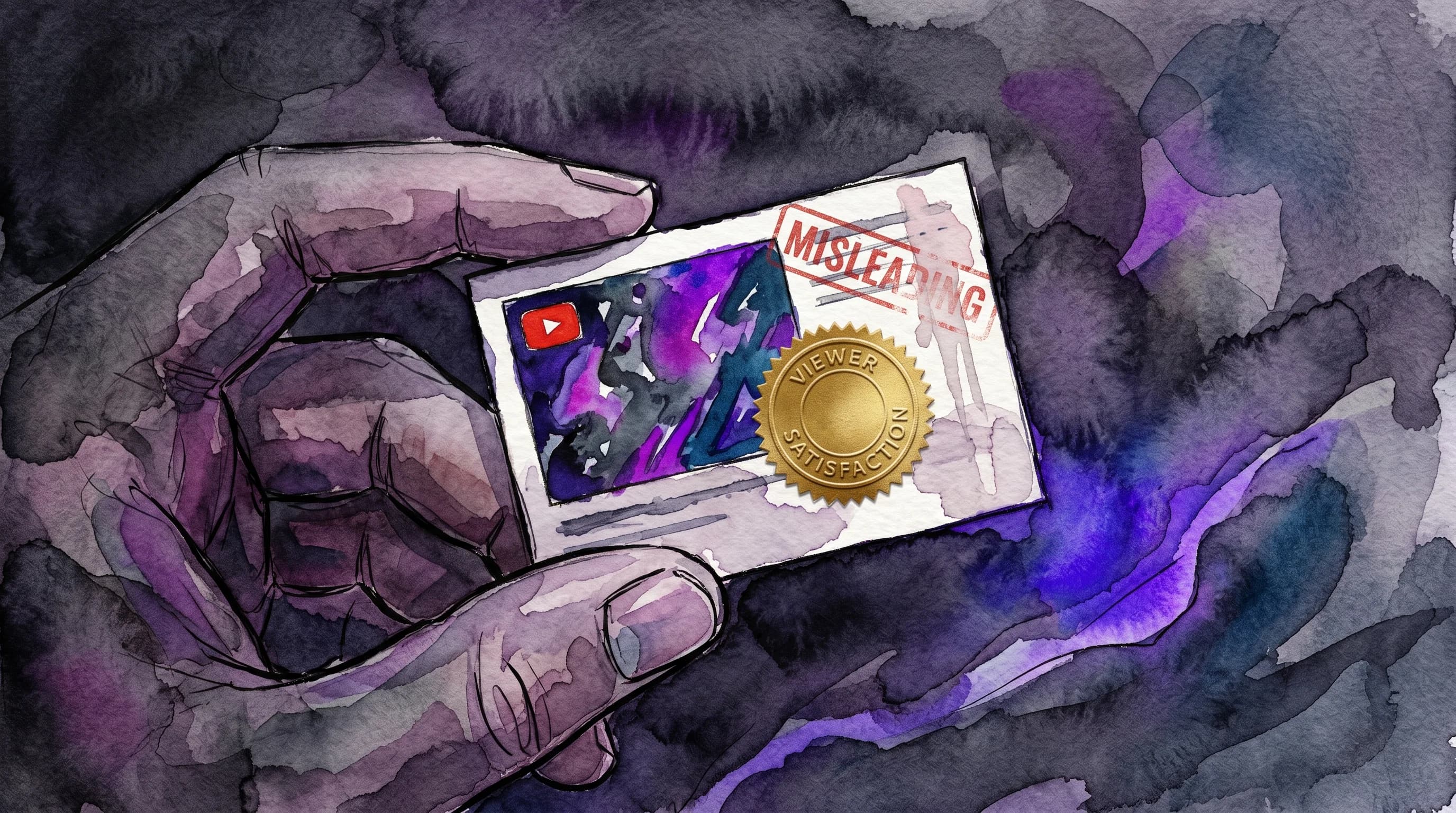
When you click an entry card on your home feed in the test, instead of jumping straight into a video you get five to ten short previews — quick, engaging moments lifted from videos already recommended for you. YouTube frames it plainly as a way to help people avoid being misled by thumbnails by surfacing what the content really contains before the click.
The key word is curated. This is not the three-second hover preview that's existed for years, which just plays from somewhere near the start of the video. YouTube is selecting representative moments — the closest analog is a movie trailer assembled by the platform instead of the studio. Previews are available for most videos longer than 30 seconds and are silent by default, so the visual is doing all the persuading.
Stack that on top of the changes already in flight — AI-generated chapter and topic summaries and the broader push to give viewers more pre-click context — and a pattern emerges. YouTube is steadily widening the pre-click surface. The thumbnail used to be the whole storefront window. Now it's one item in the window, and the platform is adding a "watch the trailer" button next to it.
Why YouTube is doing this (and why it's not a fluke)
This isn't YouTube being precious about honesty for its own sake. It's the front-end of a much bigger machinery shift. Throughout 2025 and into 2026, YouTube moved its ranking system away from raw clicks toward viewer satisfaction and watch-time share. The platform's product teams have said the quiet part out loud: satisfaction signals are now the primary ranking input, and watch time is a supporting metric rather than the center of gravity.
Here's the chain that makes the preview inevitable. If satisfaction is the goal, then a click that ends in a fast bounce is worse than no click at all — it teaches the system you misled someone. Industry analysis puts a hard number on the damage: misleading thumbnails cause roughly a 40% audience loss in the first 30 seconds, and the algorithm reads that drop-off as a clickbait signal and suppresses future recommendations. If you have a 12% CTR but viewers leave after fifteen seconds because the package overpromised, the system interprets that as clickbait and throttles your reach.
A pre-click preview is simply the most efficient way to reduce those poisoned clicks at the source. Why let a viewer click, bounce, and generate a negative satisfaction signal when you can let them self-select out before they click — protecting both the viewer's time and the creator's retention numbers? Video Highlights is the algorithm's satisfaction obsession made visible to the audience.
Make sure your thumbnail and your footage tell the same story
Hooksnap builds title-and-thumbnail packages from your actual video, so the promise you make in the thumbnail is one your first thirty seconds can keep. No mismatch for the preview to expose.
Try it freeWhat this changes about thumbnail strategy
The instinct, when a feature like this shows up, is to panic and declare the thumbnail dead. That's wrong, and it's wrong in an expensive way. The thumbnail is still the thing that earns the impression-to-attention moment — it's what makes a viewer pause long enough to even see the preview. What changes is the kind of thumbnail that wins. Three shifts are worth internalizing now, before the feature graduates from test to default.
1. The gap between promise and payoff becomes visible
The old clickbait playbook ran on a closed loop: make a wild promise in the thumbnail, collect the click, and by the time the viewer realizes the payoff isn't there, you've already banked the view. The preview cracks that loop open. If your thumbnail screams "I FOUND $10,000" and the curated clips show a guy talking at a desk, the viewer never clicks — and you never even get the bounce that would have at least registered as engagement.
This doesn't mean you stop making bold thumbnails. It means the boldness has to be cashable. The strongest move is a thumbnail that states a claim the footage can immediately confirm. A "before/after" thumbnail wins because the preview shows the after. A reaction thumbnail wins because the preview shows the reaction. The thumbnail and the first thirty seconds need to be the same story told at two resolutions.
2. Coherence beats production budget
This is the part that should make small creators sit up. MrBeast famously spends around $10,000 per thumbnail and tests up to 20 variations per upload. Most creators pay somewhere between $5 and $100 on Fiverr or with a freelancer. In a world where the thumbnail was the only gate, that spend gap translated directly into a click gap.
A preview layer flattens part of that advantage. A $10,000 thumbnail that overpromises gets exposed by the preview just like a $10 one does. Meanwhile, a modest thumbnail whose claim the preview confirms holds its click. The new currency isn't polish — it's alignment between what you show and what you deliver. That's a budget you can actually afford to win on.
It also lines up with a trend already visible in the data: thumbnails with real, un-generated human skin texture and genuine micro-expressions are seeing a 22% higher "long-term click satisfaction" rate than hyper-polished AI equivalents. Authenticity isn't a moral position anymore; it's a retention strategy, and the preview is the mechanism that enforces it. (I've written before about the viewer contract in the satisfaction era — Video Highlights is that contract becoming a literal interface.)
3. Your opening footage is now packaging
Here's the shift almost nobody is operationalizing yet: if YouTube is pulling clips to represent your video, then your footage is part of your thumbnail strategy. The "hooky" first thirty seconds you build for retention now does double duty as pre-click marketing. The moment that would make someone stay is also the moment that makes them click.
Practically, that means front-loading a visual payoff. If your thumbnail promises a transformation, the transformation reveal should happen early and on-camera, not buried at the 8-minute mark. The preview can only show what's there to grab. A video whose best moments are all in the back half will produce a weak preview no matter how strong the thumbnail is. Package the whole open, not just the still frame.
The strategy that survives every version of this
Whether Video Highlights ships globally next month or quietly dies in testing, the underlying direction is fixed: YouTube wants to reduce the distance between what a viewer expects and what they get, because that distance is what kills satisfaction. Every feature the platform is shipping — preview clips, AI summaries, satisfaction-weighted ranking — points the same way.
So the durable move isn't to chase the feature. It's to build packages that would survive a preview even if no preview existed. Concretely:
- Make a claim your footage can prove. Before you finalize a thumbnail, ask: "If a viewer watched ten seconds of curated clips, would they feel this thumbnail lied?" If yes, fix the thumbnail or fix the footage.
- Front-load the visual payoff. Put the moment that justifies the thumbnail inside the first thirty seconds so any auto-selected preview captures it.
- Test packages as a unit, not parts. A thumbnail isn't right or wrong on its own — it's right relative to the title and the open. The native A/B test evaluates them too late to seed your strongest version, so judge coherence before you publish.
- Skip the bait you can't back. A claim the preview will contradict is now a net negative, not a neutral risk. The viewer who would have bounced now just doesn't click.
This is the exact problem I built Hooksnap to solve. Instead of designing a thumbnail in isolation and hoping the video lives up to it, you generate the title-and-thumbnail package from your actual content — or paste your channel so it matches your established visual style — so the promise is grounded in what's really there. The creators landing page walks through how that idea-first flow runs. If you want to see where it sits against the keyword-and-analytics tools, Hooksnap vs VidIQ and Hooksnap vs TubeBuddy lay out the difference: they tell you what to make; the packaging step makes sure the thumbnail and the footage are telling one story.
The takeaway
The thumbnail isn't dying. Its monopoly is. For fifteen years it was the only thing standing between a recommendation and a click, and that monopoly is exactly what made pure clickbait profitable — there was no second opinion. Video Highlights is the second opinion, sitting right next to your thumbnail, showing the viewer what's actually inside.
You don't fight that by making louder thumbnails. You win by making honest ones that are still bold — a promise the preview can confirm instead of contradict. Get your thumbnail, your title, and your opening footage aligned to one story, and the preview becomes your ally: a free trailer that closes the click instead of killing it. The creators who treat their footage as part of their packaging, not just their thumbnail, are the ones this shift rewards.
FAQ
Does YouTube show a preview before you click a video? Increasingly, yes. The long-standing hover preview plays a short, silent clip from near the start of a video. The newer Video Highlights test goes further: after you tap an entry card on your home feed, YouTube shows five to ten curated clips selected to represent what each recommended video actually contains. It's a small-scale Android experiment right now, not a global default, but it signals YouTube's clear intent to widen the pre-click surface beyond the thumbnail.
What is YouTube Video Highlights? Video Highlights is a YouTube test feature that surfaces a set of short, hand-picked moments from recommended videos before a viewer clicks to watch. Unlike the autoplaying hover preview, the clips are curated by YouTube to better represent the video's real content. YouTube describes it as a way to help viewers avoid being misled by thumbnails.
Will Video Highlights hurt my channel's CTR? It depends entirely on how honest your packaging is. If your thumbnail and title make a promise your footage delivers, the preview reinforces the click and can improve the quality of your clicks. If your thumbnail overpromises, the preview lets viewers self-select out before clicking — so you lose the inflated clicks but also avoid the fast bounces that the 2026 algorithm reads as clickbait and punishes with reduced reach.
Is clickbait still effective on YouTube in 2026? Bait that the content can cash is still effective; bait that the content can't cash is now actively harmful. YouTube's shift to satisfaction-based ranking means a misleading thumbnail that drives a 40% drop-off in the first 30 seconds gets read as clickbait and suppressed. Pre-click previews add a second mechanism that filters out the click before it happens. The strongest packages are bold and truthful — a claim the first thirty seconds can prove.
How do I make my thumbnail match the preview YouTube generates? You don't control which clips YouTube selects, so you control the footage instead. Front-load the visual payoff that justifies your thumbnail into the first thirty seconds so any auto-selected preview captures it. Then build the thumbnail to state a claim that footage confirms. Treat your thumbnail, title, and opening footage as one package and check that they tell a single coherent story before you publish.
See how Hooksnap creates click-worthy thumbnails
AI-powered thumbnail generation that helps your YouTube videos get more clicks.
View PlansRelated Articles

YouTube AI Summaries Are Replacing Titles: New Thumbnail Strategy
YouTube is testing AI summaries that replace video titles on Android. If titles disappear, thumbnails do 100% of the work. Here is how to adapt now.
YouTube's Satisfaction Era: Your Thumbnail Is a Viewer Contract
YouTube's 2026 algorithm prioritizes viewer satisfaction over clicks. Here's how this shift turns your thumbnail into a contract you must deliver on fast.
Why YouTube's Built-In A/B Test Is Too Late (2026)
YouTube's native A/B test takes two weeks to pick a winner. But the algorithm caps your reach in 24-48 hours. Here's why it's a post-mortem, and the fix.
Related Tools
Ready to boost your CTR?
Stop losing clicks to boring thumbnails. Get AI-generated thumbnails in under 60 seconds.
Get Started Free