YouTube's Thumbnail Growth Loop: Why CTR No Longer Predicts Growth
YouTube's 2026 algorithm scores thumbnails on satisfaction, not just clicks. Here's how the growth loop works and what it means for your strategy.
A creator I spoke with recently was furious at YouTube. Her thumbnails were pulling a 9% click-through rate — well above average. But her channel had flatlined. Fewer impressions, weaker reach, no growth.
"My thumbnails are working," she told me. "YouTube is broken."
She had it backwards.
The problem wasn't that her thumbnails weren't getting clicks. It was that the clicks weren't converting into what YouTube actually measures: viewer satisfaction.
This is the core shift in 2026, and if you haven't adjusted your thumbnail strategy around it, your CTR number is lying to you.
The Growth Loop YouTube Uses to Push Your Videos
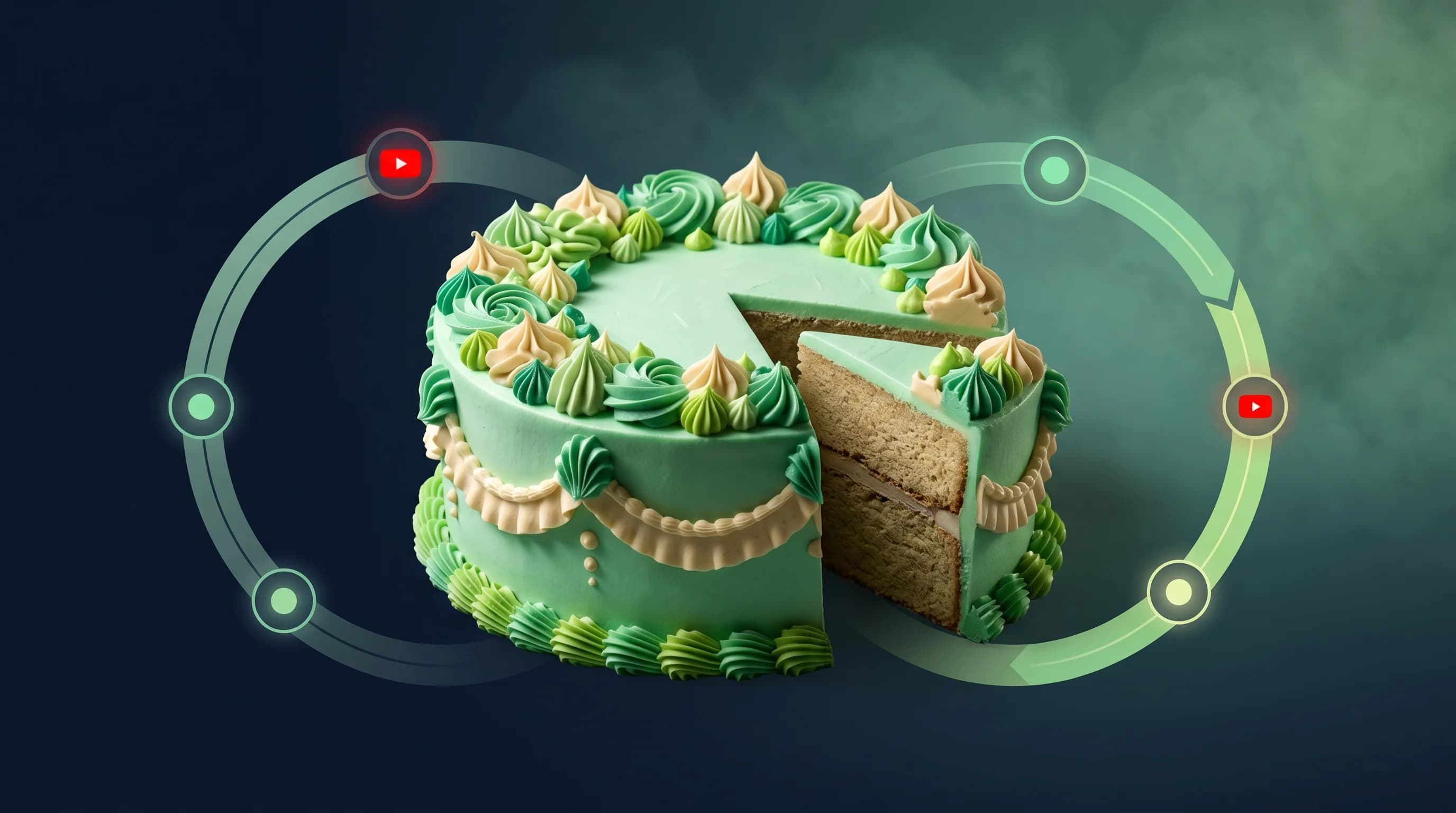
YouTube doesn't push videos because they have high CTR. It pushes videos because they complete a specific four-stage loop:
Impressions → Click-Through Rate → Watch Time → Satisfaction → More Impressions
Each stage feeds the next. If one link in that chain breaks, the loop stops — and so does your reach.
Here's why this matters for thumbnails specifically: your thumbnail is the entry point of the loop. It drives the click. But here's what most creators miss — a click that immediately leads to viewer disappointment is worse for your channel than no click at all.
According to data from OutlierKit, misleading thumbnails cause a 40% audience loss in the first 30 seconds. That drop-off tells YouTube's algorithm one thing: this video didn't deliver what it promised. And YouTube penalizes that signal aggressively in 2026.
The algorithm has shifted from optimizing for clicks to optimizing for satisfied viewers. YouTube now tracks repeat viewing, survey responses, "Not Interested" clicks, and session continuation — all signals that indicate whether a viewer felt the content was worth their time.
A tight 8-minute video that holds 90% retention will consistently outperform a padded 25-minute video at 30% retention. Not because of the length — because of the satisfaction signal.
What This Means for Your Thumbnail Design
The practical implication is this: your thumbnail needs to make a specific, deliverable promise.
Vague curiosity hooks ("You Won't BELIEVE This") used to work because they generated clicks. In 2026, they still generate clicks — but the clicks come from people who don't find what they expected. Watch time craters. Satisfaction tanks. The algorithm notices.
Instead, the highest-performing thumbnails in 2026 share a common trait: they are accurate previews of the viewing experience.
Think about how Mr. Beast's thumbnails work. "I Survived 100 Days in a Box" shows exactly what you're going to see. The thumbnail is literal. There's no deception. Viewers click knowing what they're getting — and they stay, because the video delivers it.
According to TubeBuddy's analysis of 1.2 million videos, emotional faces in thumbnails increase CTR by 42.3% compared to neutral designs. But that number only matters if the emotion shown in the thumbnail is authentic to the content. A shocked face on a boring tutorial creates cognitive dissonance. Viewers feel deceived before you've said a word.
The thumbnails that drive the satisfaction loop forward show genuine emotional context, clear subject matter, and just enough mystery to create curiosity — without fabricating a premise the video can't back up.
The Test & Compare Blind Spot Most Creators Have
YouTube's Test & Compare feature — which lets you A/B test up to three thumbnail variations simultaneously — sounds like the obvious solution. Let the data pick the winner.
But there's a critical detail that most creators overlook: YouTube picks the winning thumbnail based on watch time share, not click-through rate.
Watch time share measures the proportion of total watch time a thumbnail generates across the testing period. Not which thumbnail got the most clicks. Not which had the highest CTR percentage. The thumbnail that keeps viewers watching longest wins.
This changes how you should think about thumbnail testing. If you're designing variations purely to maximize clicks, you might pick a thumbnail that pulls great initial CTR but delivers terrible watch time — and YouTube's system will route around it. The "winning" thumbnail from a watch-time-share perspective often looks less exciting than the high-CTR alternative.
The right way to approach Test & Compare is to build variations that represent different promises you can actually deliver. Not different degrees of sensationalism for the same piece of content.
Tests typically need one to two weeks and thousands of impressions to produce statistically significant results. Don't stop early. The system needs time to separate real audience signal from randomness.
Minimalism and Accuracy: The Winning Combination
The data consistently points in the same direction. A study of 50,000 YouTube thumbnails found that minimalist designs achieved 18% higher CTR than cluttered alternatives. One finance channel that switched from dense, text-heavy thumbnails to two-word minimalist designs saw their CTR jump from 2.8% to 7.2%.
The reason isn't aesthetic preference. It's cognitive load. A viewer scrolling the homepage makes a click decision in under a second. A complex thumbnail with five elements, overlapping text, and competing focal points requires too much processing time. The simple thumbnail gets the click.
But minimalism only converts into channel growth when the video actually delivers on the simple premise. One clear subject, one clear emotion, one clear idea — and then a video that fulfills exactly that promise.
This is why bright, high-contrast colors continue to perform well. According to TubeBuddy's 2026 Analytics Report, red thumbnails achieve approximately 23% higher CTR than blue alternatives due to urgency associations. But again: that click only feeds the growth loop if what follows justifies the urgency.
Stop guessing. Start testing thumbnails.
Paste any YouTube URL and get AI-branded thumbnails in under 60 seconds. Free to try.
Try Hooksnap FreeThe 50MB Update Changes Your Quality Ceiling
One technical update in 2026 that most creators haven't fully acted on: YouTube raised the thumbnail file size limit from 2MB to 50MB. True 4K resolution thumbnails (3840×2160 pixels) are now viable.
This matters because of how YouTube distributes content across device types. A growing percentage of YouTube watch time happens on connected TVs and large monitors. On a 55-inch screen, a 1280×720 thumbnail scaled up looks noticeably softer than a native 4K image.
For most creators, this doesn't require immediately rebuilding every existing thumbnail. But for new content — particularly in niches where visual quality signals credibility (tech reviews, cooking, travel) — investing in 4K-ready thumbnail production now gives you a quality ceiling that competitors aren't hitting yet.
The channels that dominated YouTube Search CTR in 2025 weren't necessarily the most creative. They were the ones with crisp, high-resolution images that looked sharp at any size. That advantage compounds as CTV watch time continues to grow.
The Micro-Creator Advantage in 2026
Here's something that may seem counterintuitive: a channel with 15,000 subscribers and a 10% CTR is now more valuable — to YouTube's algorithm and to brand partners — than a 500,000-subscriber channel with passive views.
YouTube's satisfaction signal rewards genuine audience relationships. A small channel where 15,000 people actively choose to click, watch through, and engage is producing stronger satisfaction signals per impression than a large channel coasting on historical momentum.
According to a 2025 survey by Influencer Marketing Hub, 70% of brands now specifically target smaller creators — 44% prefer nano-influencers under 10K, and 26% prefer micro-influencers in the 10K–100K range. The reason is the same satisfaction logic. When a trusted small creator recommends a product, conversion rates are higher.
The channels that win this aren't doing anything magical. They're producing thumbnails that set accurate expectations, content that delivers on them, and building a consistent visual identity that audiences recognize immediately.
That's the growth loop working as intended.
How to Audit Your Thumbnails Against the Growth Loop
Here's a quick framework I use to evaluate whether a thumbnail is growth-loop-positive:
1. The Promise Test. Write one sentence summarizing exactly what your thumbnail promises. Then watch your own video and ask: does the video deliver this, within the first 60 seconds?
2. The 3-Second Rule. Show your thumbnail to someone who hasn't seen the video. Ask them what they think the video is about. If their answer doesn't match your content, the thumbnail is making a promise your video can't keep.
3. The Retention Prediction. Before publishing, estimate what your audience retention will look like at the 30-second mark. If you'd expect a steep cliff, the thumbnail and content aren't aligned. Fix one or the other.
4. The Satisfaction Signal Check. After your video goes live, look at your 24-hour "Not Interested" rate and likes-to-dislikes ratio. A high "Not Interested" rate is a leading indicator that the thumbnail attracted the wrong audience.
5. The Watch Time Share Test. If you're using Test & Compare, don't declare a winner by CTR. Wait for YouTube's system to optimize on watch time share. The result will surprise you at least half the time.
The One Metric That Actually Predicts Growth
CTR is visible and satisfying to track. It's in your YouTube Studio dashboard, updated in near-real time, and it goes up when you do creative work on your thumbnails. The dopamine feedback loop is obvious.
But in 2026, it's a lagging indicator of a trailing-edge strategy.
The metric that actually predicts whether your channel will grow is average view duration as a percentage of video length — combined with satisfaction signals like likes, rewatches, and session continuation. These are the numbers that feed the next stage of the growth loop.
Your thumbnail is still the most important element of your YouTube strategy. Nothing else drives the first stage of the growth loop. But the job of the thumbnail has changed.
It's no longer just getting the click. It's getting the right click — from a viewer who is genuinely curious about what you made, and who will stay long enough to let YouTube know the content was worth their time.
That's what closes the loop. That's what builds a channel.
I built Hooksnap to help creators generate AI-powered thumbnails that are designed around this principle — accurate previews that attract the right audience, not just any audience. If you want to see how your current thumbnails hold up against the growth-loop framework, try it free at hooksnap.io.
Related Reading
- Why a High CTR Can Kill Your YouTube Channel
- The YouTube Hook System: Thumbnail, Title, and First 30 Seconds
- YouTube Viewer Satisfaction Algorithm Explained
See how Hooksnap creates click-worthy thumbnails
AI-powered thumbnail generation that helps your YouTube videos get more clicks.
View PlansRelated Articles
YouTube's Satisfaction Algorithm: Why High CTR Hurts in 2026
YouTube now weights viewer satisfaction above raw clicks. Design thumbnails that drive CTR and retention — the new formula for growth in 2026.

YouTube's Viewer Satisfaction Algorithm: The 2026 Shift That Changes Everything for Creators
YouTube abandoned watch time. Here's what replaced it, why your thumbnails matter more than ever, and how to win the viewer satisfaction era.

Why a High CTR Can Kill Your YouTube Channel (And What to Do Instead)
YouTube's 2026 algorithm punishes high CTR paired with low retention. Learn how 'Quality CTR' works and how to design thumbnails that attract and keep viewers.
Related Tools
Ready to boost your CTR?
Stop losing clicks to boring thumbnails. Get AI-generated thumbnails in under 60 seconds.
Get Started Free