YouTube Podcast Thumbnails: Why Your Cover Art Is Costing You Clicks
YouTube is now the #1 podcast platform. Learn why podcast cover art fails as thumbnails and how custom episode images drive 20-30% higher CTR.
A friend of mine launched a podcast on YouTube last year. Great guests, solid production, consistent weekly uploads. After three months, his average CTR was sitting at 1.8%. He could not figure out why. His thumbnails looked fine on Apple Podcasts. The problem was exactly that: they were Apple Podcasts thumbnails. A 3000x3000 square designed for a tiny icon in a podcast app, stretched awkwardly into a 16:9 YouTube feed where it competed against thumbnails built specifically for that format.
He switched to custom episode thumbnails featuring his guest's face with a provocative quote overlaid. His CTR jumped to 5.2% within two weeks. That is the gap this post is about.
YouTube Is Now the Biggest Podcast Platform
If you are still treating YouTube as a secondary distribution channel for your podcast, the numbers should change your mind. YouTube now holds 33% of the U.S. podcast listening market, ahead of Spotify at 26% and Apple Podcasts at 14%. Over 1 billion users consume podcast content on YouTube every month.
The shift is accelerating. YouTube users streamed over 700 million hours of video podcasts on TVs alone in October 2025, nearly double the 400 million hours from October 2024. And 50.6% of podcast shows now post full video content on YouTube, a 130% increase from 2022.
For Gen Z listeners specifically, 59% consume podcasts on YouTube and 30% listen mostly to video formats. The audience is already there. The question is whether your thumbnails are built for where they are actually watching.
The Cover Art Trap
Here is the core mistake: podcasters design one piece of art for their show and use it everywhere. That square cover art was built for a 300x300 pixel icon in Apple Podcasts. It was never meant to compete in a YouTube feed against custom-designed 16:9 thumbnails.
The format mismatch alone creates problems. YouTube thumbnails are 16:9 (minimum 1280x720, now recommended at 3840x2160). Podcast cover art is 1:1 (3000x3000 for Apple, 1400x1400 minimum for Spotify). When you upload a square image to YouTube, it either gets letterboxed with black bars or awkwardly cropped, and both results look out of place.
But the format is only half the issue. Podcast cover art is designed for brand recognition across an entire series. A YouTube thumbnail needs to sell one specific episode. Those are fundamentally different jobs.
Think about what a viewer scrolling YouTube's home feed is deciding: "Should I spend the next 90 minutes watching this conversation?" Your show logo and a gradient background do not answer that question. A thumbnail showing your guest's face with a two-word tease of the most controversial thing they said absolutely does.
Custom thumbnails with expressive faces boost CTR by 20-30% compared to static cover art. That is not a marginal improvement. On a video with 100,000 impressions, the difference between a 2% and a 4% CTR is 2,000 additional clicks from the same audience.
What Top Podcast Thumbnails Actually Look Like
Study the thumbnails on shows like Diary of a CEO, Shawn Ryan Show, or Theo Von's channel. Despite different styles, they share a pattern:
1. The guest's face is the focal point. Not a headshot from their LinkedIn. A frame from the actual recording showing genuine emotion: surprise, intensity, laughter, or contemplation. The fusiform face area in the human brain is wired to process faces faster than any other visual element. Thumbnails exploit that biology.
2. The text is minimal and provocative. Three to five words maximum. Not the episode title (that is already displayed next to the thumbnail). Instead, a tease of the single most interesting moment: "I Almost Died," "They Lied About This," "$0 to $10M." The text creates a curiosity gap the viewer needs to fill by clicking.
3. The layout uses two to three elements maximum. Guest face plus text. Or host face plus guest face plus text. Never more than three primary elements. At YouTube's thumbnail display size, anything more becomes visual noise. Overcrowding is the most common design mistake podcasters make.
4. Colors contrast against YouTube's interface. YouTube's background is white in light mode and dark gray in dark mode. The most clickable podcast thumbnails use high-saturation colors, deep blues, warm oranges, bold reds, that pop in both contexts. If your thumbnail blends into the page, it is functionally invisible.
The Five Podcast Thumbnail Mistakes
After reviewing hundreds of podcast channels, these are the patterns that consistently underperform:
Mistake 1: Using your show logo as the thumbnail. Your logo serves brand recognition. It does not create click motivation for a specific episode. Every episode looks identical in the subscriber feed, giving viewers no reason to choose this one over any other.
Mistake 2: Putting the full episode title on the thumbnail. YouTube already displays the title as text below the thumbnail. Repeating it on the image wastes the single most valuable piece of visual real estate you have. Use the thumbnail for what text alone cannot do: show a face, create emotion, spark curiosity.
Mistake 3: Using a neutral headshot instead of an emotional frame. A professional, composed headshot communicates reliability, which is great for a corporate website. On YouTube, it communicates boring. Viewers scroll past neutral expressions. They stop on faces showing authentic emotion because the brain reads that as a signal that something interesting happened.
Mistake 4: Designing at full size without checking mobile. Over 70% of YouTube traffic comes from mobile devices, where thumbnails render at roughly 160 pixels wide. Text under 30pt becomes unreadable. Fine details disappear. If you are designing on a 27-inch monitor and not previewing at mobile size, you are designing for yourself, not your audience.
Mistake 5: No thumbnail system across episodes. Random one-off designs do not build channel recognition. The best podcast channels use a consistent template: same font, same text position, same color scheme, with the guest face and topic text swapped per episode. Viewers learn to recognize your thumbnails in the feed before they read the title. That pattern recognition drives repeat clicking.
Building a Podcast Thumbnail System
A practical system handles both full episodes and clips without requiring design work from scratch each time.
For full episodes, build a template with three zones: a primary zone for the guest's face (roughly 60% of the frame), a text zone for the hook phrase (top or bottom third), and a small brand zone for your show logo or consistent visual marker. Keep the brand zone subtle. It is there for returning viewers, not to dominate the composition.
For clips, the approach changes. Clips function as discovery content. YouTube's own creator team calls this the "shoulder content" strategy: each full episode generates five to ten clips that serve as entry points for new viewers. Clip thumbnails need to be even more provocative than full episode thumbnails because they are competing against shorter-form content. One interview can generate ten or more assets: video clips, quote graphics, social posts, and newsletter content.
For consistency, set these parameters once and reuse them:
- One font family for all text (bold weight, high contrast against background)
- Two to three brand colors used consistently across episodes
- A fixed text position (always top-left, always bottom-right, pick one)
- A standard face crop framing (shoulders up, slight angle for dynamism)
Tools like Hooksnap can generate multiple thumbnail variants per episode automatically, letting you A/B test different compositions without spending hours in Photoshop. When you are producing weekly episodes, every minute saved on thumbnails is a minute you can spend on content.
The Clip Thumbnail Multiplier
The most successful podcast channels on YouTube are not just posting full episodes. They are running a clip operation alongside the main show. The data supports this: the Impaulsive Podcast turned a single David Guetta interview into 12 YouTube Shorts that collectively pulled over 714,000 views, outperforming the full episode.
Each clip needs its own thumbnail. Reusing the full episode thumbnail for clips is the podcast equivalent of using cover art for full episodes. It communicates nothing about what makes this specific three-minute segment worth watching.
For clip thumbnails, the formula shifts slightly:
- Tighter face crop. Clips are usually one person talking. Fill 70-80% of the frame with their face showing the peak emotional moment of the clip.
- Shorter text. Two to three words maximum. Clips appear alongside Shorts and other short-form content. The text needs to register in under a second.
- Higher contrast. Clip thumbnails compete in an even more crowded visual environment. Push the color saturation and text weight higher than you would for a full episode thumbnail.
If you are producing one podcast episode per week, a disciplined clip strategy with proper thumbnails for each clip can multiply your total channel impressions by five to ten times.
Technical Specifications for 2026
YouTube's thumbnail requirements have evolved. Here is what you need to know for podcast content specifically:
Resolution: YouTube now recommends 3840x2160 pixels (4K) for the sharpest rendering on TV screens. The minimum is still 1280x720, but as TV viewing of podcasts doubles year-over-year, higher resolution matters more than it used to.
File size: YouTube is rolling out an expanded limit of up to 50MB, up from the historical 2MB cap. Until the rollout reaches your account, stay under 2MB to avoid upload errors.
Aspect ratio: Always 16:9 for standard video thumbnails. If you upload vertical podcast clips, be aware that YouTube auto-crops your 16:9 thumbnail to 4:5 on the home and explore feeds. Keep critical elements (faces, text) centered to survive the crop.
Formats: YouTube accepts JPG, PNG, WebP, GIF (non-animated), and BMP. PNG gives the best text clarity; WebP offers the best compression-to-quality ratio.
Measuring What Works
After switching to custom episode thumbnails, track these metrics in YouTube Studio:
Impressions CTR by episode. Compare your last ten episodes using cover art against your first ten using custom thumbnails. The benchmark for podcast content is 2-5% CTR, but well-designed thumbnails can push that above 6%.
Average view duration paired with CTR. A thumbnail that gets clicks but leads to immediate drop-offs means you created a curiosity gap you did not deliver on. Your thumbnail is a promise. The content needs to match. This is the viewer satisfaction contract that the YouTube algorithm increasingly prioritizes.
New vs. returning viewer split. Custom thumbnails should drive more new viewer discovery. If your returning viewer percentage stays flat while new viewers increase, your thumbnails are working as intended: expanding reach while your content retains the audience.
Use your YouTube analytics dashboard to identify which guest faces, text styles, and color combinations consistently drive higher CTR. Over time, you will build a data-backed design playbook specific to your show's audience.
Start With Your Next Episode
You do not need to redesign every past episode. Start with your next upload:
- Pull a frame from the recording where your guest shows genuine emotion
- Add two to five words teasing the most interesting moment
- Use a high-contrast background that pops in the YouTube feed
- Check how it looks at mobile size (shrink the preview to about 160px wide)
- Upload it as the custom thumbnail instead of your cover art
That single change, episode-specific thumbnails built for YouTube's format, is the fastest way to close the gap between your podcast's content quality and its discoverability.
If you are producing podcast content regularly and want to speed up your thumbnail workflow, Hooksnap can generate custom variants for each episode automatically. You pick the best one, upload, and move on to making your next episode.
Stop guessing. Start testing thumbnails.
Paste any YouTube URL and get AI-branded thumbnails in under 60 seconds. Free to try.
Try Hooksnap FreeSee how Hooksnap creates click-worthy thumbnails
AI-powered thumbnail generation that helps your YouTube videos get more clicks.
View PlansRelated Articles
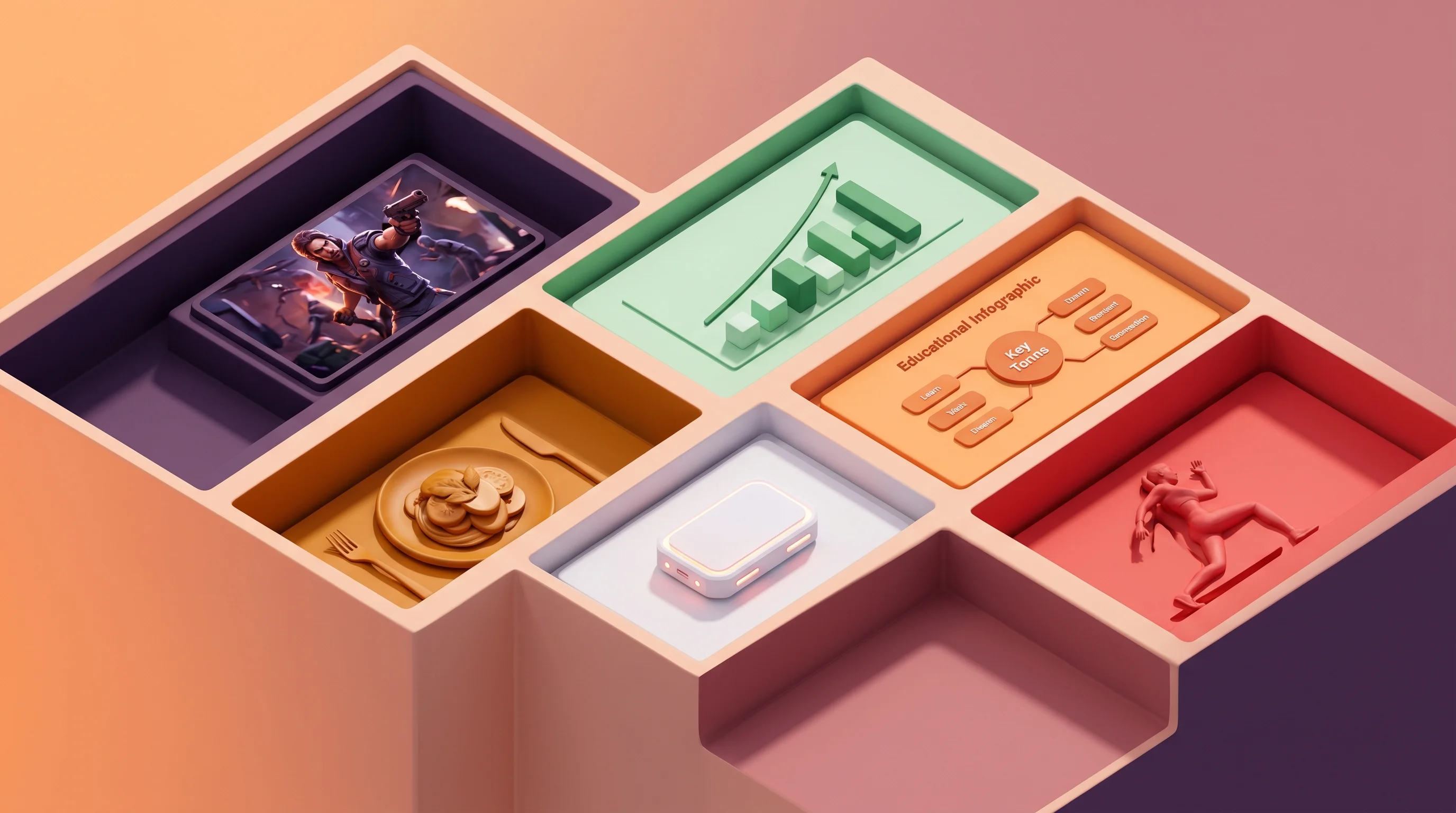
YouTube Thumbnail Niche Formulas: Visual Grammar by Category
Each YouTube niche has its own visual grammar. Here's the exact thumbnail formula that drives CTR for gaming, finance, education, cooking, and tech channels.
How to Make YouTube Thumbnails That Get Clicks: A Complete Guide
Learn the science and art behind high-CTR YouTube thumbnails. From color psychology to face expressions, this complete guide covers everything you need to create thumbnails that stop the scroll.
Build a Thumbnail Brand System That Compounds Channel Growth
Consistent thumbnail branding lifts subscriber CTR by 15-20% and grows channels 45% faster. Build a visual identity system that makes your videos instantly recognizable.
Related Tools
Ready to boost your CTR?
Stop losing clicks to boring thumbnails. Get AI-generated thumbnails in under 60 seconds.
Get Started Free

