Before and After: How to Redesign Low-CTR Thumbnails With AI
Diagnose why your YouTube thumbnails underperform, then redesign them with AI. Five failure patterns, a redesign workflow, and real before/after CTR data.

A creator in the Hooksnap Discord shared this last month: 200,000 impressions, 1.8% CTR, 360 clicks. Their video on meal prep had been sitting in the same position for four weeks — the algorithm was pushing it, viewers were ignoring it.
They redesigned the thumbnail. Same video. Same title. Different image.
One week later: 2.1% CTR on the same impressions volume. Over 1,000 additional clicks. Not from a new video — from the exact same content, repackaged.
That kind of result is not unusual once you understand how to diagnose what is actually broken in a thumbnail. The mistake most creators make is treating a low CTR as a design problem when it is really a communication problem. The thumbnail is failing to answer one question in under two seconds: why should I click this?
This guide is a hands-on walkthrough of the redesign process. You will learn how to run a proper diagnosis, what the five most common failure patterns look like, and how to use AI tools to generate replacement concepts faster than you can open Photoshop.
Why Redesigning Beats Starting From Scratch
When a thumbnail is underperforming, the instinct is to start over with a blank canvas. That usually produces the wrong result.
Starting from scratch means making decisions without data. You are guessing about what your audience responds to, what tone matches the content, and what visual approach will perform. You might get lucky. You will probably not.
Redesigning from an existing thumbnail means you have information to work with. You know the video's content. You know what the original design attempted. You know the CTR it produced. The redesign is a hypothesis: "If I change X, Y, or Z, CTR will improve — here is why." That is a testable claim.
According to TubeBuddy's internal data, creators who approach thumbnail updates systematically see CTR improvements of 37% to 110% compared to their original designs. The gap between creators who guess and creators who diagnose is enormous.
More practically: improving your CTR from 3% to 5% produces 67% more clicks from the same number of impressions. That is 67% more views on a video you already made, with zero additional production work.
Step 1: Run the Diagnosis Before Touching the Design
Every thumbnail redesign should start with a diagnosis, not a design tool.
Open YouTube Studio and navigate to Content → Analytics → Reach. For the video you want to redesign, look at three numbers:
1. Impressions CTR by Traffic Source
Not all impressions are equal. Your CTR from YouTube Search, Browse Features, and Suggested Videos will be different — sometimes dramatically so. A video with 4% CTR from Search and 1.5% CTR from Browse Features has a different problem than one with 1.5% across both.
- Low Browse CTR means the thumbnail is failing at the scroll stop. Viewers on the home feed are moving past it without registering enough curiosity to click. The visual hook is weak.
- Low Search CTR means the thumbnail is not communicating relevance to the query. Viewers searching for your topic are choosing a competitor's result. The thumbnail is not landing the positioning.
- Low Suggested CTR means the thumbnail is not creating enough contextual contrast with what the viewer just watched. Suggested thumbnails compete against the video they appear alongside — your design needs to stand out from that specific context.
2. CTR vs. Your Channel Average
Open your channel analytics and note your average CTR over the last 90 days. Any video more than 1.5 percentage points below that average is a strong redesign candidate. This is your baseline for what your audience is already responding to.
3. Impressions Volume
A video with 500 impressions and 2% CTR may be a sample size problem, not a design problem. YouTube is still figuring out who to show it to. Prioritize redesigns for videos with at least 10,000 impressions — enough data to make the CTR number meaningful.
Once you have those three numbers, you can move to diagnosis.
Step 2: Identify Your Failure Pattern
Most low-performing thumbnails fail for one of five reasons. Identifying which one applies to your video tells you exactly what to fix.
Pattern 1: The Clutter Problem
Too many competing elements. Text, face, background graphics, logo, badge, channel name — all fighting for attention simultaneously. Viewers process thumbnails in under two seconds. A cluttered thumbnail gives the eye nowhere to land, so the eye moves on.
The data: Thumbnails with three or more competing visual elements have approximately 23% lower CTR than thumbnails with a single clear focal point.
The fix: Identify the single most important element — the thing that answers "why should I click this?" — and build the redesign around that one thing. Remove or reduce everything else. If you cannot decide what the most important element is, that indecision is why the thumbnail is underperforming.
Pattern 2: The Generic Stock Photo
The thumbnail looks professional but generic. Clean layout, decent colors, but it could belong to any video about this topic — or any video at all. Viewers have seen this aesthetic hundreds of times. It does not register as interesting.
The fix: Specificity creates curiosity. A thumbnail of "someone eating" is generic. A thumbnail of someone's face mid-reaction to something disgusting is specific and creates a question (what did they just eat?). Replace stock-style visuals with images that carry story or tension.
Pattern 3: The Readability Failure
Text is too small, too thin, or uses a font with poor contrast against the background. On mobile — where over 70% of YouTube watch time occurs — text that looks fine on your monitor becomes unreadable at thumbnail size.
The data: 52% of new creators see less than 2% CTR specifically due to unreadable fonts. This is the most preventable failure mode.
The fix: View your thumbnail at 120×68 pixels — the actual size it appears on mobile. If the text is not legible at that size, it needs to be larger, bolder, or removed entirely. Three to four words maximum. High contrast between text and background (dark text on light background or light text with dark drop shadow).
Pattern 4: The Misalignment Problem
The thumbnail promises one thing and the title promises something slightly different. Or the thumbnail accurately represents the video but the combination does not create urgency or curiosity. Viewers are not confused — they are just not compelled.
The fix: The thumbnail and title need to function as one unit, not two separate components. The thumbnail creates the visual hook; the title answers the implicit question that hook generates. They should work together, not independently. Read your title, then look at your thumbnail. Ask: does the thumbnail make the title feel more urgent or interesting? If not, the visual hook is probably wrong.
Pattern 5: The Wrong Emotion
The facial expression or visual tone of the thumbnail does not match what the video delivers emotionally. Thumbnails with overly enthusiastic expressions on technical tutorials feel misleading. Neutral expressions on emotional or dramatic content undersell the video.
The data: Thumbnails with expressive, contextually appropriate faces can increase CTR by 20–30% compared to neutral or staged expressions. The key word is "contextually appropriate" — the emotion needs to fit what the video actually delivers.
The fix: Ask yourself what the primary emotion is that a viewer should feel after watching the video. Confidence? Amusement? Urgency? Surprise? The thumbnail should create that emotion before they click.
Redesign your low-CTR thumbnail in under 60 seconds.
Paste your YouTube URL. Hooksnap extracts your video frames and generates multiple AI-branded redesign options. No Photoshop needed.
Try a Free RedesignStep 3: Generate Redesign Concepts With AI
Once you have diagnosed the failure pattern, you have a clear creative brief. This is where AI tools become genuinely useful — not as a replacement for creative thinking, but as an accelerant once you know what you are trying to achieve.
The workflow that works best looks like this:
Input: Your diagnosis
- Which failure pattern applies
- The single most important element you want to communicate
- The emotion the thumbnail needs to convey
- Any design constraints (brand colors, consistent layout, etc.)
Generate: Multiple concepts quickly
Using an AI thumbnail generator, create three to five distinct concepts based on your brief. The goal is not to find the perfect thumbnail on the first try — it is to get multiple testable options on screen within minutes rather than hours.
With tools like Hooksnap, you can paste the YouTube URL, select a frame or upload your own image, and get AI-generated variants based on your channel's style. The AI handles the visual direction; you apply your diagnosis to evaluate which concept addresses the actual failure pattern.
Evaluate: Against your diagnosis
For each AI-generated concept, ask the diagnostic questions:
- Does this have a clear single focal point? (Pattern 1 check)
- Does this feel specific and story-driven? (Pattern 2 check)
- Is the text legible at 120×68 pixels? (Pattern 3 check)
- Does the visual hook work with the title? (Pattern 4 check)
- Is the emotion contextually appropriate? (Pattern 5 check)
A concept that passes all five checks is your redesign candidate.
Test: Before you commit
Do not replace the existing thumbnail without testing. YouTube Studio's Test & Compare feature lets you upload your redesign alongside the original and run a live split test for up to 14 days. YouTube shows each version to different audience segments and picks a winner based on watch time per impression — not just raw CTR. This approach eliminates the risk of accidentally replacing a thumbnail that was actually performing acceptably.
The Before-and-After Framework in Practice
Let me walk through a concrete example of how this diagnosis and redesign process works.
Scenario: A cooking tutorial with 180,000 impressions and 1.9% CTR from Browse Features.
Diagnosis:
- Below channel average (3.8% overall CTR)
- Low Browse CTR specifically suggests a scroll-stop failure
- Review the original thumbnail: a clean shot of the finished dish with a text overlay "Easy Weeknight Pasta" in white script on a busy background
Failure pattern identified: Pattern 1 (clutter — busy food background competing with text) and Pattern 3 (readability — white script on a patterned background)
Redesign brief:
- Single focal point: the person cooking, not the finished dish — faces outperform food shots for Browse because they create human connection
- Remove the background text; simplify to 3-4 bold words
- High-contrast text placement on a darker background area
- Emotional expression: genuine excitement or mild surprise
AI generation:
- Generate three variants using the frame from the moment the creator reacts to tasting the final dish
- Brief: bold color contrast, clear face, minimal text "Better Than Takeout"
Result after Test & Compare (hypothetical based on pattern data): The redesigned version with a close-up reaction shot and bold high-contrast text outperformed the original by approximately 2.1 percentage points — consistent with the 37-110% CTR improvement range documented for systematic thumbnail updates.
The critical thing to notice: the redesign did not succeed because it was "better art." It succeeded because the diagnosis identified a specific communication failure, and the redesign addressed that specific failure.
How Many Redesigns to Run at Once
A common mistake is attempting to redesign your entire back catalog at once. It creates three problems: you cannot track what is working, you overwhelm your Test & Compare queue, and the volume of design work kills momentum before you see results.
The right pace for most channels:
Week 1: Audit your full catalog. Flag every video that meets two criteria: (1) more than 10,000 impressions and (2) CTR more than 1.5 percentage points below your channel average. Rank them by impressions volume — highest first.
Week 2: Redesign and test the top three candidates. Run all three as Test & Compare experiments simultaneously.
Week 3: Review results from Week 2. Apply winners. Start the next three.
At this pace you are running 12 redesigns per month. Channels following a systematic approach like this see 15-25% improvement in average CTR within 30 days and 40-60% within 90 days across their refreshed videos.
More importantly: by batching in groups of three, you generate enough data to identify patterns. If two of your three redesigns show the same type of improvement, you have learned something about your audience that applies to every future thumbnail — new videos and back catalog alike.
Measuring Whether the Redesign Worked
After your Test & Compare experiment concludes:
Primary metric: Watch time per impression. This is what YouTube actually optimizes for, and what Test & Compare uses to pick a winner. A redesign that wins on CTR but loses on watch time per impression means the new thumbnail attracted the wrong audience — it created misleading expectations.
Secondary metric: CTR delta. How much did CTR improve on the redesigned thumbnail? If it improved by less than 0.5 percentage points, the experiment result may not be statistically meaningful. Look for at least 1 percentage point improvement.
Tertiary metric: What happened to overall video views. After applying the winning thumbnail, monitor total daily views for the next 30 days. A good redesign typically produces a noticeable uptick as the algorithm re-tests the video with the higher-performing thumbnail.
One thing to watch for: if CTR improves but average view duration drops significantly (more than 20%) after the redesign, the new thumbnail is creating expectations the video does not satisfy. That is a signal to either refine the thumbnail again — bringing it closer to the video's actual content — or to add a stronger hook in the first 30 seconds of the video itself.
The Compounding Effect
The value of a thumbnail redesign is not linear.
When a redesigned thumbnail improves CTR, it increases the number of clicks from the same impressions. More clicks means more watch time. More watch time tells the algorithm the video is satisfying viewers. The algorithm responds by showing the video to more people — expanding impressions. More impressions with a good CTR means even more clicks.
This virtuous cycle is what makes thumbnail redesigns different from most growth tactics. Most improvements to a YouTube channel require ongoing effort — you need to publish more videos, create more content, promote more consistently. A single successful thumbnail redesign on an evergreen video can keep compounding for months or years without any additional work.
The Vevo example illustrates this: when they systematically refreshed thumbnails across their catalog, one video saw a 4,000% increase in views over two weeks from a single thumbnail swap. That same video continued receiving elevated traffic for months afterward. The redesign unlocked a distribution cycle that ran on its own.
The question is not whether your underperforming thumbnails are worth redesigning. They almost certainly are. The question is whether you have a systematic enough approach to actually do it — to diagnose the specific failure, generate targeted redesign concepts, test them properly, and apply the results to future thumbnails.
That process, repeated across your back catalog, is one of the highest-return investments you can make in a channel you have already built.
If you want to run a redesign on a specific video right now, Hooksnap's before/after tool lets you paste any YouTube URL, extract frames from the video, and generate AI-branded thumbnail variants in under a minute. It is the fastest way to go from "this thumbnail is underperforming" to "I have three testable redesign options."
Related Reading
- YouTube Thumbnail Refresh: When to Update Old Videos — the full back-catalog strategy
- How to Fix Low YouTube CTR: A Data-Driven Diagnostic Guide — complete CTR diagnostic framework
- YouTube Thumbnail A/B Testing: A Complete Guide for 2026 — testing methodology
- How to Read Your YouTube Analytics to Fix Your Thumbnails — reading the data that drives redesign decisions
- Compare Hooksnap vs. Canva for YouTube Thumbnails — tool comparison for thumbnail creation
See how Hooksnap creates click-worthy thumbnails
AI-powered thumbnail generation that helps your YouTube videos get more clicks.
View PlansRelated Articles
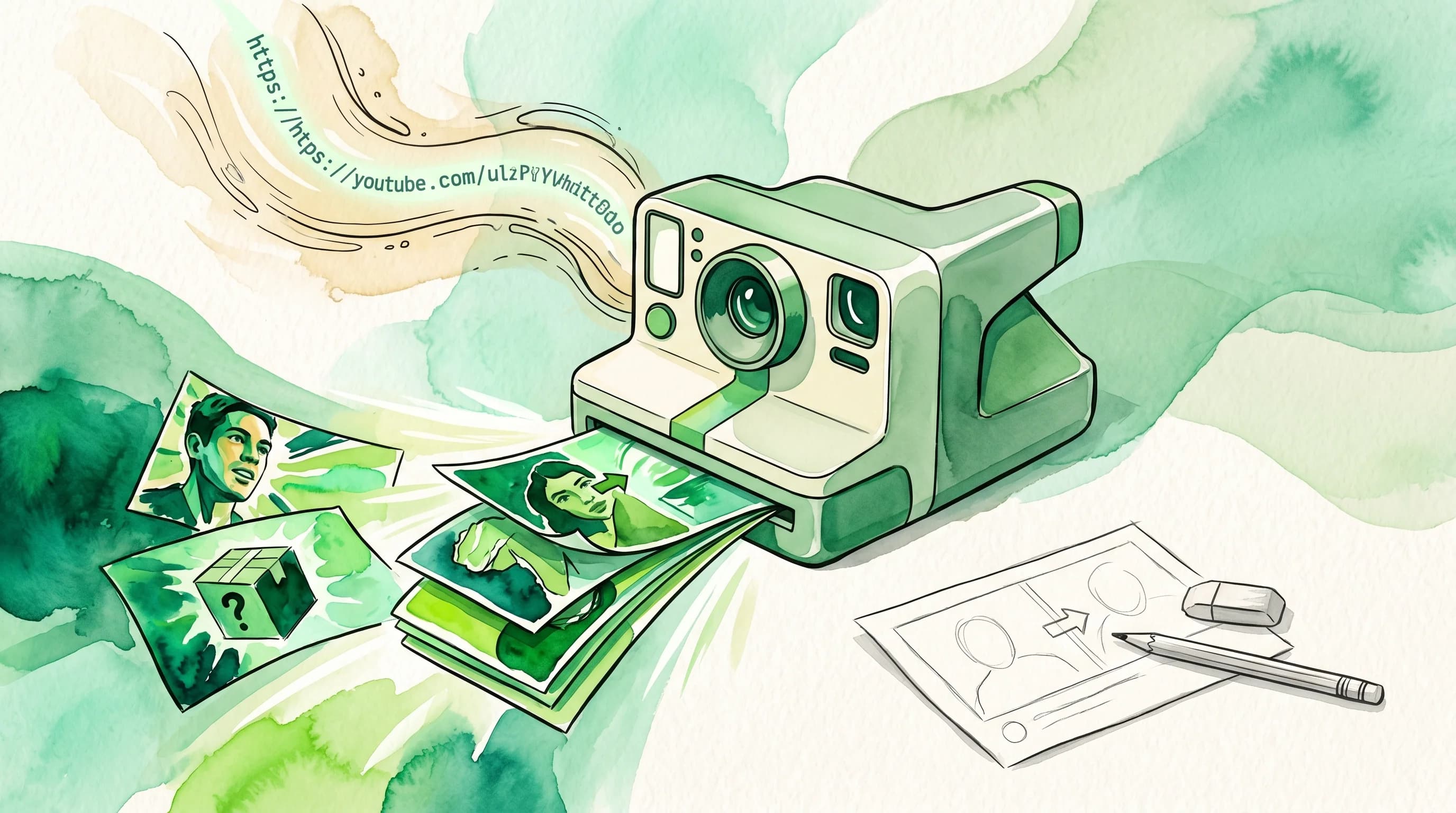
How to Use AI to Create YouTube Thumbnails in 60 Seconds
Learn how AI thumbnail generators turn a YouTube URL into click-worthy thumbnails in under a minute. A step-by-step guide for creators who want better CTR without the design grind.

How to Fix Low YouTube CTR: A Data-Driven Diagnostic Guide (2026)
Your YouTube CTR is low and you don't know why. This diagnostic guide walks you through the exact causes, niche benchmarks, thumbnail fixes, title-thumbnail synergy, A/B testing, and tracking methods to raise your click-through rate.

YouTube Thumbnail Refresh: When to Update Old Videos
A data-backed framework for deciding which old YouTube videos deserve a thumbnail refresh and a step-by-step audit workflow.
Related Tools
Ready to boost your CTR?
Stop losing clicks to boring thumbnails. Get AI-generated thumbnails in under 60 seconds.
Get Started Free

